
murg
 murg copied to clipboard
 grkek
grkek
An experimental GUI framework with GTK4 component generation using HTML, CSS and JavaScript
Murg
GUI framework with GTK4 component generation using HTML, CSS and JavaScript
-
None of the components generated by Layout contain anything remotely related to a Web-Browser.
-
Compiled binary reads the custom HTML and builds the GTK components. Since it is already a pre-built release version, it is pretty fast at generating the UI components.
-
The compiler supports CSS and JavaScript compilation, which glues the components and makes the UI interactive.
-
The JavaScript engine is Duktape, it supports Babel 6.26.0 and CoreJS 2.6.11.
-
The CSS is limited to GTK4 specification.
Installation
Before you clone the shard and build it, install the GTK libraries.
Add this to your application's shard.yml:
dependencies:
  murg:
    github: grkek/murg
And run this command in your terminal:
shards install
./bin/gi-crystal
Code example
Add this to your application.cr:
require "murg"

# Disable GC for because of invalid memory access bug.
GC.disable

html = <<-HTML
  <Application applicationId="com.murg.application">
    <Window title="Untitled Window">
      <Label>Hello, World!</Label>
    </Window>
  </Application>
HTML

builder = Murg::Builder.new
# Make sure you point the path the correct way.
builder.build_from_string(html)
Compile the application.cr file.
crystal run application.cr -Dpreview_mt --error-trace
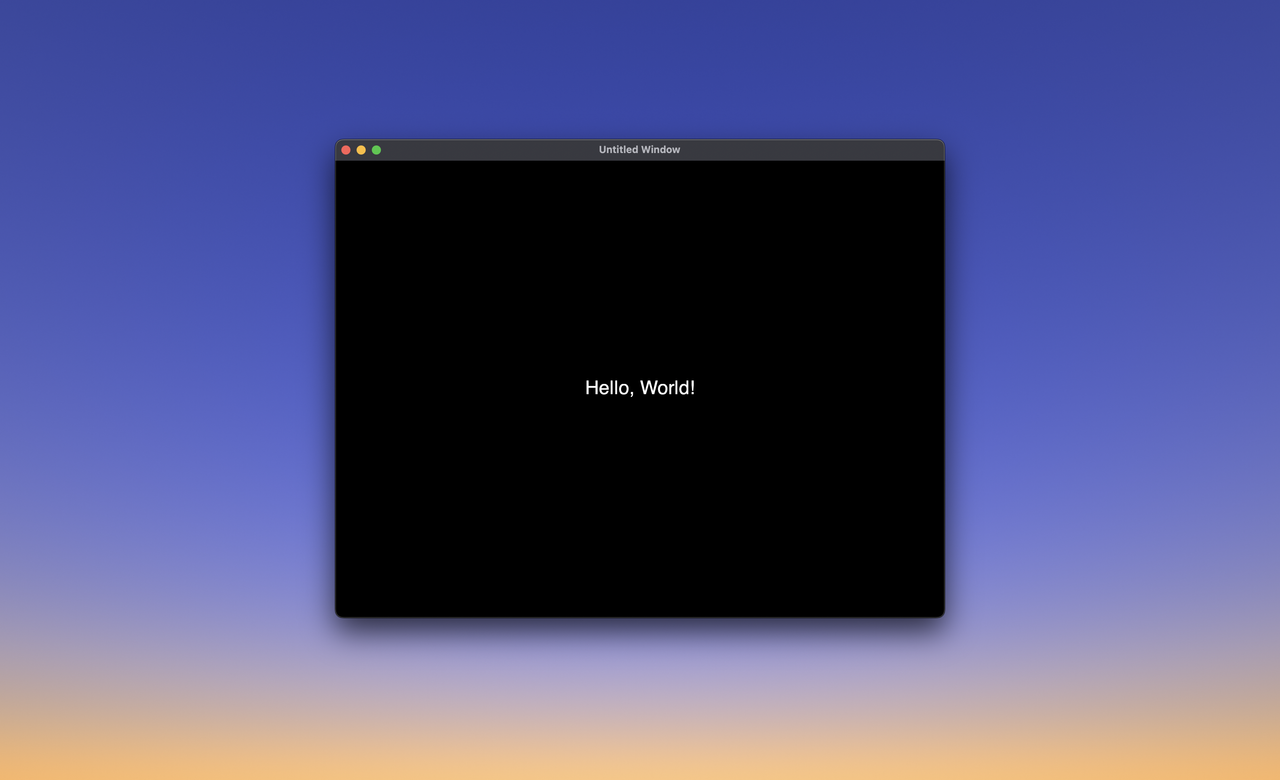
And you should have a GUI window with a "Hello, World!" text.
 grkek
grkek