gorhill
HTML filtering breaks webpages of Shift_JIS encoding
Describe the issue
An issue similar to #3391 and #3397 also happens when the webpage's encoding is Shift_JIS. I think you are aware of this regarding to your comment, so I'm glad if you could add support for Shift_JIS.
One or more specific URLs where the issue occurs
http://www.sony.jp/ http://www.itmedia.co.jp/
Screenshot in which the issue can be seen
Left side is good, right side is broken.
www.sony.jp
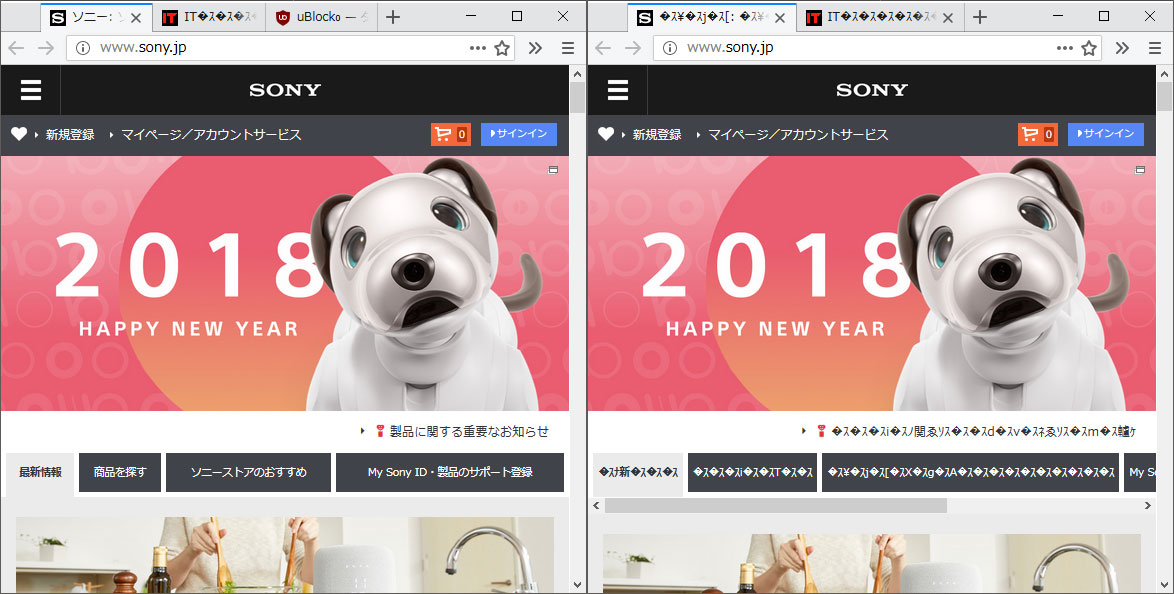
www.itmedia.co.jp

Steps for anyone to reproduce the issue
- Add these testing filters.
sony.jp##^script:has-text(sony-marketing)
itmedia.co.jp##^script:has-text(document.write)
- Visit
http://www.sony.jp/orhttp://www.itmedia.co.jp/. The page is broken. - Even I change the encoding to Unicode, text is still broken.
Your settings
- OS/version: Windows 10 Home 1709
- Browser/version: Firefox 57.0.3
- uBlock Origin version: 1.14.23b12
Your filter lists
Default + JPN
Your custom filters (if any)
itmedia.co.jp##^script:has-text(document.write) sony.jp##^script:has-text(sony-marketing)

This is part 1 of the fix: if a text encoding is not supported, bail out of enforcing HTML filtering. I thought I had it fixed when I fixed #3397, but clearly this was not working as intended. I tested the repro cases here, and HTML filtering was correctly skipped, since the encoding for Shift_JIS is not available yet.

Describe the issue
I have faced same issue. Just adding information.
One or more specific URLs where the issue occurs
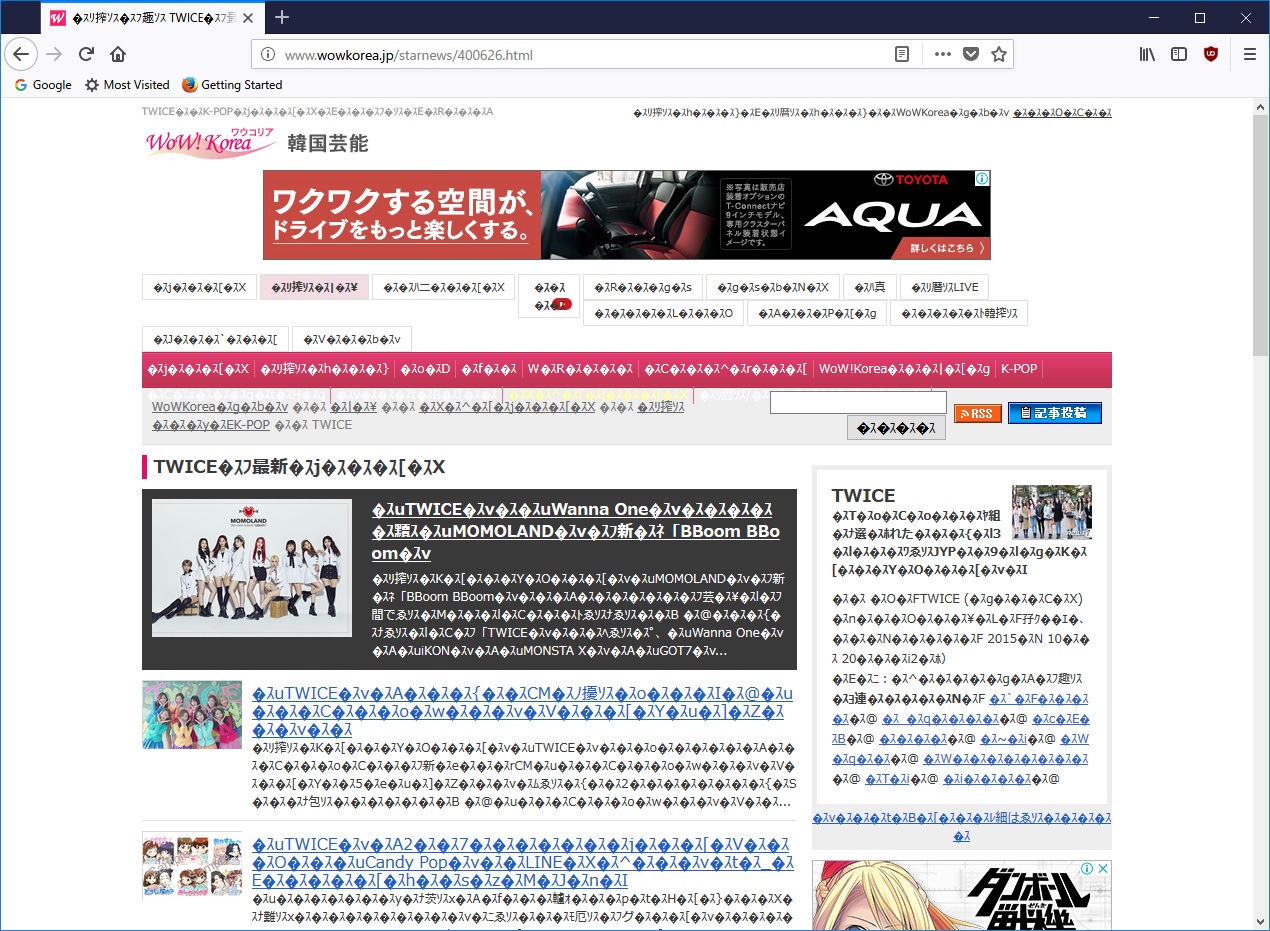
http://www.wowkorea.jp/starnews/400626.html
Screenshot in which the issue can be seen
Steps for anyone to reproduce the issue
- Create and use a new profile for Firefox.
- Install uBlock Origin 1.15.0
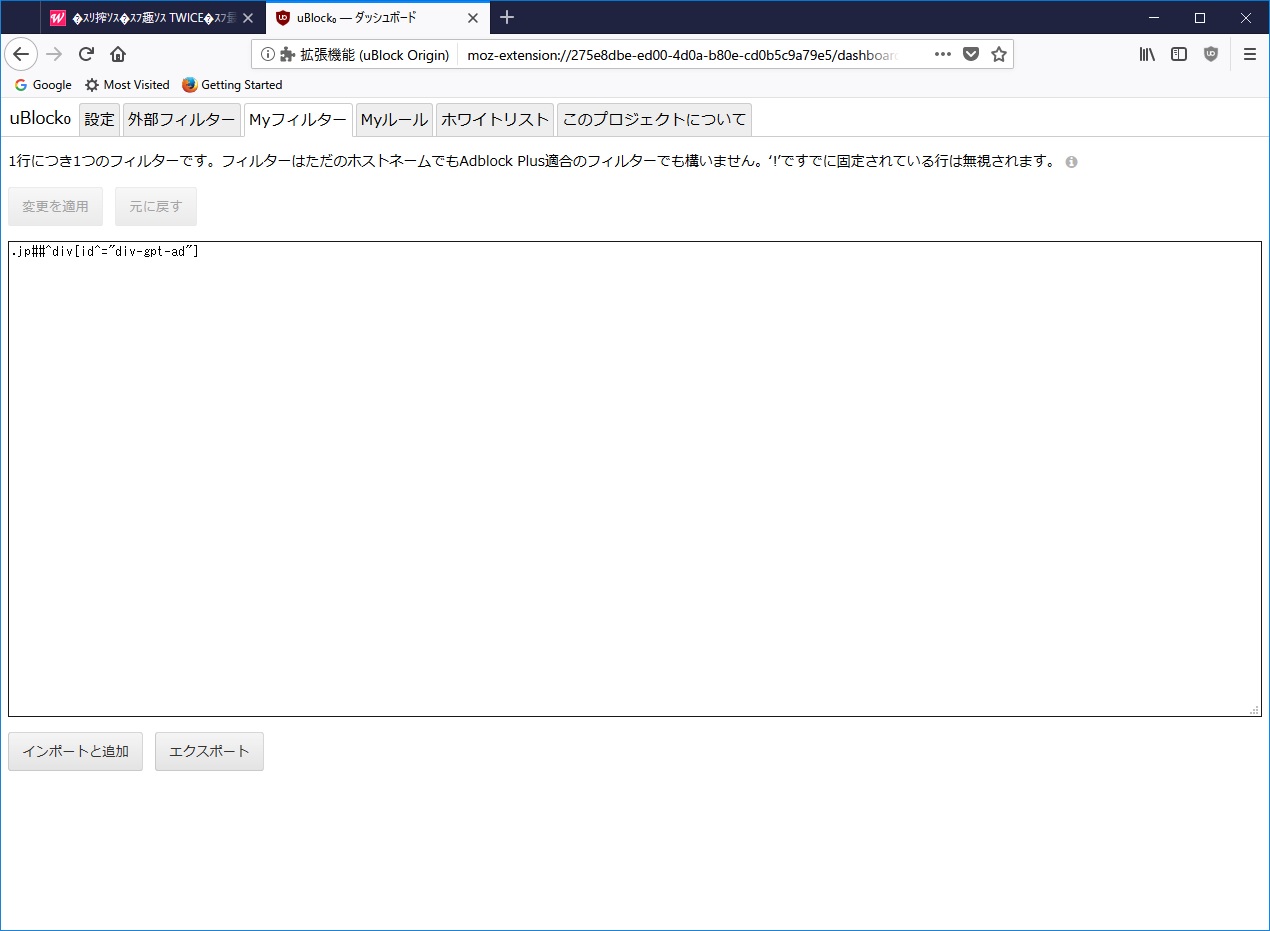
- The filter settings are only below: .jp##^div[id^="div-gpt-ad"]
- Go to http://www.wowkorea.jp/starnews/400626.html
Your settings
- OS/version: Windows 10 Japanese 16299.214
- Browser/version: Firefox 58.0.1 64 bit
- uBlock Origin version: 1.15.0
Your filter lists
just below only, no other filters.
.jp##^div[id^="div-gpt-ad"]