

 google-deepmind
How to make transparent objects?
I would appreciate some indications on how to make invisible objects. I was thinking on placing objects such as apples or lemons in different parts of the arena but I do not know how to hide them (I mean making them invisible). I tried to make the "lemon_d.tga" transparent but I get an untextured object as in the following example.
Otherwise, other options that I tried but still do not have a solution: -- Is there a way to define a command in DMLab to place objects but not showing it to the agent? -- Is there a way to control the size of the object? I tried to edit the "lemon.md3" file using QuArK 6.6 but no idea how to control the size or its properties (e.g. texture) that are shown in DMLab.
Comments would be welcomed! Thanks.
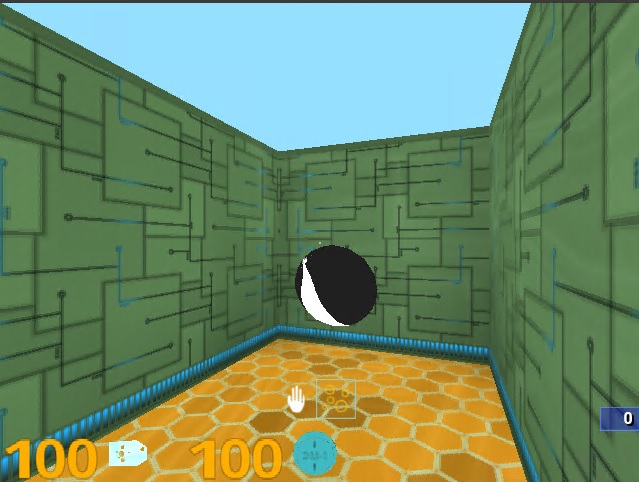


Make your model texture textures/map/space_glass:
https://github.com/deepmind/lab/blob/master/assets/scripts/dm_lab.shader#L166
