
coblocks

coblocks copied to clipboard
 godaddy-wordpress
ISBAT Copy text to a new page/post and have the custom font face be copied over
Describe the bug:
When copying text that has a custom font face added (through the toolbar settings) and pasting into a new page or post - the custom font face does not come across - even though the settings are still in place.
I suspect that the inclusion of the font files isn't triggered if the inline font code is just pasted in - but not sure.
To reproduce:
- Add content to a page - and style some text (in headings or pargraphs) with a custom font family (using the Coblocks font toolbar setting).
- Copy the blocks containing the text with custom font
- Create a new page/post and paste in the content
- Publish/Preview the page and view it.
Screenshots
Source Content (Oswald typeface shown):

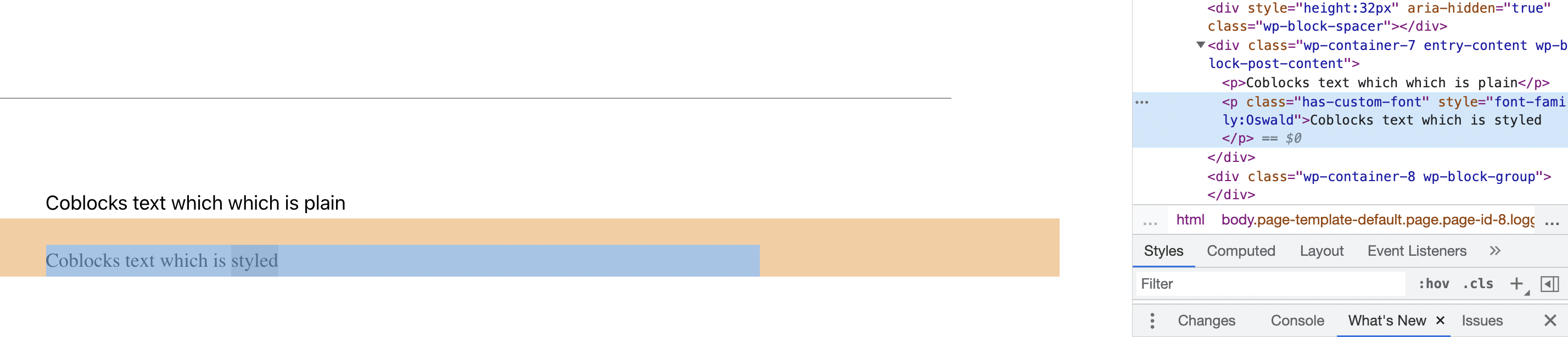
Pasted Content (Oswald typeface set, but not displayed):
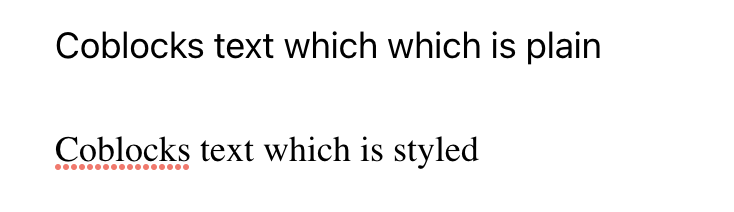
CSS class included - but font not styled on front end:
Expected behavior:
I expect the pasted content should display formatted in the same way as the source content
Isolating the problem:
- [x] This bug happens with no other plugins activated
- [x] This bug happens with a default WordPress theme active
- [x] This bug happens without the Gutenberg plugin active
- [x] I can reproduce this bug consistently using the steps above
