glushchenko
Split View editor mode
Describe your feature request It would be wonderful if FSNotes (at least the Mac OS app) had an option to open a split view editor! IMHO, this would be helpful in two ways:
- For those who are not very experienced in Markdown yet, so they don't have to toggle preview very often if they'r unsure what they are typing (so more people start using FSNotes maybe!)
- When typing math formulae (thank you for MathJax support, btw, this is great!), if a formula is quite complicated, it is easier to "debug" it with a split view
I know one can just use any other MD editor, but having everything in FSNotes would be so much better.
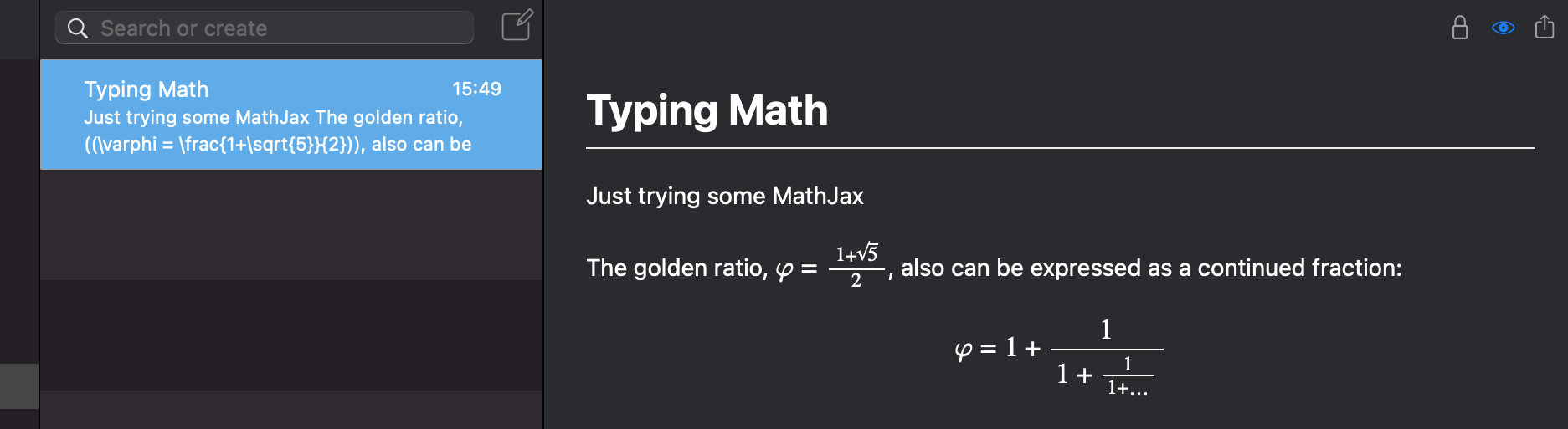
Here's a note with a formula in FSNotes:
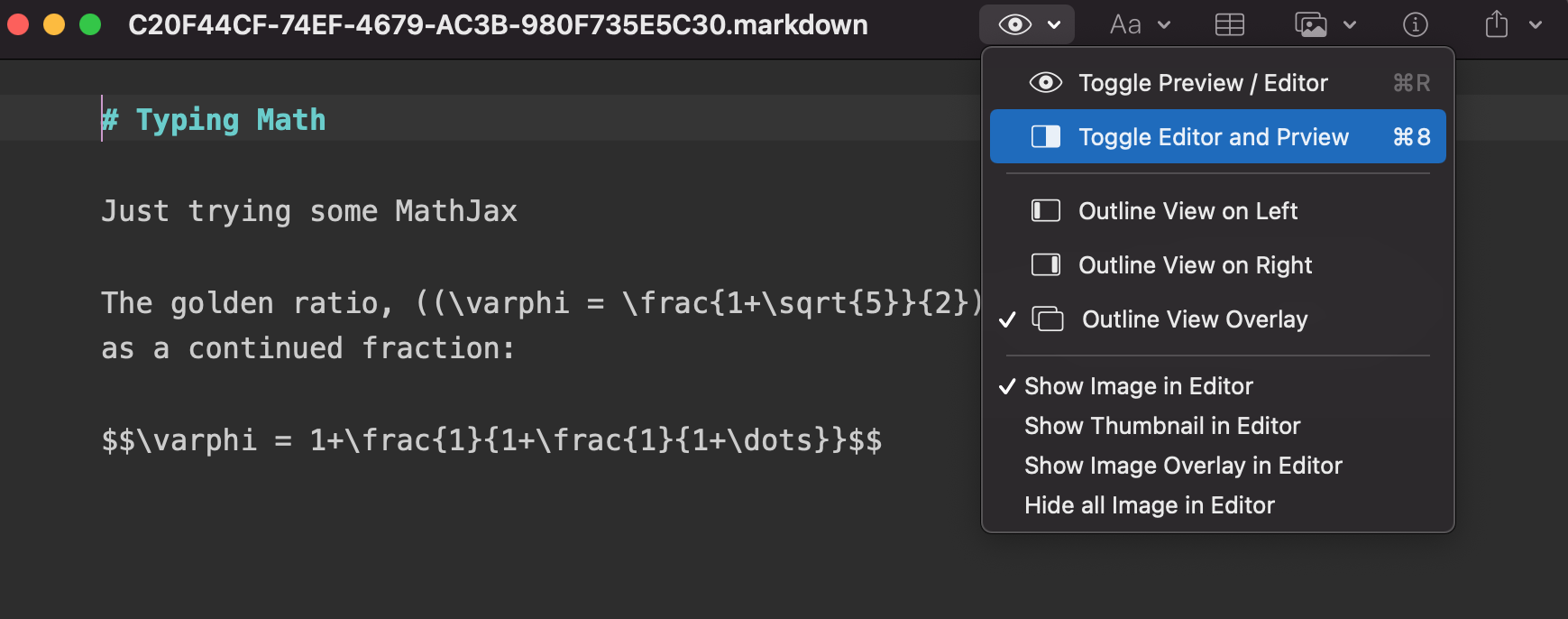
Here it's open in another MD editor, there are options to toggle preview, or to open a split view
Here's the split view mode of that editor:
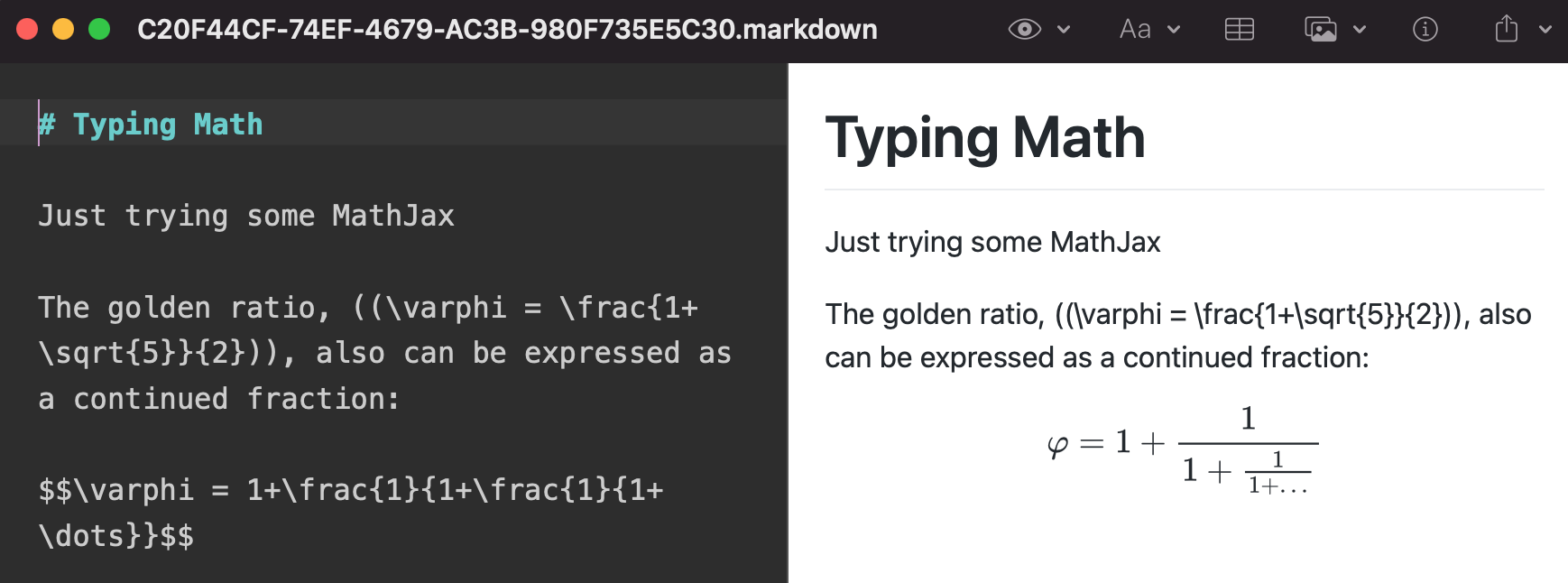
Yep, looks like this other editor doesn't support dark mode on the preview, and the formula delimiters are different – it uses $...$ instead of ((...)), so the first in-line formula doesn't render.
Additional context I suppose it makes more sense for the Mac OS version of the app, but maybe also the iPad one.


This is a given on most markdown editors nowadays. Please consider adding it. 👍🏼

FSNotes 6 add multiple windows support. So now you can open one note in preview mode and edit it.

Release available for download here https://github.com/glushchenko/fsnotes/releases/tag/6.0.0
I also ask you to vote on Prouct Hunt and Reddit, it will help in spreading:
https://www.producthunt.com/posts/fsnotes-6 https://www.reddit.com/r/macapps/comments/yh8156/fsnotes_v6_pro_notes_manager_for_macos/
Thanks!
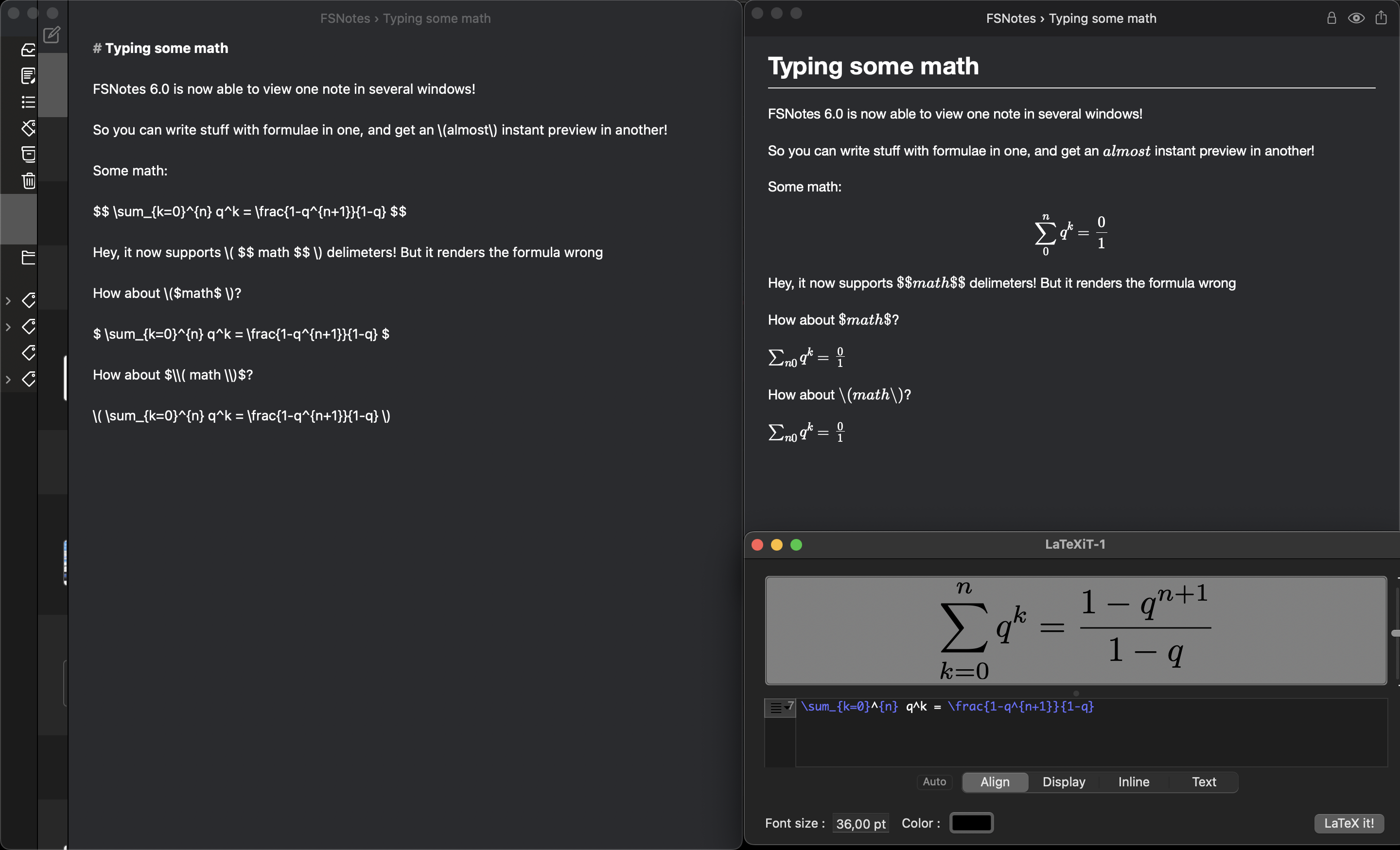
Thank you for adding this! 🤩 I've tested editing one note in one window and previewing it in another – and it works! Changes in the source are updated quite swiftly in preview.
But, unfortunately, something got broken with math formula rendering for me: