gitpod-io
Update Platform Version from stable JetBrains Backend Plugin
Description
Update Platform Version from stable JetBrains Backend Plugin, as we're now using v222.3345 for all stable JetBrains IDEs.
How to test
- Open the preview environment generated for this branch
- Choose the Stable version of IntelliJ IDEA as your preferred editor
- Start a workspace using this repository: https://github.com/gitpod-io/spring-petclinic
- Verify that the workspace starts successfully
- Verify that the IDE opens successfully
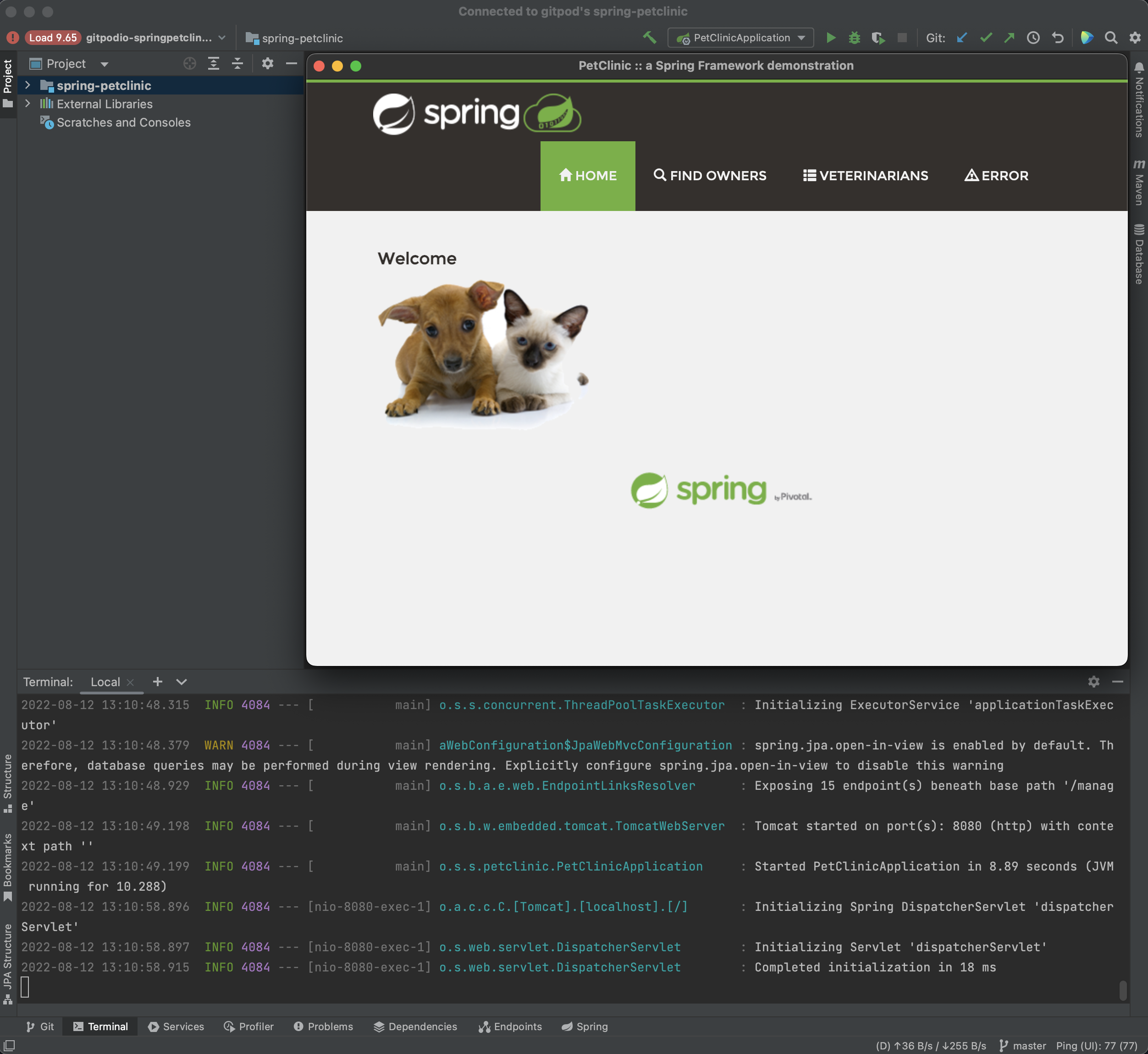
Note: To know what's the version of the IDE (instead of the JetBrains Client version), you need to click the Control widget and "Show backend IDE". Then from backend IDE you click "Top Menu >> About", to see something like:

Release Notes
NONE
Werft options:
- [x] /werft with-preview


/werft run with-clean-slate-deployment
:+1: started the job as gitpod-build-felladrin-update-stable-backend-plugin-platfo.2
(with .werft/ from main)
I am trying to make a new deployment from a clean state because I am getting this error and I suspect it might be something wrong with the prev env. 🤔
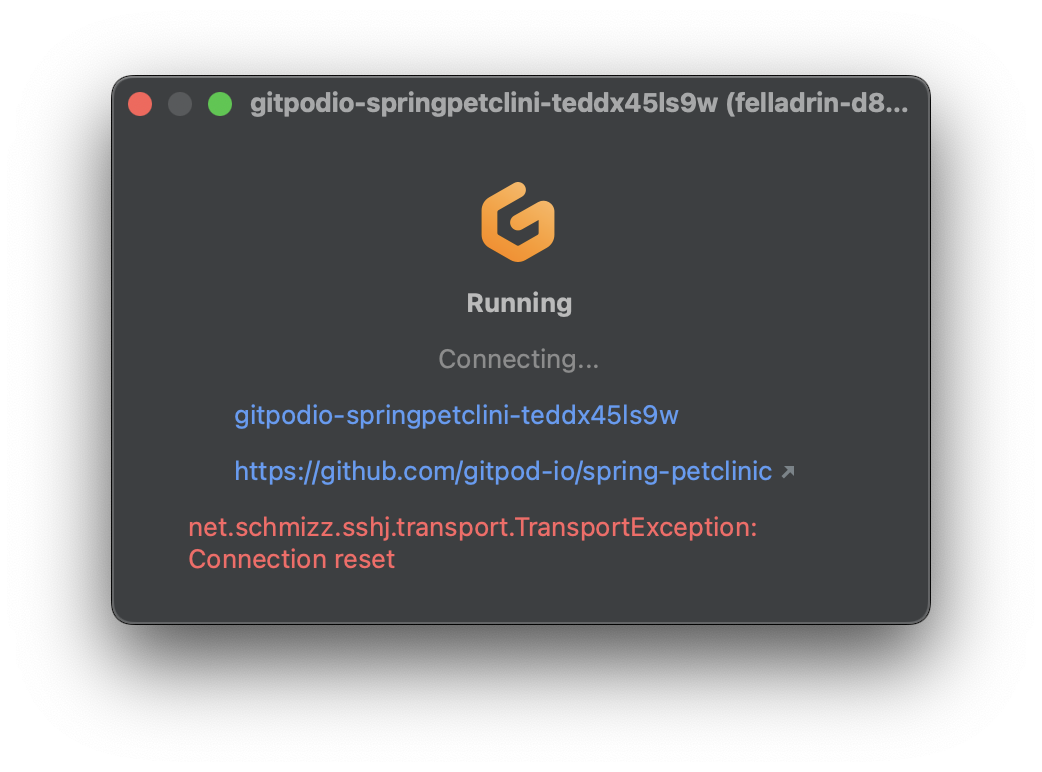
Will keep you all posted once I can test the new deployment.
It's weird because I cannot connect to the workspace even with SSH or VS Code Web, so something is definitely wrong
/werft run with-clean-slate-deployment
:+1: started the job as gitpod-build-felladrin-update-stable-backend-plugin-platfo.3
(with .werft/ from main)
I've also rebased from main just in case 😅 But I am still getting this error, @felladrin
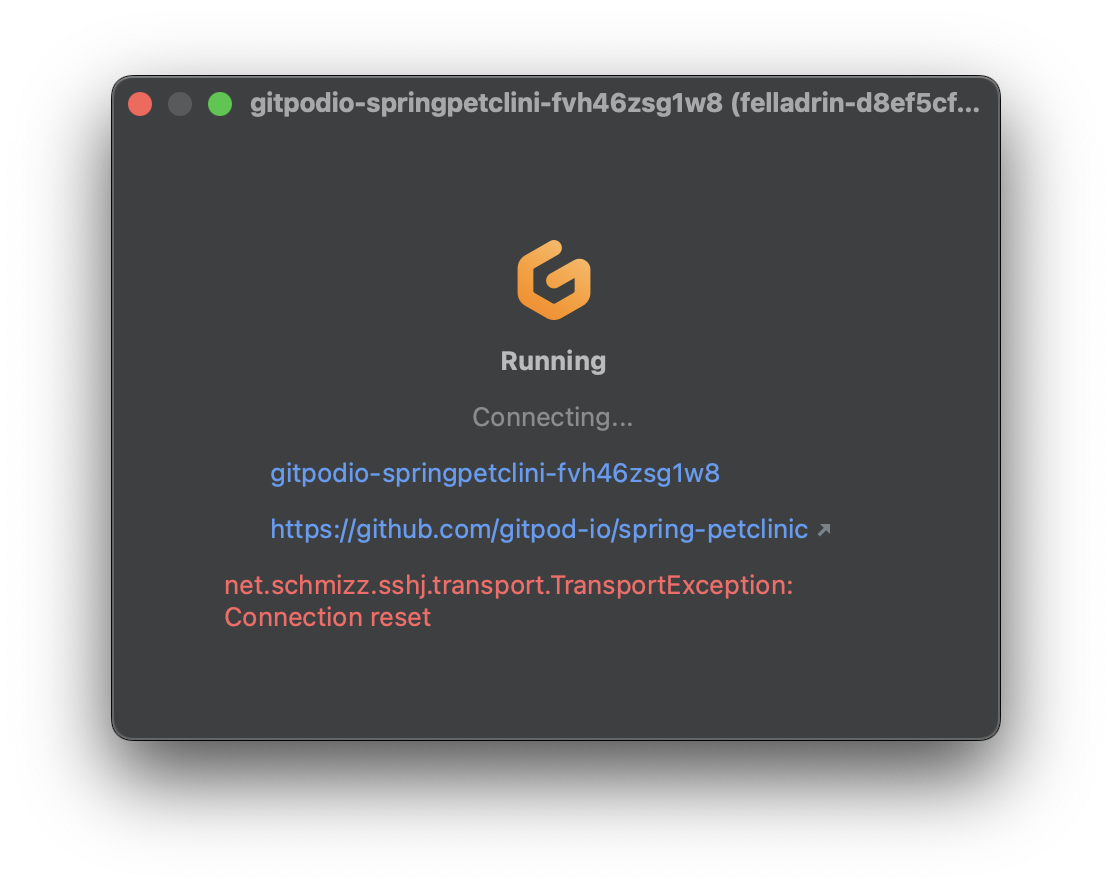
Could you advise on how to debug what's wrong? Are there any logs I could look at? How?
Thanks 🙏