

 github
add copy 📋 button the text fields
What is the current behavior?
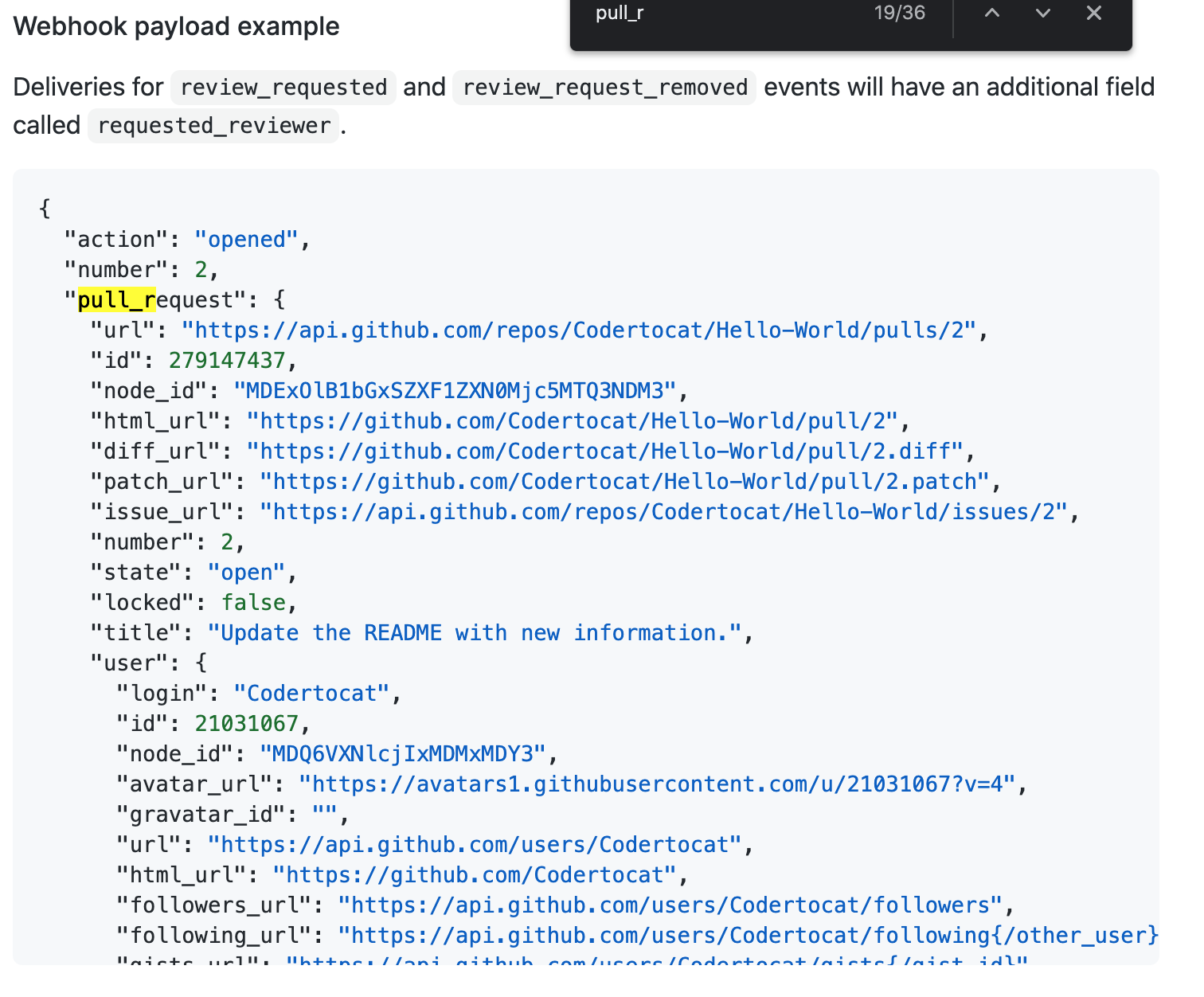
https://docs.github.com/en/developers/webhooks-and-events/webhooks/webhook-events-and-payloads#webhook-payload-example-32
pre blocks in docs look like they did a year ago in GitHub issues
What changes are you suggesting?
GitHub issues (like this one) have a 📋 at the top right of
pre
blocks

Which lets users copy their contents
Additional information


👋 @jsoref Thanks for opening an issue! To clarify, are you saying that you think our code blocks should include a copy button?

https://liff.line.me/1454988218-NjbXbq18/v2/page/hotclip?utm_source=copyshare

echo "# Karitt-Sununta" >> README.md git init git add README.md git commit -m "first commit" git branch -M main git remote add origin https://github.com/Karitta123/Karitt-Sununta.git git push -u origin main
Hi there! I want to work on this issue.
Issue title pointed to 'text fields' where description pointing out the codeblocks. Apart from this, should I implement this feature for all blocks? If yes, then how many files should I edit?

@adsingh14: Not understanding the repo, I naively assumed it would require work by engineering, but, perhaps I'm wrong.
Guessing (quite likely wrong again), it might be possible to do the work here: https://github.com/github/docs/tree/main/components/ui
If I were investigating, I'd start by looking into how https://github.com implements this feature, since, ideally other github sites would share behavior/implementation.

It seems like they do have copy buttons, but only when they are explicitly set. However, it would be nice if every code block had a copy button similar to the main site.
Reference
https://github.com/github/docs/blob/da5fb554bf6ced2d3ef8f550461617971590cca0/contributing/content-markup-reference.md?plain=1#L77-L83
Live Example
Configuring issue templates for your repository
https://github.com/github/docs/blob/da5fb554bf6ced2d3ef8f550461617971590cca0/content/communities/using-templates-to-encourage-useful-issues-and-pull-requests/configuring-issue-templates-for-your-repository.md?plain=1#L86-L95

Indeed. The code is here: https://github.com/github/docs/blob/main/lib/render-content/plugins/code-header.js
I'd suggest changing the code to honor :nocopy and adjusting it so that unless it sees {:nocopy}, it always adds a copy block. That'd be the easiest thing. If there's no language specified, the left edge could either be empty ( ), or have Example or Text or something similar (I don't have a strong opinion).
A fancier thing would involve adding code for the case where the language isn't tagged and convincing the copy widget to hang inside the block and autohide unless the mouse hovers over where it'd be. Looking at the acrobatics that the current code is performing, it wouldn't shock me if that isn't possible, so, I think the simple approach is best.
👋 Thanks all for the feedback in this issue. I spoke with the team and we are going to work on this internally. So I'm going to go ahead and close this issue.
Thanks again! 💛
