

 gildas-lormeau
For some reason, it has become incredibily difficult to remove elements from nybooks.com articles
Describe the bug I know this is vague, but if I choose "annotate and save the page" for nybooks.com articles such as this one, I find that moving the cursor over various elements usually does not display the dotted line that enables selection and removing by clicking
To Reproduce Steps to reproduce the behavior:
- Go to https://www.nybooks.com/articles/2020/06/11/covid-19-sickness-food-supply/
- Right click on SingleFile to choose "annotate and save the page"
- Enable removing of internal or external elements
- Hover cursor over social media icons (Facebook, Twitter, etc) in the right-hand margin
Expected behavior
A dotted rectangle should surround those icons, but none appears
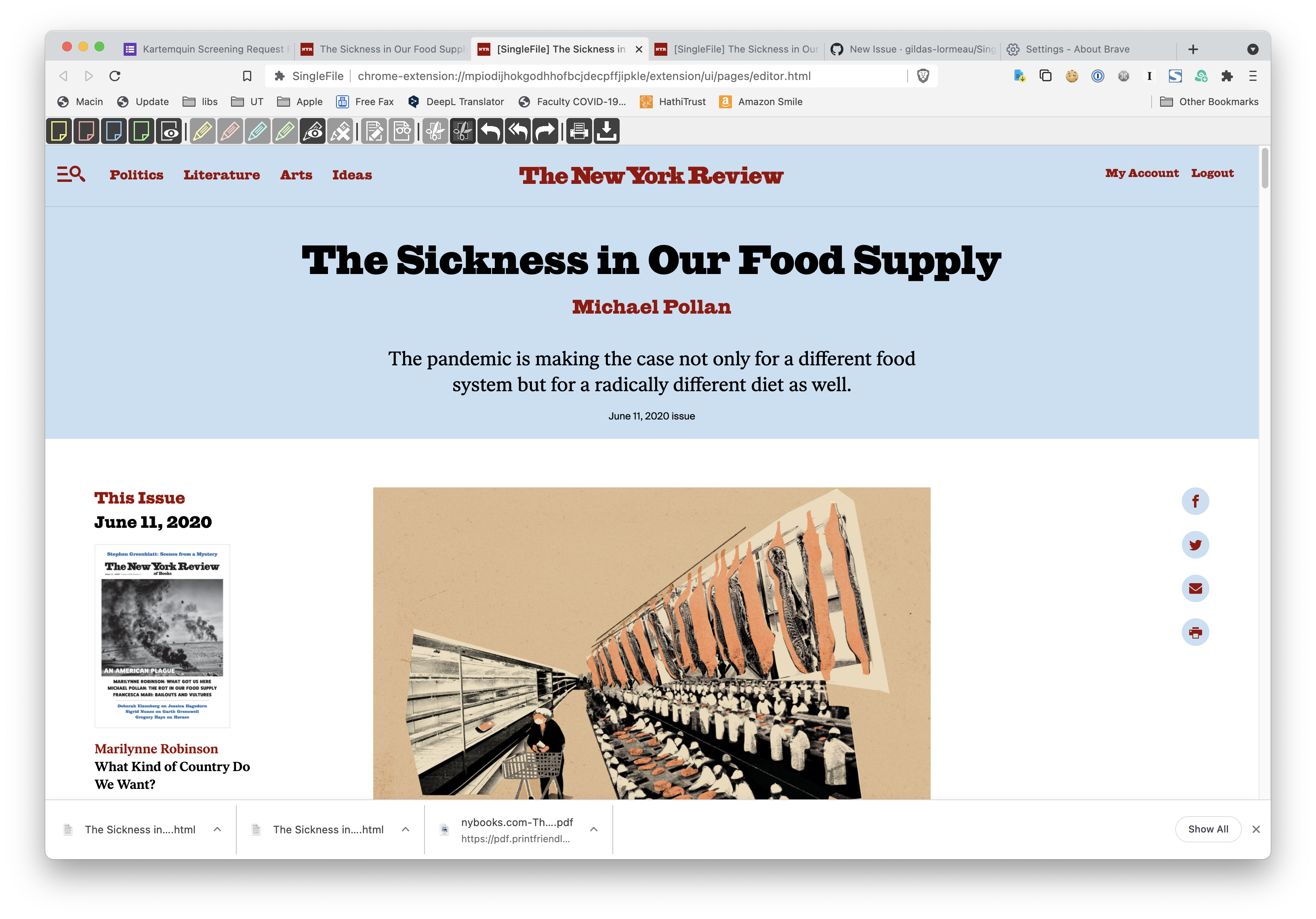
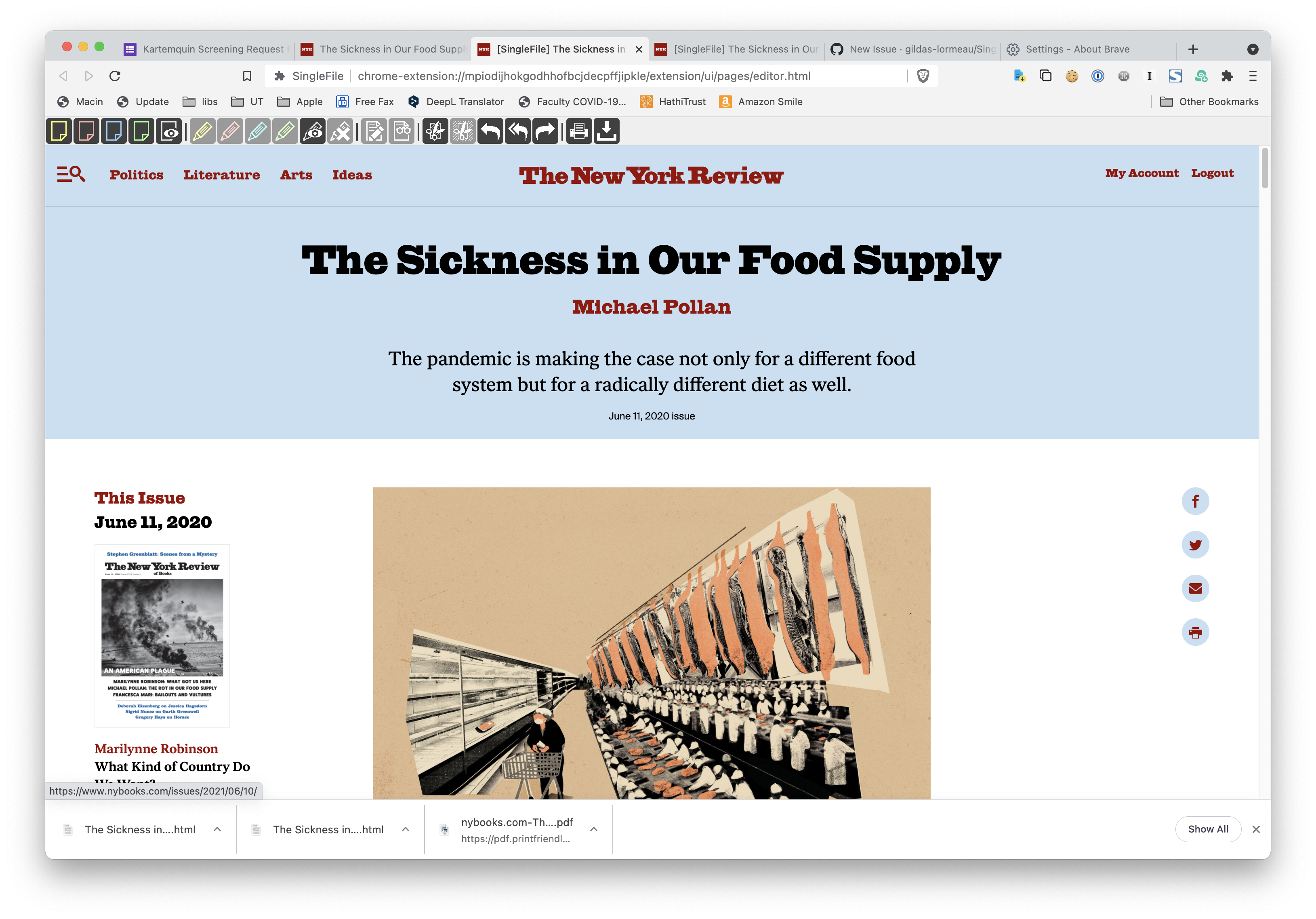
Screenshots If applicable, add screenshots to help explain your problem.
Environment
- OS: Mac OS 11.4
- Browser: Brave Version 1.25.68 Chromium: 91.0.4472.77 (Official Build)
- Version: arm64
Additional context Add any other context about the problem here.

I can reproduce the issue on Windows. It's due to the way the menu in the header of the page is hidden. Right now, I don't know how to fix this issue. However, you can circumvent it by enabling the removal of inner elements and clicking 3 times on the "Sign-in" link at the top right of the page. Then, you should see highlighted elements when trying to remove them.
