

 geosolutions-it
Widgets panels can be resized (pulling the handle down) over the visible part of the map viewport
Description
When widgets are placed on the map it is possible to enlarge the panel they appear into pulling the resize handle down. The map viewport has a limit as to where the widget window resizing can reach, the map viewport. While this is the case for the upper part of the map viewport, this does not happen when in the lower part. This let the widget panel go off the view port causing unwanted hiding of panels if more widgets are added later. See below
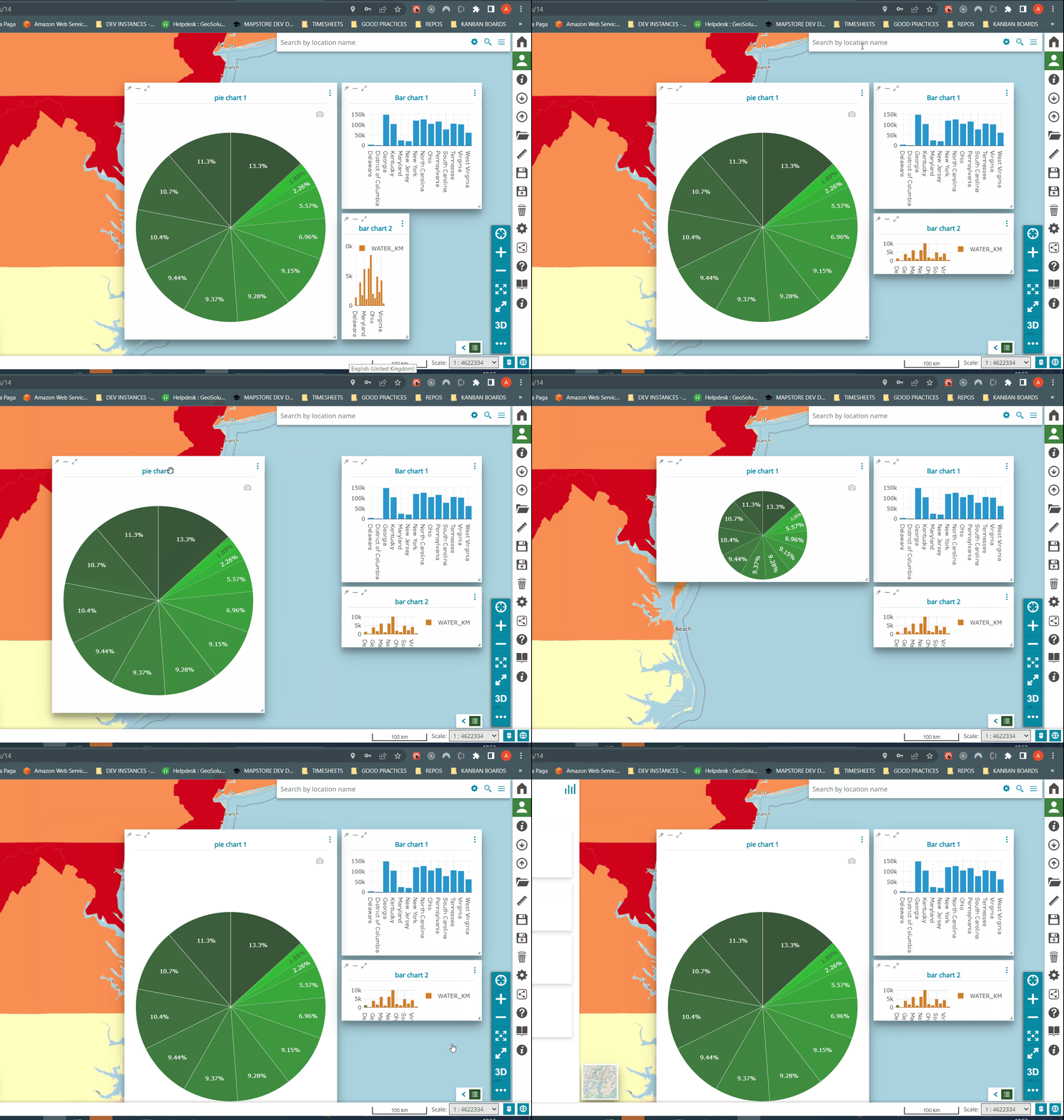
How to reproduce
- Open a map, add a layer for which it is possible to create widgets
- Create a certain number of widgets so that they will not fit in the screen , it is possible to obtain the same result just adding a few and enlarge the panel so that it occupies most of the screen.
- With the widget panel resize handle, drag the widget panel down in the lower part of the viewport, notice the window going off the map viewport and its lower edges will be hidden, it will not be possible to resize the window back again.
- Add one or more widgets, it is possible to see that are added but the panels are not shown on the screen. Operating on the tray will have no effect. deleting all other panels won't let them show. When reducing screen size they re-appear, even moving them and then resizing up the browser window again will make them disappear. It looks like they are 'locked' to initial position they were created (outside the user visible part of the screen) see below
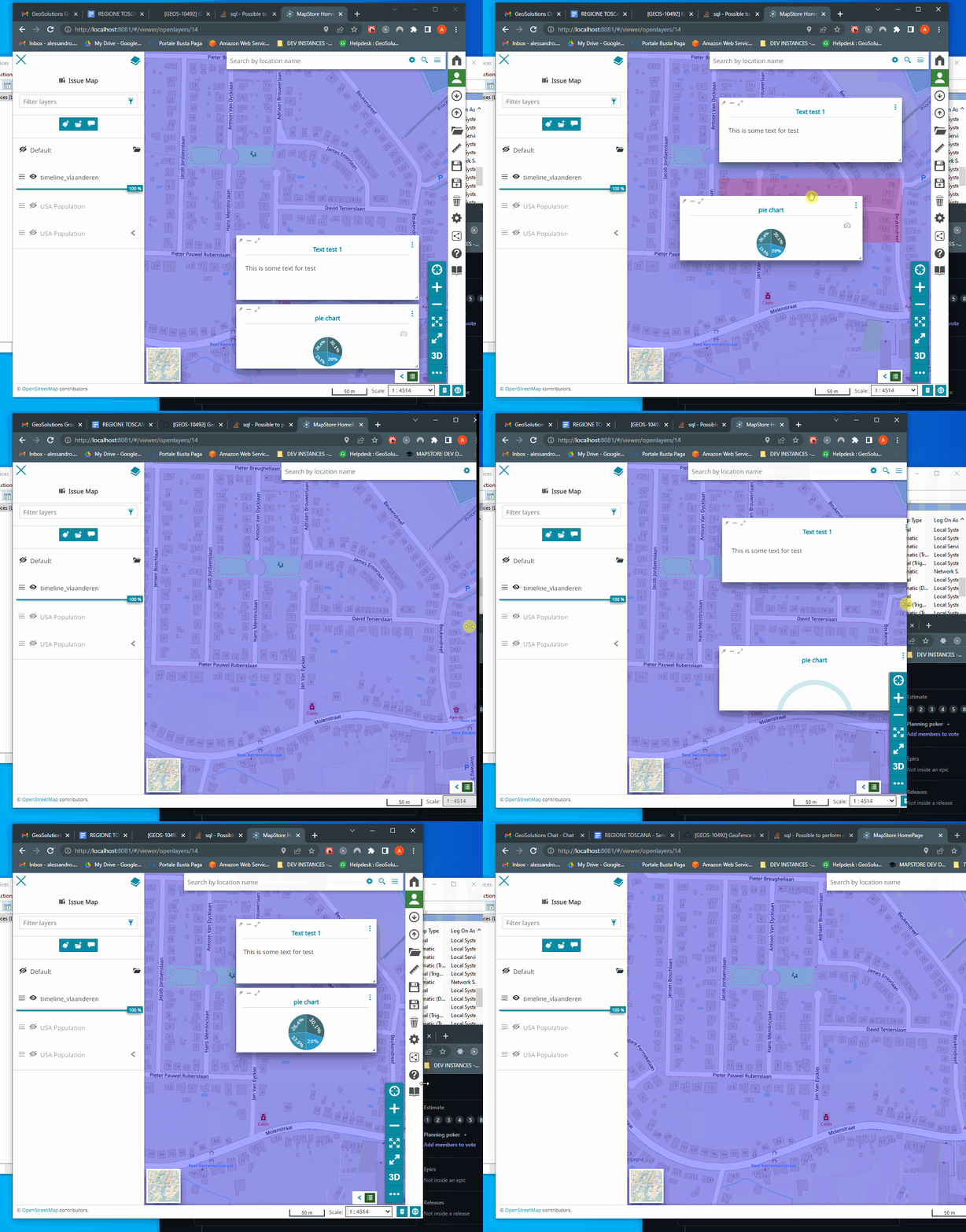
Expected Result The solution would be to prevent the the dragging of the window outside the lower part of the map viewport, as already happens with the upper part.
Current Result Some widgets are not displayed on the screen and users can't operate on them.
- [x] Not browser related
Browser info
(use this site: https://www.whatsmybrowser.org/ for non expert users)| Browser Affected | Version |
|---|---|
| Internet Explorer | |
| Edge | |
| Chrome | |
| Firefox | |
| Safari |
Other useful information
This issue was raised by Regione Toscana as a support issue with high priority. it is captured in this internal support issue

@tdipisa @allyoucanmap this is an example of a map with this issue. https://dev-mapstore.geosolutionsgroup.com/mapstore/#/viewer/openlayers/40437
@tdipisa, this has been hanging there for while. I tried to remanage the widgets before enlarging/shriking the viewport, but the widgets keep on going out of the view port,
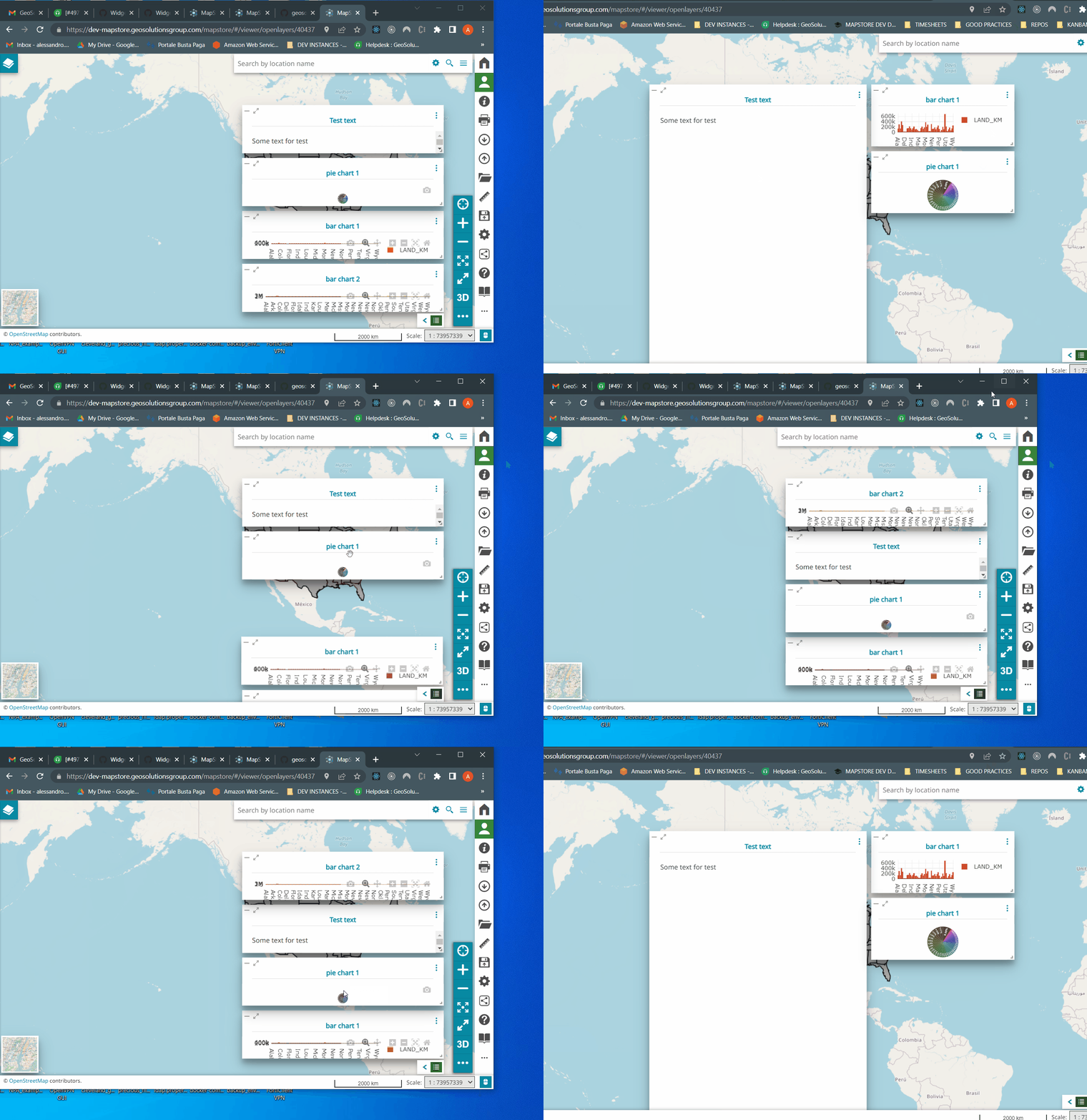
@tdipisa told me that the only solution would be to change the map configuration so that the widgets can re-enter the viewport.
I imagine the above could not be the solution I will have to communicate to the client, could this be looked into? Thanks