frontend-collective
Auto scroll not happening when I drag something and approach an edge (bottom) in the viewport
react-sortable-tree is a wonderful library. I'm loving it!
My virtualized sortable tree doesn't auto-scroll when I drag an item to the bottom of the viewport. Requesting clarification on how to enable it.
Auto-scroll on drag was introduced in v0.1.2 according to this issue: https://github.com/frontend-collective/react-sortable-tree/issues/3
Here is my SortableTree.
<SortableTree
  isVirtualized
  canDrop={({ node, ...rest }) => true}
  canNodeHaveChildren={node => true}
  treeData={tree.items}
  treeNodeRenderer={props => <TreeNodeRenderer {...props} cache={cache} />}
  nodeContentRenderer={props => (
    <Node
      {...props}
    />
  )}
/>
The Node has a drag handle like so:
const handle = connectDragSource(
  (
    <div style={{ position: 'relative' }}>
      <DragHandleIcon />
    </div>
  ), {
    dropEffect: 'copy',
  },
);
When I drag the handle icon, I expect the virtual list component to auto-scroll as I approach the bottom edge of the viewport. Its not happening.
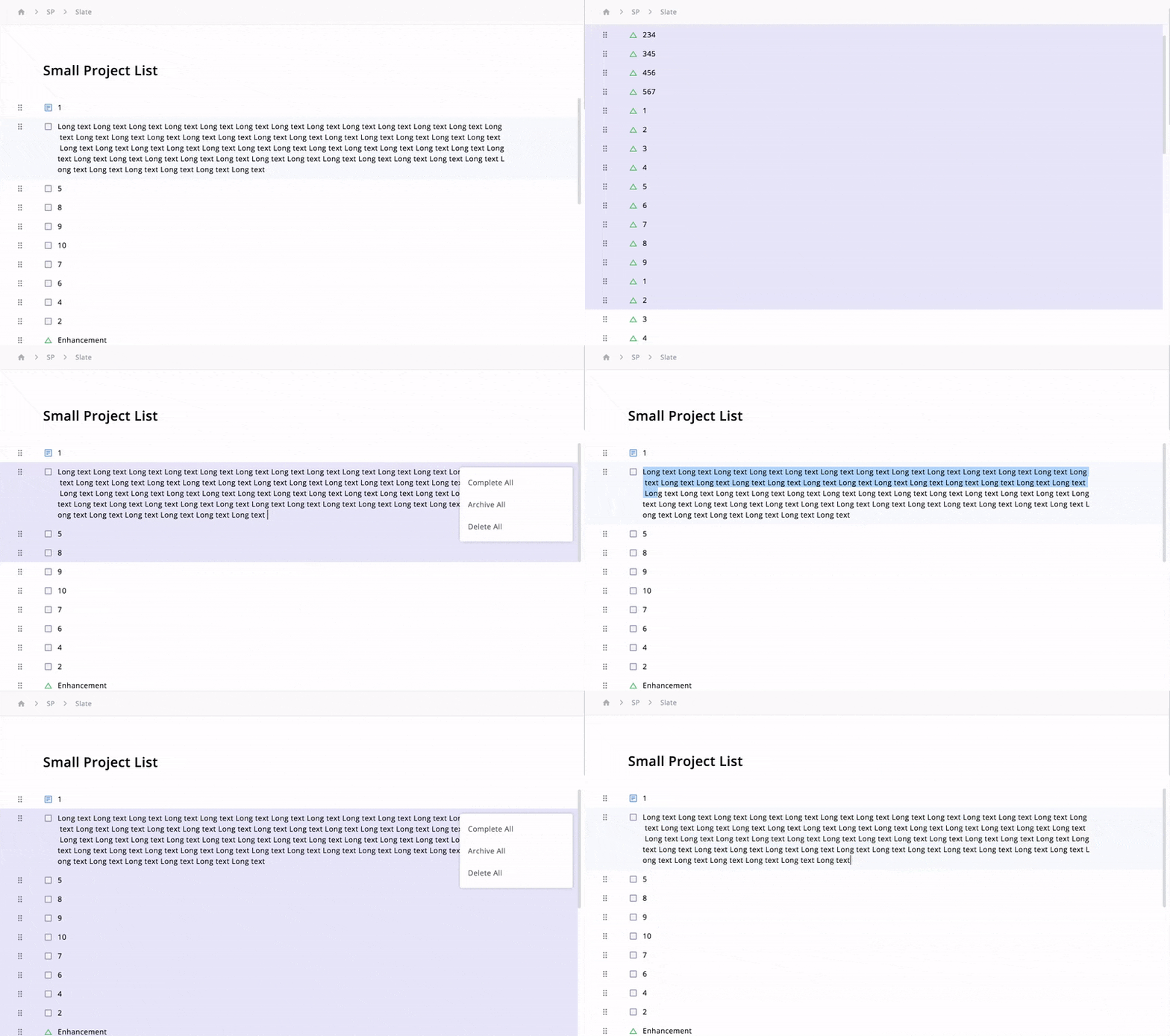
Here is a screen recording of what I'm trying to do. Please advice on how to approach this. If I need to add more information or context, please let me know in comments. Thanks in advance!