

 fluidd-core
Palette 2 Integration
This is very fresh off the press, but klipper now officially supports the Palette 2 via connected mode:
https://github.com/KevinOConnor/klipper/pull/4057
Before this feature, you would need to use Octoprint plugins to talk to the Palette, so it was pretty much mandatory to use Octoprint if you had a Palette.
The feature works really well, and I'm wondering if it's possible at some point to have the info the Palette generates on the Fluidd interface? Similar to what is currently displayed on the Octoprint plugin:
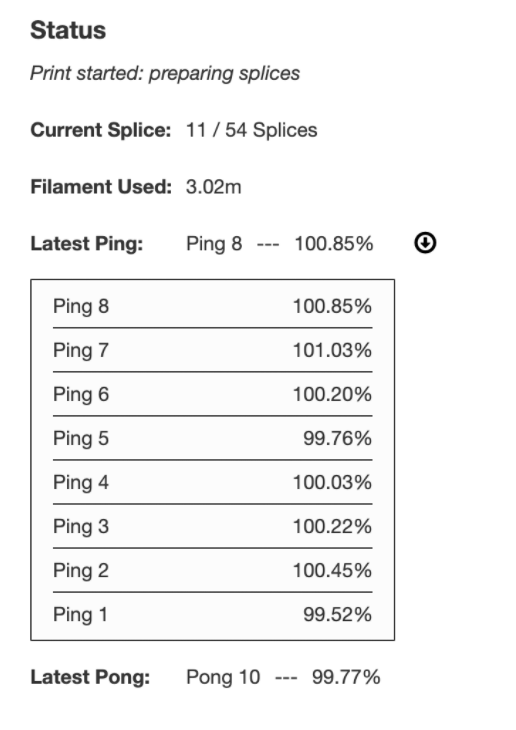
Appreciate your input!


@cfelicio Are you currently able to use the palette with Fluidd and it just doesn't show the output from the palette? I'm looking to replace Octoprint with Fluidd when I setup my Palette but wonder if I should stick with Octo until this issue is resolved.

@chippawah Palette works fine with Fluidd as long as you configure it on the klipper.cfg. I can still see the pings on the Palette itself, so this is just a "nice to have".
