

 flowable
Business process page process model user task name cannot be displayed normally in Chinese
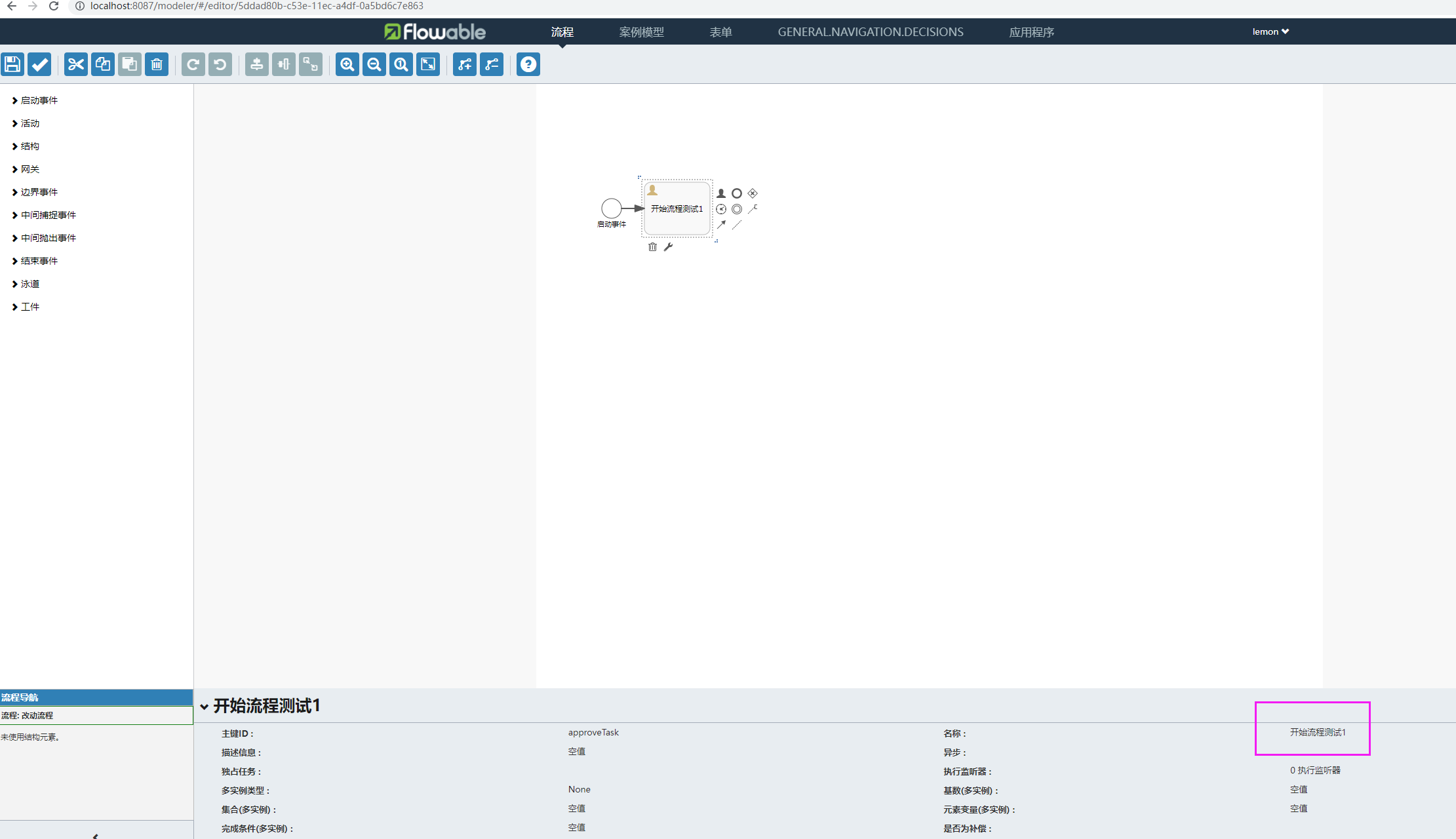
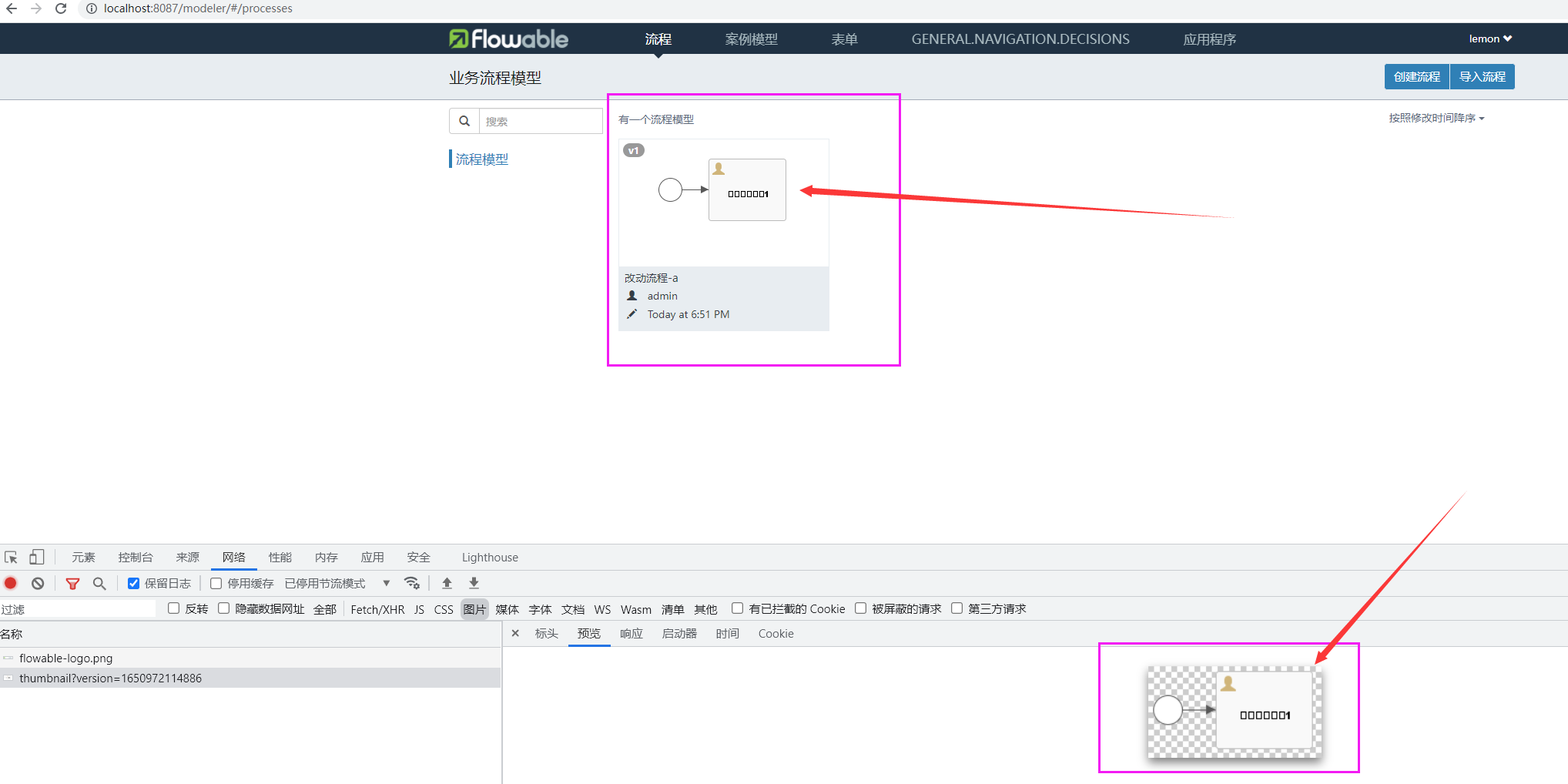
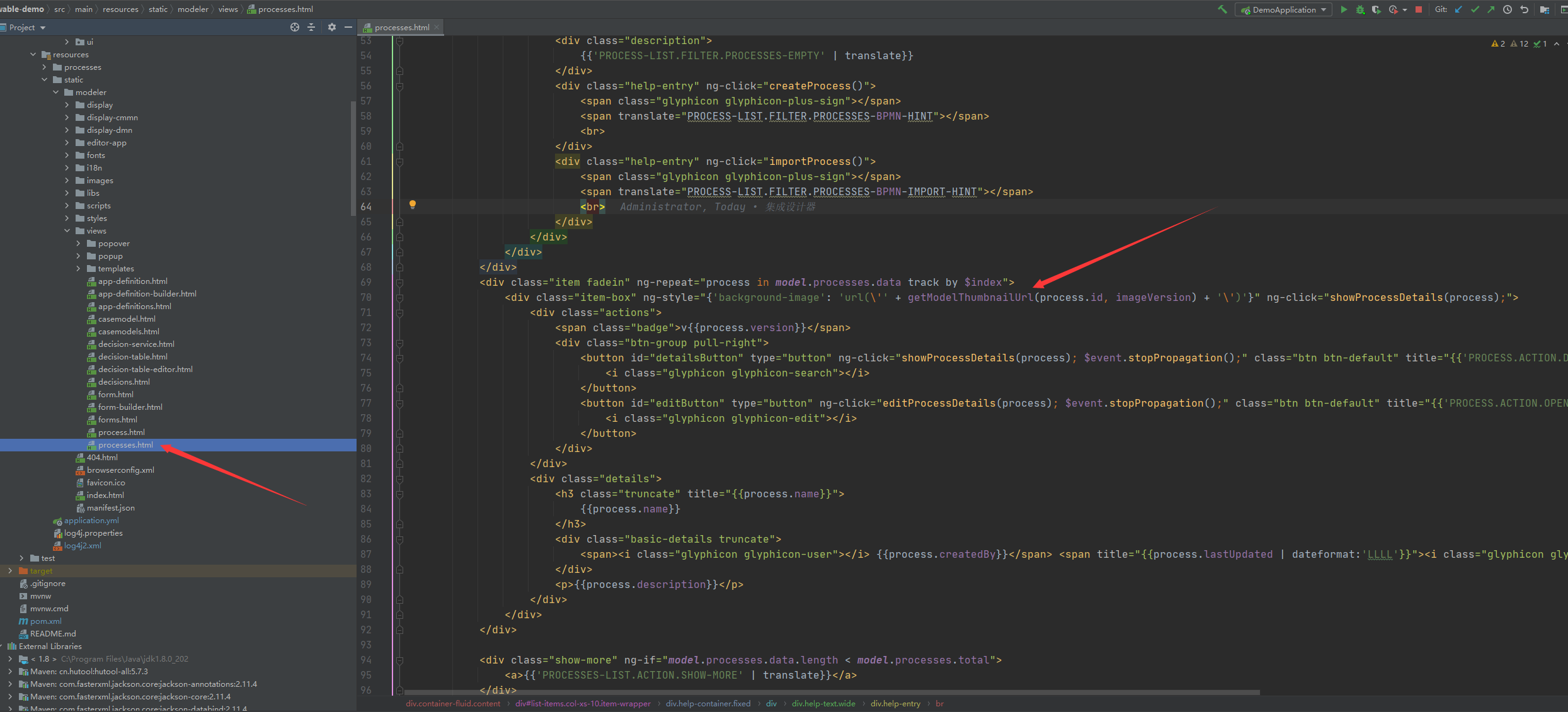
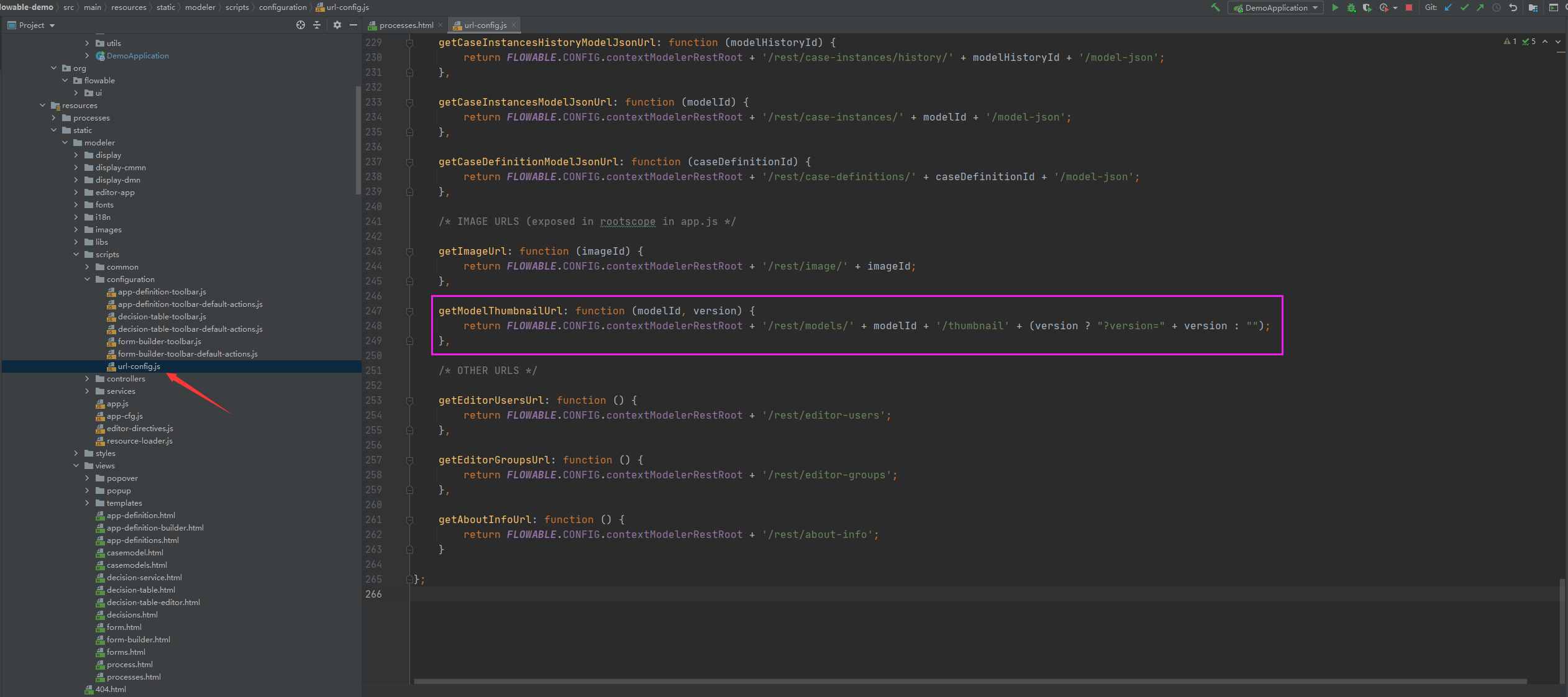
Describe the bug User task name can not use Chinese,Otherwise, it will be displayed as a frame, like [] [] Expected behavior request address:http://localhost:8087/rest/models/5ddad80b-c53e-11ec-a4df-0a5bd6c7e863/thumbnail?version=1650975940618 response type is "image/jpeg",but liek the [][] source localtion(java):org.flowable.ui.modeler.rest.app.ModelResource,invoke method @GetMapping( value = {"/rest/models/{modelId}/thumbnail"}, produces = {"image/png"} ) public byte[] getModelThumbnail(@PathVariable String modelId) { Model model = this.modelService.getModel(modelId); return model.getThumbnail(); } This is just the return byte type, but I really don't understand why the Chinese in the picture will be garbled. I hope you can help me see this problem. Thank you very much!(I spent almost 2 hours trying to solve it, but it didn't work. (I used the interceptor to set the return code to UTF-8, but it didn't succeed. It seems that the Chinese content before setting the code is already garbled. Of course, this is just my guess)) Here are some screenshots:
Code
import org.flowable.spring.SpringProcessEngineConfiguration; import org.flowable.spring.boot.EngineConfigurationConfigurer; import org.slf4j.Logger; import org.slf4j.LoggerFactory; import org.springframework.context.annotation.Configuration;
@Configuration public class FlowableFontConfig implements EngineConfigurationConfigurer<SpringProcessEngineConfiguration> {
private static final Logger log = LoggerFactory.getLogger(FlowableFontConfig.class);

@Override
public void configure(SpringProcessEngineConfiguration engineConfiguration) {
    engineConfiguration.setActivityFontName("宋体");
    engineConfiguration.setLabelFontName("宋体");
    engineConfiguration.setAnnotationFontName("宋体");
    log.info("flowable font config");
}
}
Additional context

I have encountered similar problems and found solutions, but I don't know if it will help you.
Problem scenario: there is no garbled code in the local development environment (Windows), but there is garbled code in the production environment (Linux)
Error cause: the production environment lacks corresponding font information
Solution: download the corresponding font information in the production environment
