

 firebase
Documents do not show up in Emulator UI
Describe the bug
Firestore emulator only shows top level collections. No documents or subcollections. Documents added by client or firebase functions do not show up either. Documents are present since I can query them but I had to set experimentalAutoDetectLongPolling to true to be able to do that. Without setting that to true I got the below error:
[2022-09-04T20:22:11.598Z]  @firebase/firestore: Firestore (9.9.4): Could not reach Cloud Firestore backend. Backend didn't respond within 10 seconds.
This typically indicates that your device does not have a healthy Internet connection at the moment. The client will operate in offline mode until it is able to successfully connect to the backend.
To Reproduce Steps to reproduce the behavior:
- Will add soon
Expected behavior Documents show up in emulator UI and experimentalAutoDetectLongPolling should be false
Screenshots
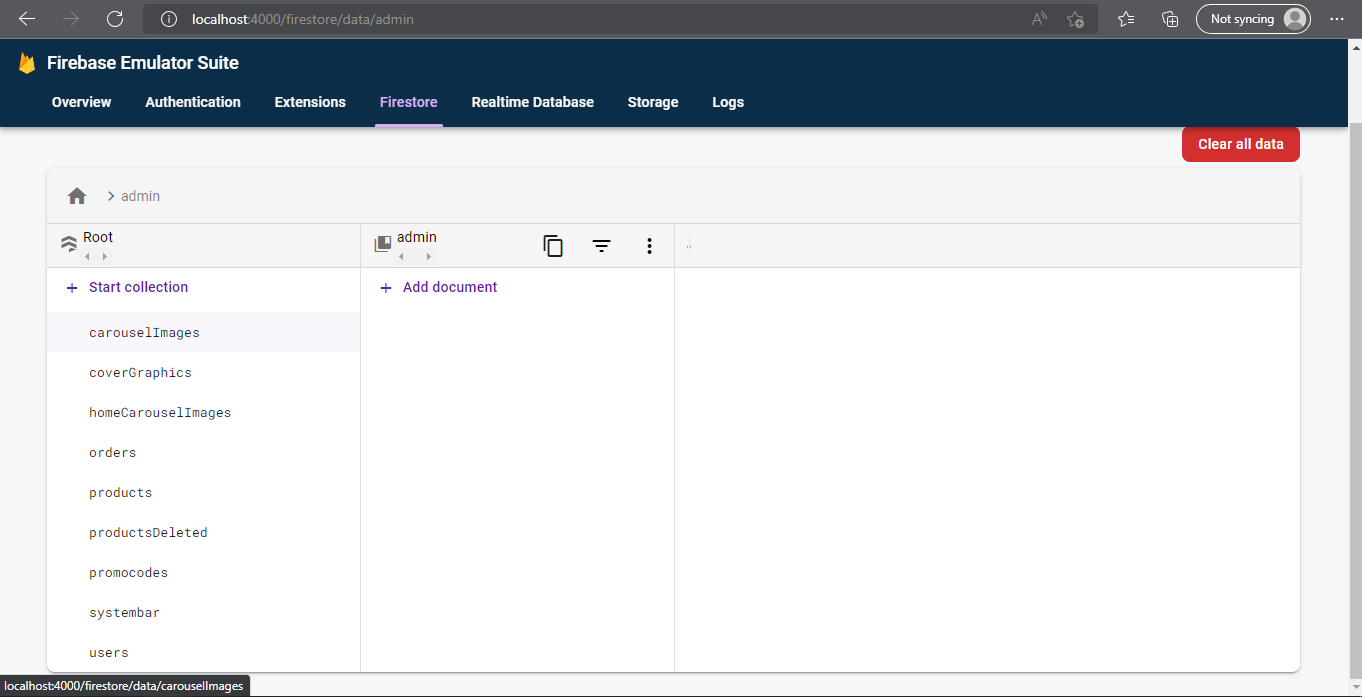
Desktop (please complete the following information):
- OS: Windows 10
- Browser: Chrome v105.0.5195.102 (Official Build) (64-bit) and Edge v104.0.1293.70 (Official build) (64-bit)
- Java: Java HotSpot(TM) 64-Bit Server VM (build 18.0.2.1+1-1, mixed mode, sharing)
- Node: v16.17.0 (tried downgrading to v16.14.0 to no avail)
- Firebase Tools: v11.8.0
Additional context This is a Nuxt app and I believe this happened when I updated my firebase-tools, though installing an earlier version did not work

Update, I left my computer for a really long break and when I came back the documents loaded in. If I refresh though, they aren't showing up
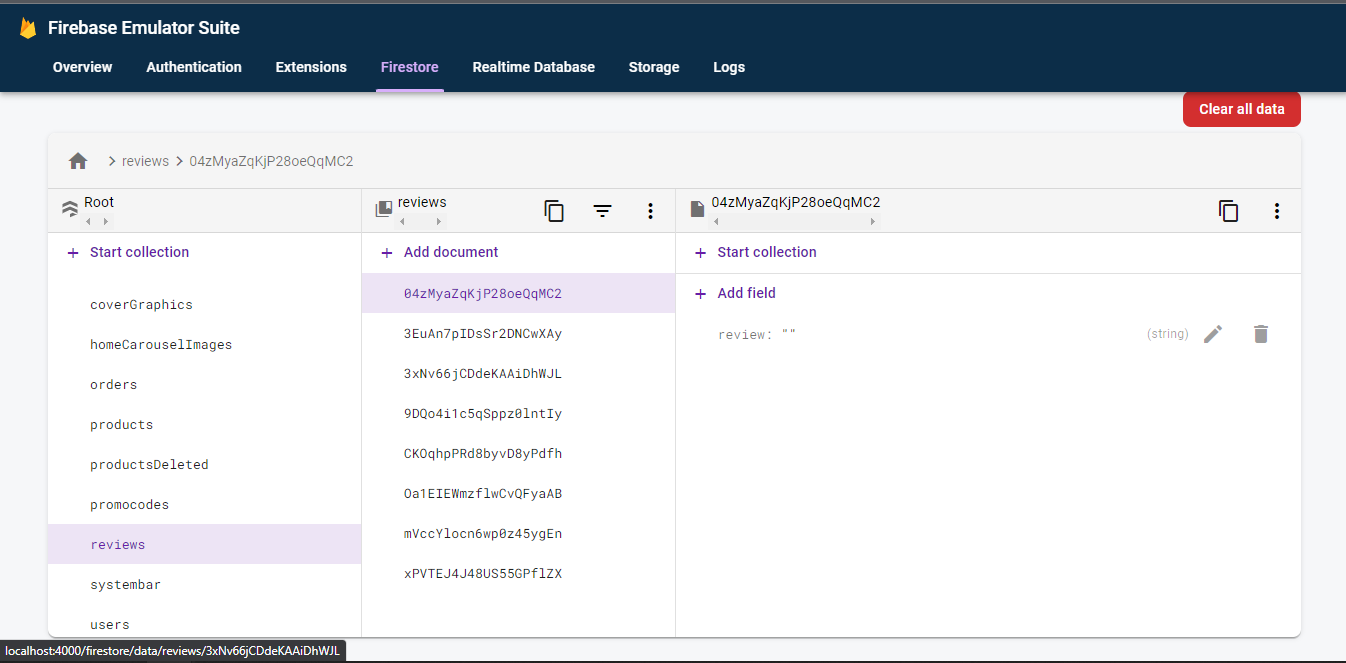
I am having the exact same issue. I took a break because I can't get my emulator working and when I got back I saw the record I entered. I can't even figure out the issue because I don't see any errors in the console, logs, or network. @polymer-coder Please let me know if you have a solution.

@jorgemndoza I didn't find a solution. I spun up a virtual machine on my laptop and now I work out of that virtual machine. Try running the command with the --debug flag and post the result here for @christhompsongoogle