

 firebase
[Docs/GUI Update Request] List the options and defaults for Sharp Output Options in storage-resize-images
[READ] Step 1: Are you in the right place? ✅
Issues filed here should be about a feature request for a specific extension in this repository. To file a feature request that affects multiple extensions or the Firebase Extensions platform, please reach out to Firebase support directly.
[REQUIRED] Step 2: Extension name
This feature request is for extension: \storage-resize-images
What feature would you like to see?
Typings and/or documentation for Sharp Output Options, along with the defaults currently used by the extension
How would you use it?
Currently this is all we get to see when we try to configure the Sharp Output Options:
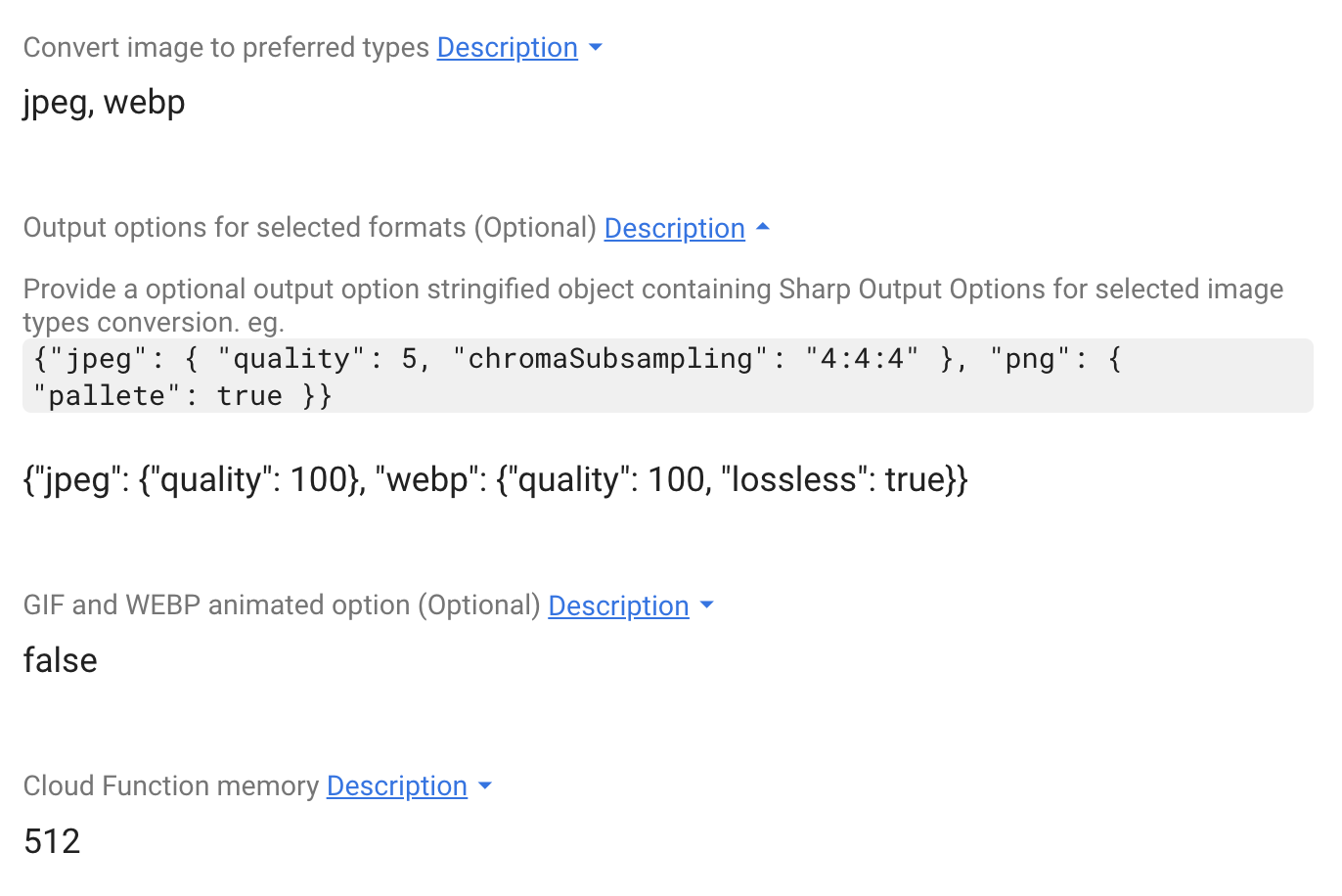
This is not enough information, as we do not know what options are available or what the defaults are that firebase uses. Some more information on how to configure the image optimisation would be very helpful.

Agreed we could use better documentation. Added to the project board.
Developer reference: the api source can found be found here https://sharp.pixelplumbing.com/api-output#jpeg with jpeg as an example.
