

 files-community
Bug: Can't rename network drives
Description
When I right click a network drive then change its name the PowerShell prompt comes up but it doesn't rename.
Steps To Reproduce
No response
Requirements
- Rename should work as expected
Files Version
2.0.12.0
Windows Version
11.0.22454.1000
Relevant Assets


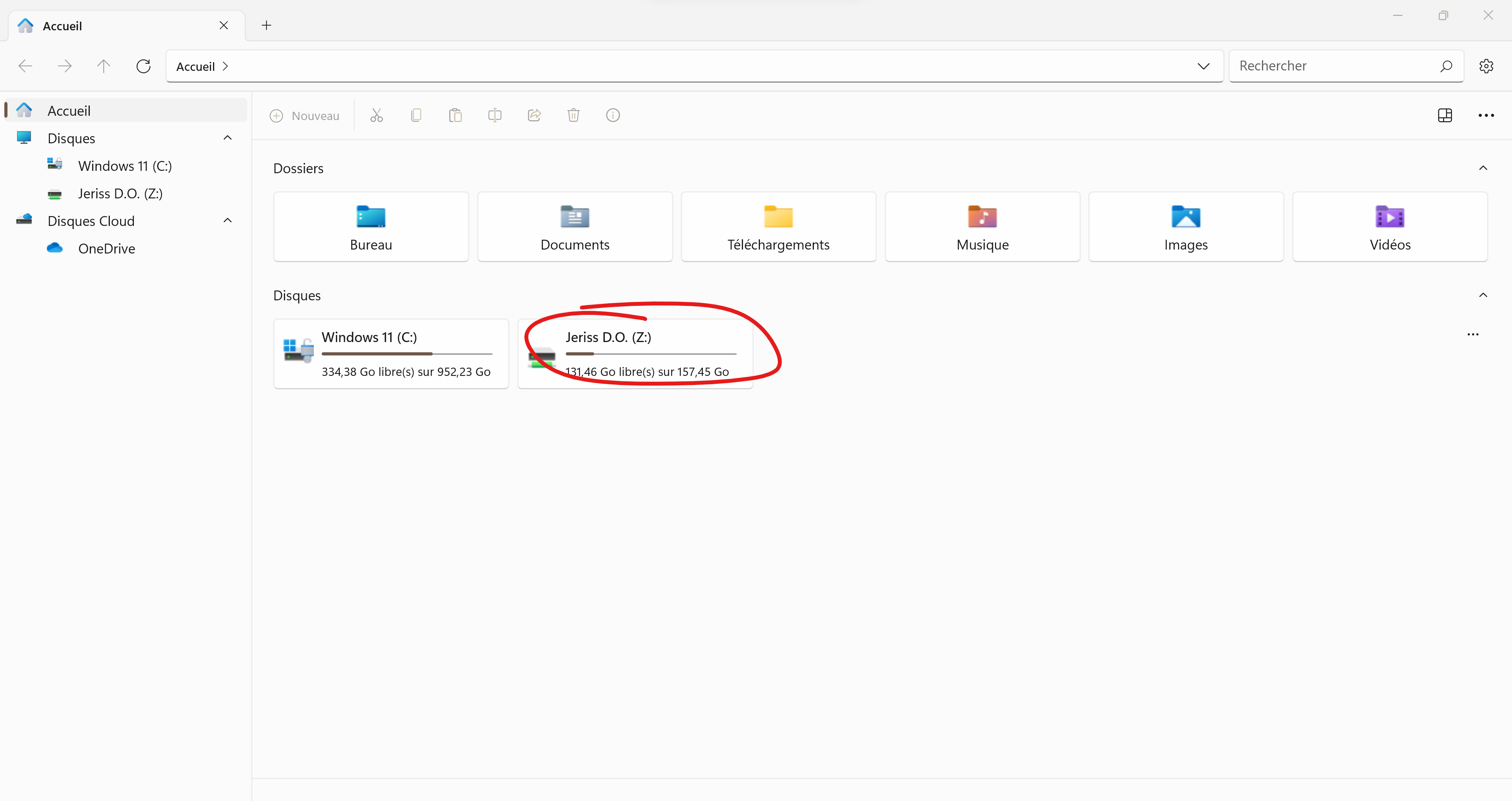

I wanted to add to this that for some reason Network Drives show the drive letters twice. Renaming gets rid of them for that session but if Files is restarted, they're back. See screenshot.
Would prefer that the Network Drives show just like Physical ones.

I wanted to add to this that for some reason Network Drives show the drive letters twice. Renaming gets rid of them for that session but if Files is restarted, they're back. See screenshot.
Would prefer that the Network Drives show just like Physical ones.
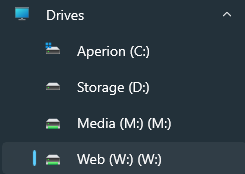
I am also getting this issue. Network drive names are showing duplicate drive letters, with renaming only lasting the current session.

