
Files

Files copied to clipboard
 files-community
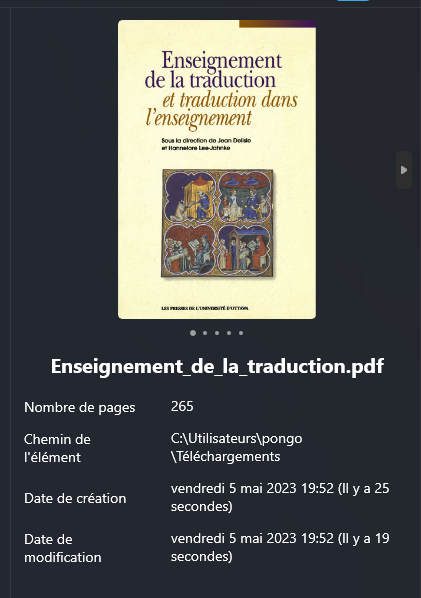
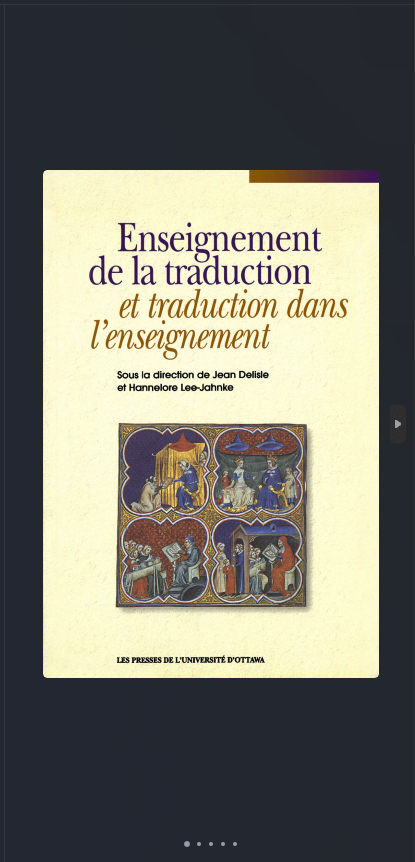
PDF preview pages are very blurry at low scaling
Explain the bug In the pdf preview, pages are blurred to the point where they are almost unrecognizable.
To reproduce
- Open files
- Move it to monitor with low scaling
- Open preview pane, select pdf
- Content is blurred to the point of being unrecognizable
Expected behavior PDF pages should appear sharp.
Logfile NA
Screenshots

System Information
- App version: 1.5.27.0
Additional comment The fix for #3477 can likely be used to fix this issue.


Still an issue, we might need to use a different control to render the preview. Fyi @hez2010

 @yaira2 Personally I have no problem with the preview pane (neither blurry nor small thanks to the option show only the preview)
