
bigger-notes
 bigger-notes copied to clipboard
 fauria
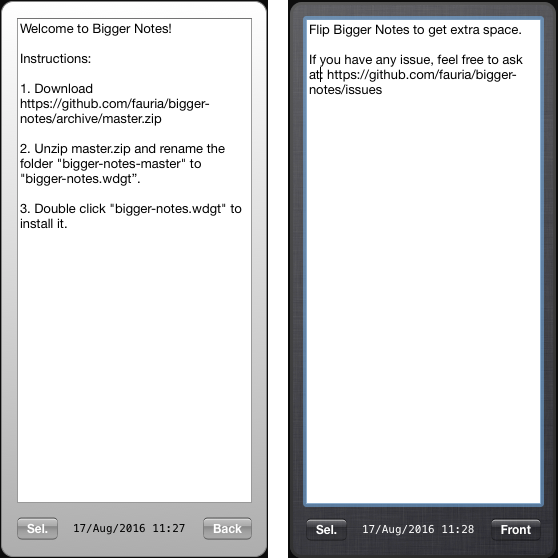
MacOS Dashboard Widget for pasting text. Bigger than sticky notes, and scrollable.
bigger-notes
MacOS Dashboard Widget for pasting text. Bigger than sticky notes, and scrollable.
Installation instructions:
- Download this project as a zip file (or clone it).
- Unzip it, and rename the folder "bigger-notes-master" to "bigger-notes.wdgt".
- Now, the icon should have changed from a blue folder to a black dashboard.
- Finally, double click "bigger-notes.wdgt" to install it.
 fauria