

 farmerbb
App closed and Note was not saved in draft
During a frantic and clumsy attempt to select text from the Notepad using my Chromebook, and with Control+C...., the Notepad app closed and the Note wasn't saved as draft when I re-opened the app.
I think I might have selected some combination of keys causing the app to close like that. What are the shortcuts for closing the app without the Note being saved in drafts, (if such a shortcut even exists)?
I guess I might have closed the Note, which I did not save, and closed the app in quick succession as a result of my clumsy keyboarding. This has only happened once.
If I run the app, and close it using task manager, the Note is in draft, but not Saved in the list of saved Notes. To actually save the Note, I need to click the floppy disk save icon.
I guess there must be a shortcut that will close the active Note without saving and deleting the temporary draft, and close the app?
OR
The app crashed, deleting the temporary draft, and closing the App?
UPDATE:
1 - I copied text (plain text with UL list without styling, the styling CSS was removed during pasting into Note, which was copied from a website) and pasted into a new Note 2 - I copied one item of text from Note and minimised Notepad App to view Chrome browser window, pasted text into text field on website 3 - Re-focused window (clicked on tray to maximise, Chromebook)... 3.1 - Notepad crashed, any Draft notes deleted automatically.
Was it still my clumsy control+c, control+v keyboarding? Not sure. I don't believe it was.
I have about 50 saved notes, but just small bits of texts, that's all.
Basically, when I re-focus the app to copy the next snip of text, it closes and any drafts are deleted. That's what I found.
UPDATE 2
I have managed to repeat the issue:
1 - open App (Chromebook) 2 - copy arbitrary text (mouse pad select + control+c) into new Note without saving Note 3 - focus Google Chrome window via the Chromebook app tray 4 - paste text into somewhere else, anywhere 5 - go back to Notepad by selecting the app icon from the tray, copy more text (mouse pad + control C), refocus Chrome window, paste 6 - go back to Notepad, and with the same text selected, I use shift+left arrow key, to fine select text from the same line 7 - Notepad closes, I re-open Notepad, drafts deleted

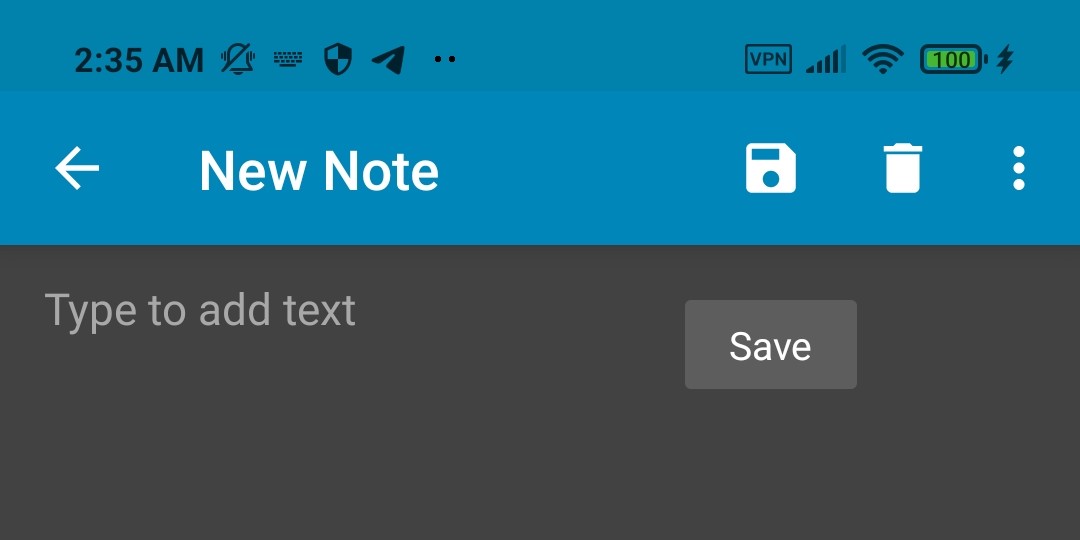
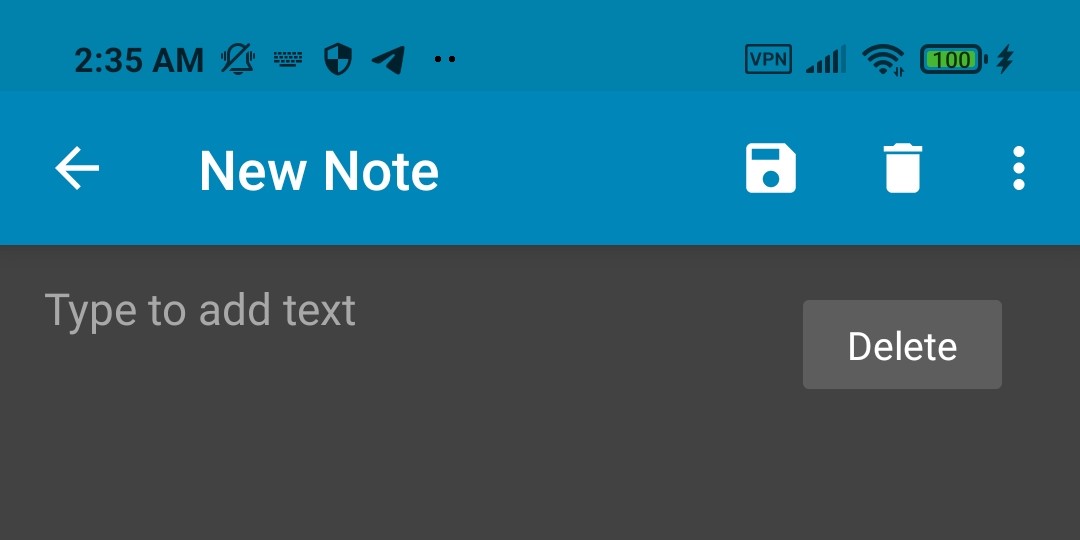
And, I've no idea how related, or not, this may be - however, not being able to remove the DELETE button from the main interface can be entirely frustrating...
Like, for example: if having enabled "Ask before saving", from the Settings (in order not to automagically save changes, if making a mistake), then saving will also prompt in a similar fashion as deleting - the dialogs may have a different title, and text, but it's the same box - and when moving quickly, it's rather possible to delete something, instead of saving it, by tapping in the wrong place, meh.
Ok, thanks for your time!..🙂
