

 facebook
Android: Small space between border and background when radius is applied
Description
A small space appears between the border width and the element background when a border radius is applied to the component. It is only reproducible when border color and background color are the same color. I need both styles as I want my App to be customisable so I have both border color and a background for the TouchableOpacity.
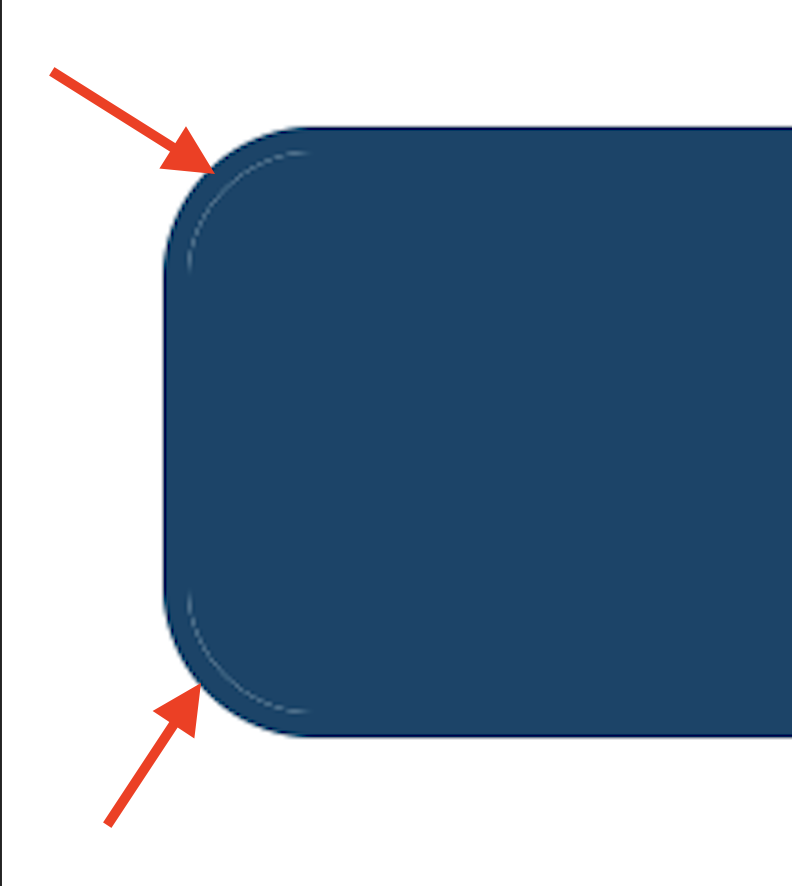
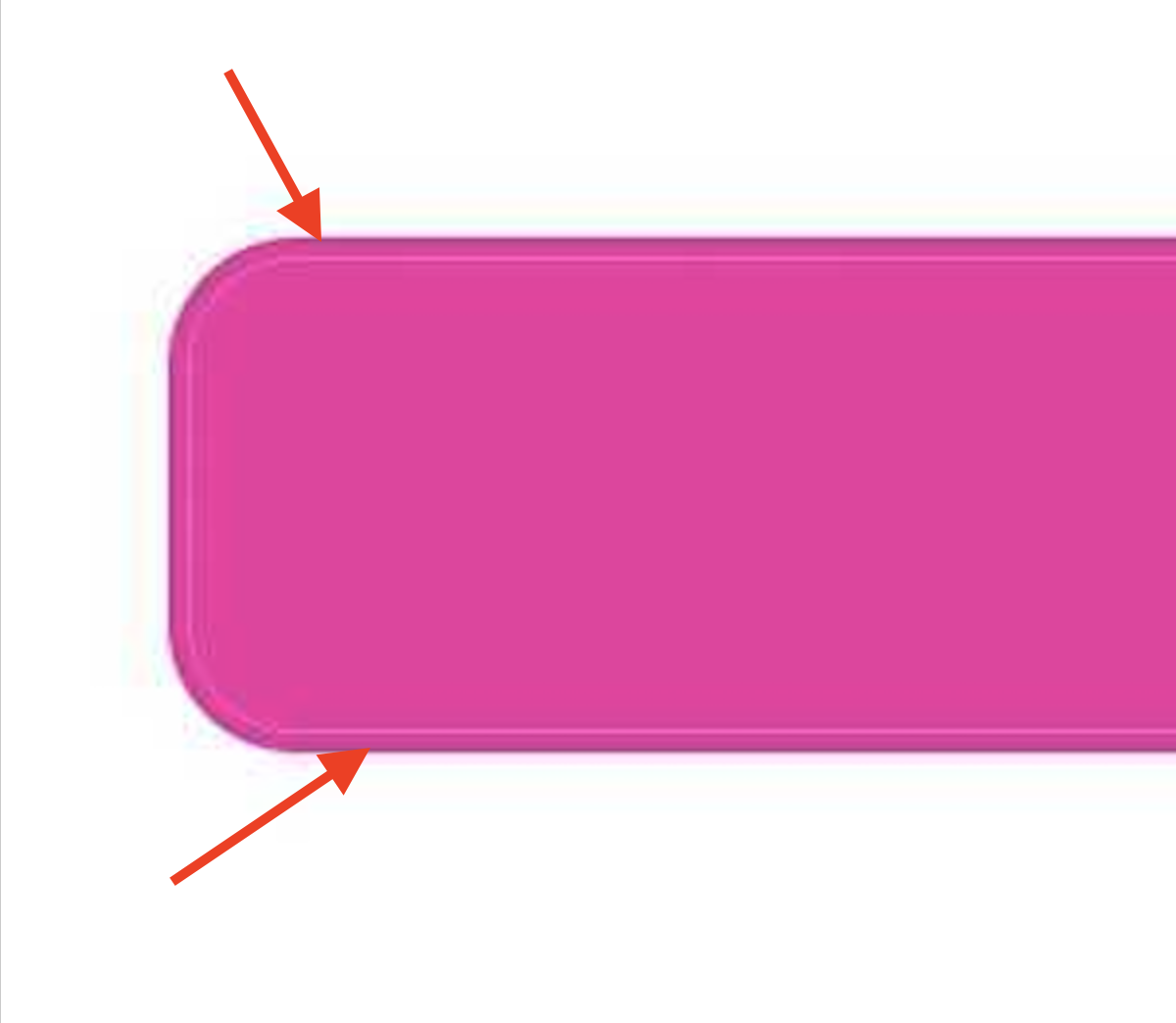
This has been reproducible with the next components:
-
Pressable -
TouchableOpacity(and other Touchables) -
View
This is no reproducible when:
- There is no border radius
- There is no border
- The border color and background color are not the same (at least it is not easy to percept)
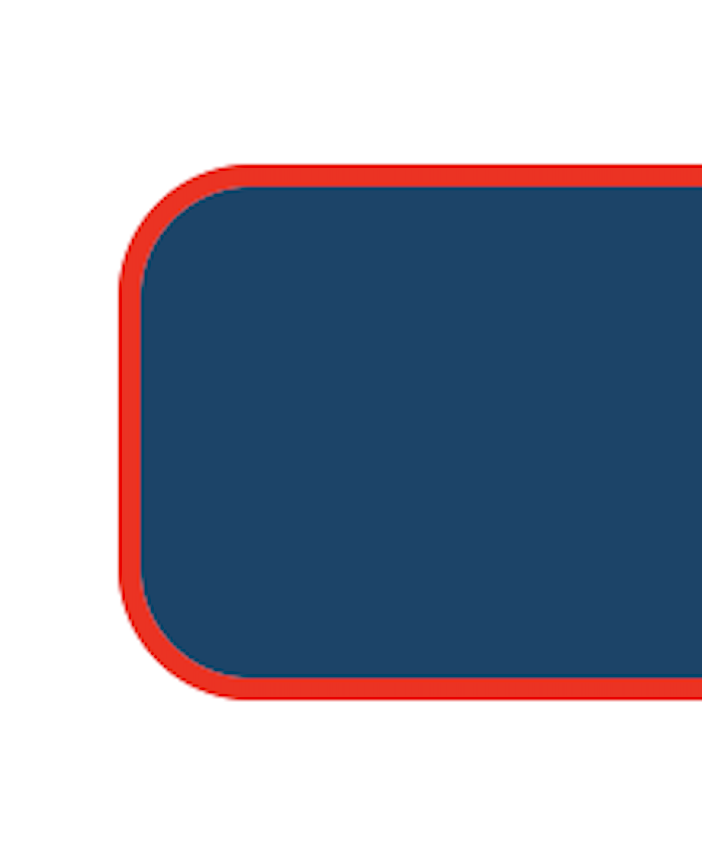

It only happens in Android devices (not iOS and not Web when adding react-native-web). Checked in on emulator and on real device after installing the app from an APK. Tried on different devices and it is reproducible in all:
- Xiaomi
- Nexus
- Several Android Studio Emulators
- ...
React Native Version
0.70.6
Output of `npx react-native info`
Output of npx react-native info
System: OS: macOS 12.6.1 CPU: (8) x64 Intel(R) Core(TM) i5-1038NG7 CPU @ 2.00GHz Memory: 26.17 MB / 16.00 GB Shell: 5.8.1 - /bin/zsh Binaries: Node: 14.17.0 - /usr/local/bin/node Yarn: 1.22.18 - /usr/local/bin/yarn npm: 7.16.0 - /usr/local/bin/npm Watchman: 2021.06.07.00 - /usr/local/bin/watchman Managers: CocoaPods: 1.11.3 - /usr/local/bin/pod SDKs: iOS SDK: Platforms: DriverKit 22.2, iOS 16.2, macOS 13.1, tvOS 16.1, watchOS 9.1 Android SDK: Not Found IDEs: Android Studio: 4.2 AI-202.7660.26.42.7351085 Xcode: 14.2/14C18 - /usr/bin/xcodebuild Languages: Java: 11.0.16.1 - /usr/bin/javac npmPackages: @react-native-community/cli: Not Found react: 18.1.0 => 18.1.0 react-native: 0.70.6 => 0.70.6 react-native-macos: Not Found npmGlobalPackages: react-native: Not Found
Steps to reproduce
- Download an App with a
TouchableOpacityorViewwith next requirements:
- Border radius minimum 1px (if bigger you will notice it better)
- Same background color and border color
- Try it on Android
Snack, code example, screenshot, or link to a repository
....

<TouchableOpacity style={styles.button}>
   <Text style={styles.label}>Press me!</Text>
</TouchableOpacity>

....

const styles = StyleSheet.create({
  button: {
     paddingVertical: 16,
     paddingHorizontal: 32,
     borderRadius: 16,
     borderWidth: 2,
     borderColor: '#09446B',
     borderStyle: 'solid',
     backgroundColor: '#09446B',
  },
  label: {
    color: '#FFF'
  }
})


| :warning: | Newer Version of React Native is Available! |
|---|---|
| :information_source: | You are on a supported minor version, but it looks like there's a newer patch available. Please upgrade to the highest patch for your minor or latest and verify if the issue persists (alternatively, create a new project and repro the issue in it). If it does not repro, please let us know so we can close out this issue. This helps us ensure we are looking at issues that still exist in the most recent releases. |
![github-actions[bot] avatar](https://avatars.githubusercontent.com/in/15368?v=4 "Published by a pub.dev verified publisher")
⚠️ Newer Version of React Native is Available! ℹ️ You are on a supported minor version, but it looks like there's a newer patch available. Please upgrade to the highest patch for your minor or latest and verify if the issue persists (alternatively, create a new project and repro the issue in it). If it does not repro, please let us know so we can close out this issue. This helps us ensure we are looking at issues that still exist in the most recent releases.
Tried with a new project with the latest version of RN (0.71.4) and still facing the same issue.
Output of `npx react-native info`
Output of npx react-native info
System: OS: macOS 12.6.1 CPU: (8) x64 Intel(R) Core(TM) i5-1038NG7 CPU @ 2.00GHz Memory: 51.16 MB / 16.00 GB Shell: 5.8.1 - /bin/zsh Binaries: Node: 14.17.0 - /usr/local/bin/node Yarn: 1.22.18 - /usr/local/bin/yarn npm: 7.16.0 - /usr/local/bin/npm Watchman: 2023.02.13.00 - /usr/local/bin/watchman Managers: CocoaPods: 1.11.3 - /usr/local/bin/pod SDKs: iOS SDK: Platforms: DriverKit 22.2, iOS 16.2, macOS 13.1, tvOS 16.1, watchOS 9.1 Android SDK: Not Found IDEs: Android Studio: 4.2 AI-202.7660.26.42.7351085 Xcode: 14.2/14C18 - /usr/bin/xcodebuild Languages: Java: 11.0.16.1 - /usr/bin/javac npmPackages: @react-native-community/cli: Not Found react: 18.2.0 => 18.2.0 react-native: 0.71.4 => 0.71.4 react-native-macos: Not Found npmGlobalPackages: react-native: Not Found


Hey! any news on this? @facebook-github-bot @react-native-bot ... 🙄
+1. a hacky fix is to wrap the view with another view with the same backgroundColor. But in my case it does not solve the problem as I divide a view into few elements and now borders show different widths.

+1. I just ran into the same issue and was surprised no one else is talking about this. Had to adapt my solution with a wrapper view with padding 1 and a backgroundColor the same as the borderColor was, like @nerodroid pointed out.


Wrapping TouchableOpacity with another View with the same backgroundColor won't help because it will break touch feedback on the TouchableOpacity (transparency won't be visible)

This issue is stale because it has been open 180 days with no activity. Remove stale label or comment or this will be closed in 7 days.
This issue is stale because it has been open 180 days with no activity. Remove stale label or comment or this will be closed in 7 days.