
KTailctl
 KTailctl copied to clipboard
 f-koehler
A GUI to monitor and manage Tailscale on your Linux desktop.
KTailctl


A GUI to monitor and manage Tailscale on your Linux desktop, built using KDE Frameworks and Kirigami2.
:warning: To get the most out of KTailctl (sending/receiving files, changing Tailscale settings, …) make sure you are the operator
tailscale up --operator=$USER!

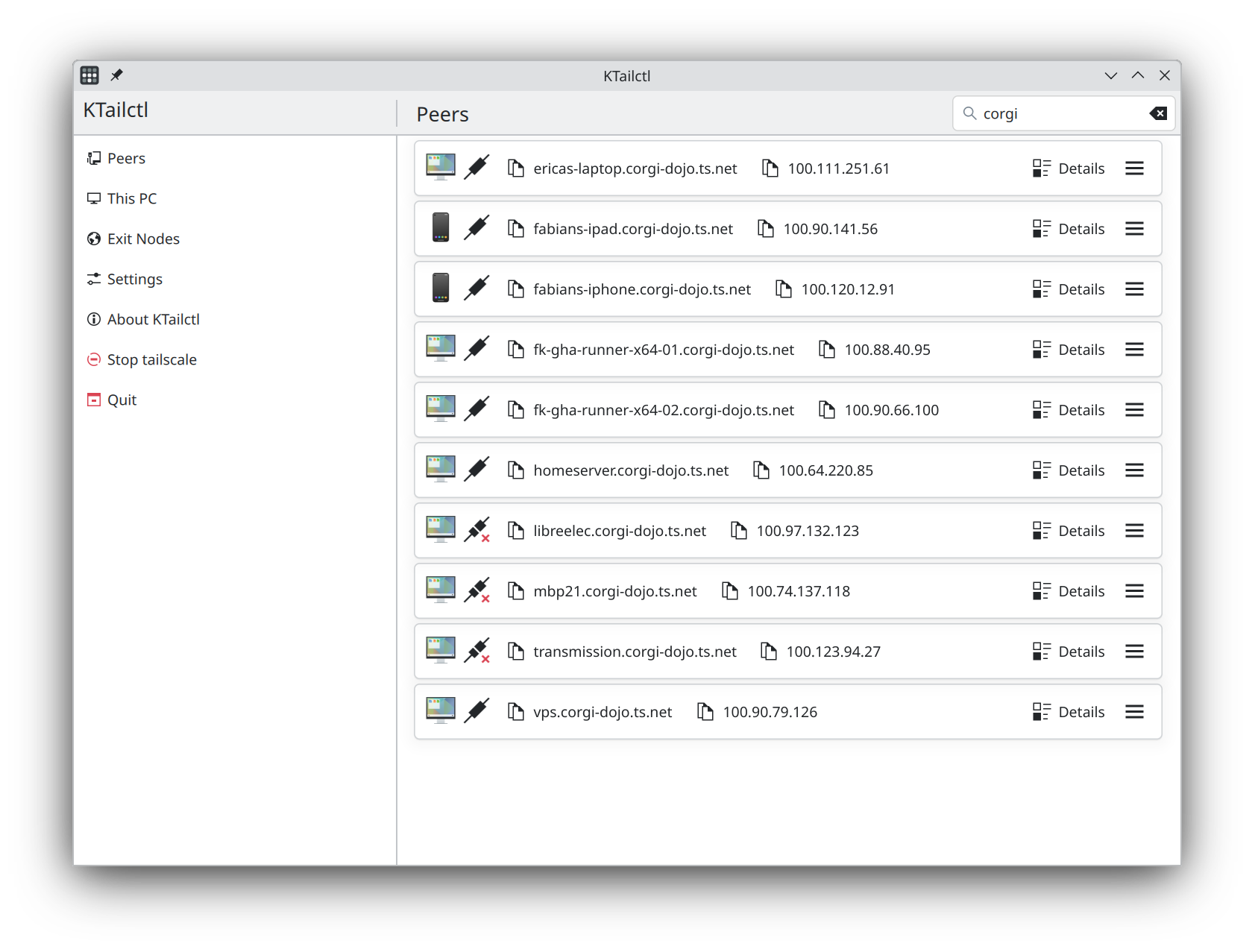
Features
- [x] Monitoring of tailscale status
- [x] Monitoring of total traffic
- [x] Monitoring of traffic per peer
- [x] Detailed peer information
- [x] Tray menu for quick access
- [x] Copying of IP addresses/DNS name
- [ ] Speed graphs
- [ ] Pinging of peers
- [x] Exit node management
- [x] Toggle tailscale status
- [x] Sending files
- [x] Receiving files
- [ ] Notification on tailscale status change
- [ ] Notification on peer addition/removal
- [x] Flatpak
- [ ] Localization
Developing
Create a release
- Create a changelog file
changelog/vX.Y.Z.md. - Add a new release to
org.fkoehler.ktailctl.metainfo.xml. - Create a commit called
Release vX.Y.Z.. - Create a tag from changelog:
git tag -s -F changelog/vX.Y.Z.md vX.Y.Z. - Push tag:
git push origin vX.Y.Z.
Install Dependencies using craft
craft kirigami ki18n kconfig knotifications kcoreaddons qtquickcontrols qqc2-desktop-style
 f-koehler