
paste.vim
 paste.vim copied to clipboard
 enricobacis
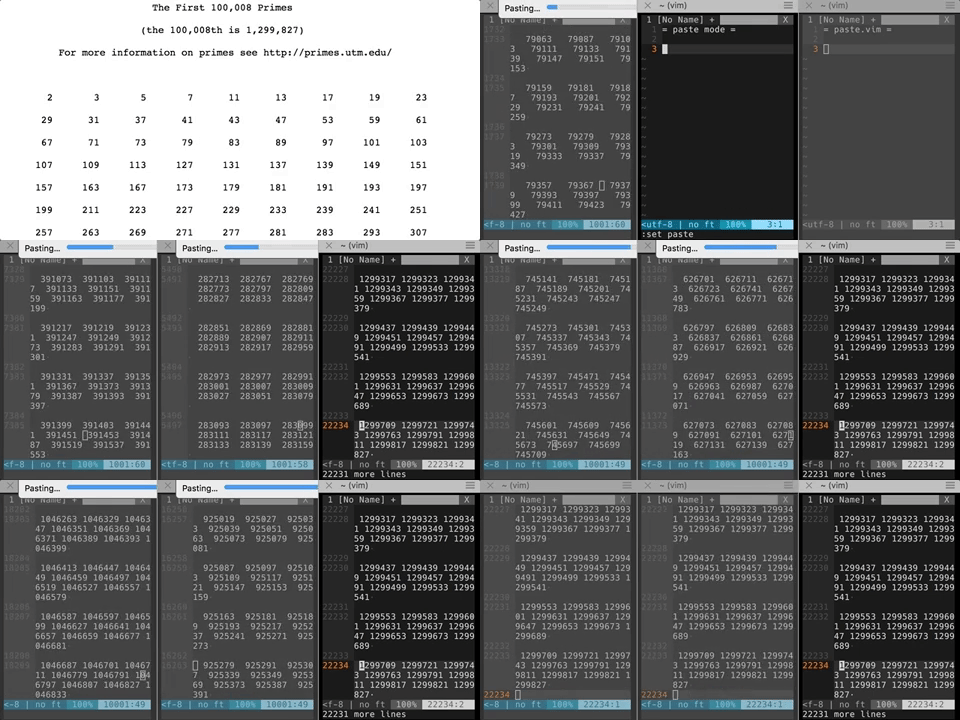
Paste from clipboard to vim at full speed.
paste.vim
Paste (or copy) from clipboard at full speed using pbpaste, xclip or xsel.
Installation
Use your plugin manager of choice.
- Vundle
- Add
Bundle 'enricobacis/paste.vim'to .vimrc - Run
:BundleInstall
- Add
- NeoBundle
- Add
NeoBundle 'enricobacis/paste.vim'to .vimrc - Run
:NeoBundleInstall
- Add
- vim-plug
- Add
Plug 'enricobacis/paste.vim'to .vimrc - Run
:PlugInstall
- Add
Usage
After you have installed the plugin you can use the default mapping
<leader>v
to paste the current content of the clipboard at cursor position.
This is way faster than pasting in normal mode and paste mode.
For symmetry, this plugin also provides the visual mode mapping
<leader>y
which copies the current selection to the system clipboard.
Configuration
You can disable the default mappings and configure your own:
let g:paste_no_mappings = 1
nnoremap <shortcut> :Paste<CR>
vnoremap <shortcut> :Copy<CR>
 enricobacis