

 elementary
Applications Menu too wide no not looping after the last page
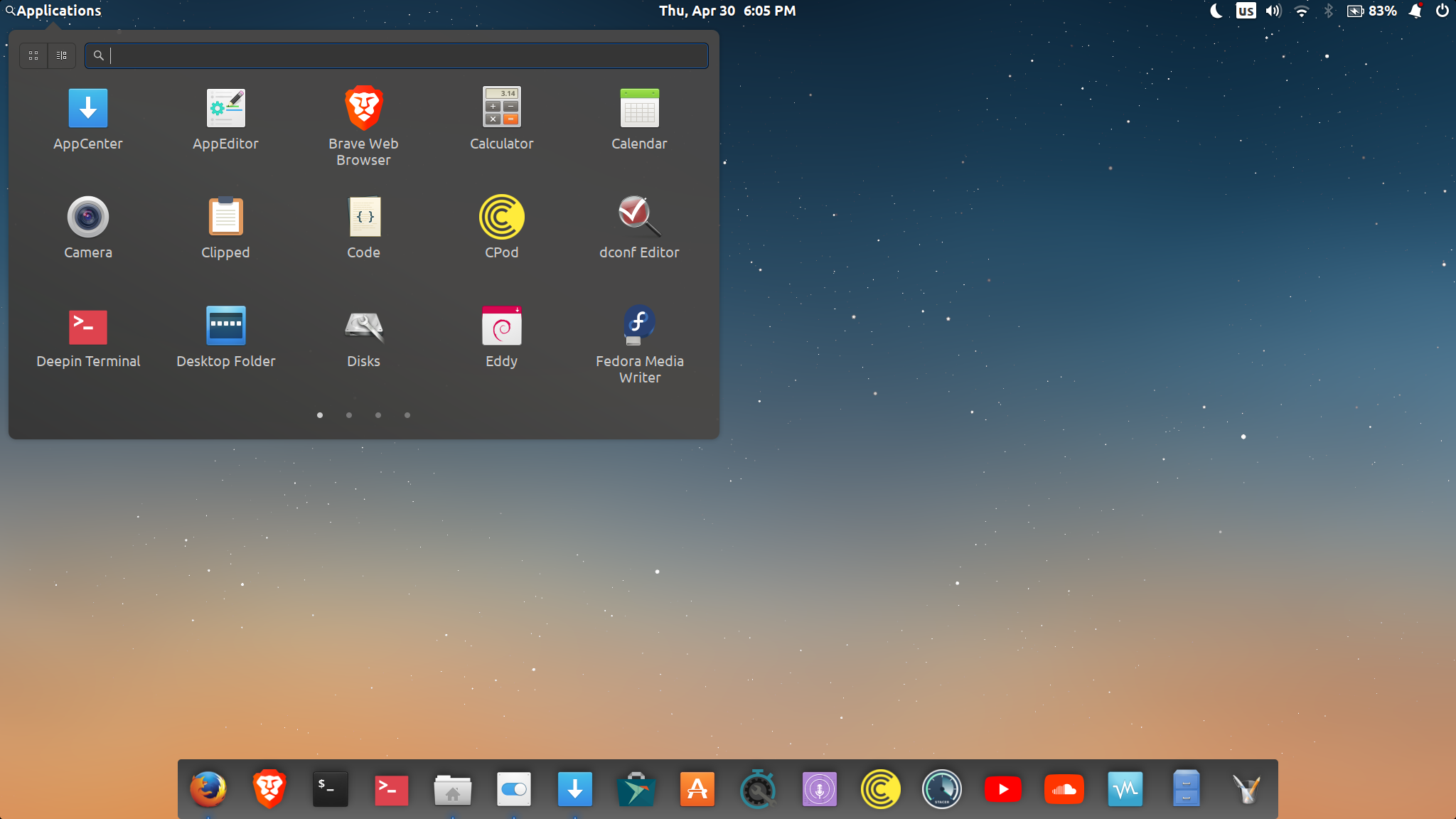
Alright, I have updated last night. Everything works just fine, except that the applications menu is too wide and doesn't loop after the last page (which, I think, is very impractical since I use that menu a lot), and it is also now "sticky" where I have to actually swipe my fingers for a longer distance on the trackpad to get to the next page of applications. Often times, it doesn't even flip to the next page, it just goes half way then goes back to the page that I am already on, unless, like mentioned above, I swipe my fingers for longer distance. I find that very annoying. I understand that it is now character width based, which means (I think), the larger the text is set to, the larger/wider the menu is. I like my font to be bigger as I have an issue with my vision and smaller text gives me headaches. My "text size" in settings/desktop/appearance is always set to either "large" or "larger", which makes the panel become really wide. I was told by Daniel to report it here as an issue, so here I am.
here is a link to a video I took of the menu to show how it performs
Thanks

I've noticed the swipes being a little more finnicky on quick swipes, i.e. if you start a second swipe while the first is still animating, it interrupts it. I think that would be an issue in LibHandy, though, right @Exalm?

Same, here, it's ridiculously wide considering new category view.
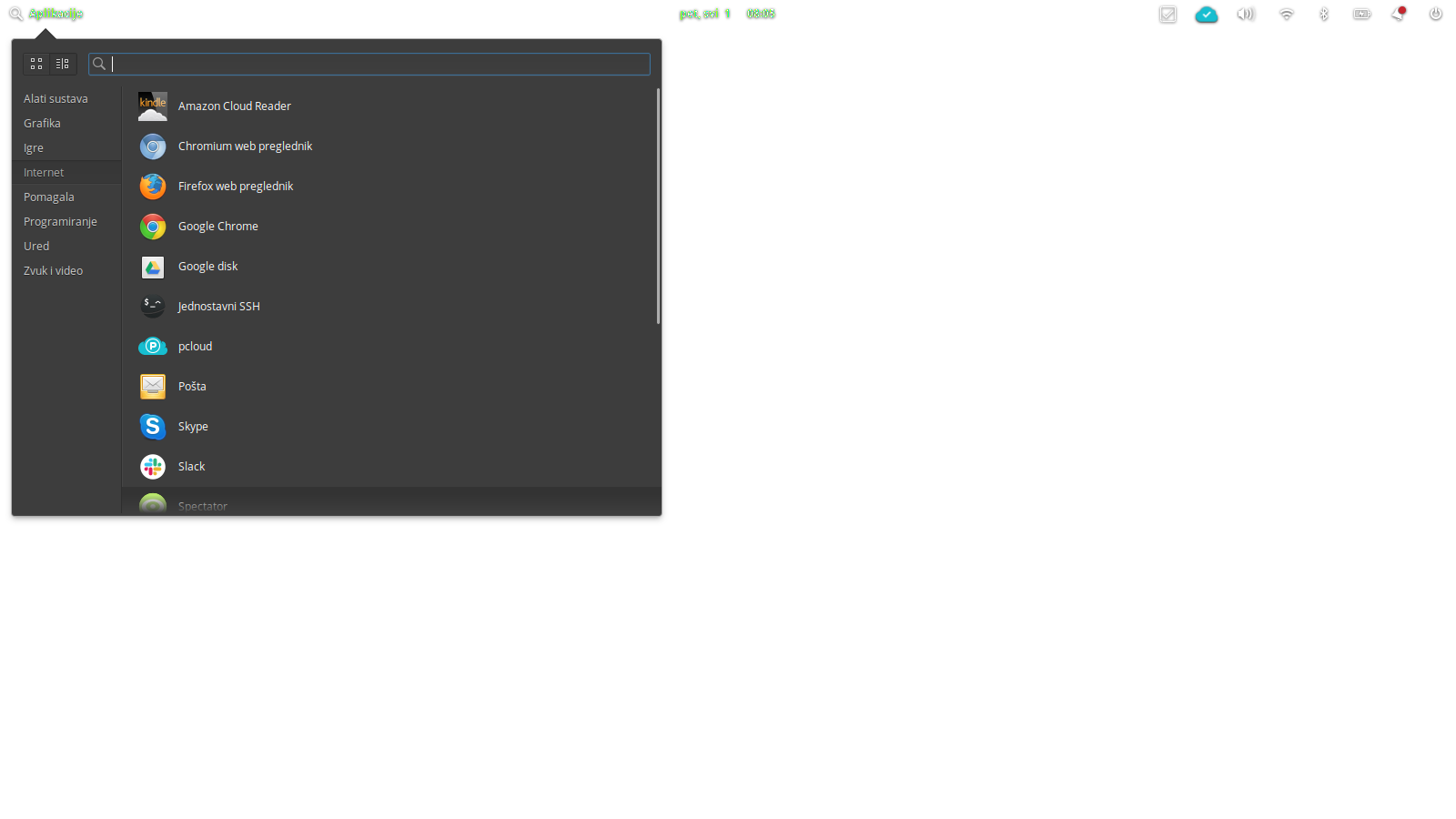
BTW, is there any chance to return to the icon version of the category view, as an option maybe? This now looks much worse with all that empty space.
Cheers.
