

 element-hq
Improve handing on Image/Video/Audio/Files timeline taps
Your use case
As a user I would like to view my attachments (images, audio, video, files) without any confusion. I am suggesting to remove completely the cell tap and keep only the click on elements. (long press should stay as is)
In addition cell taps causing a lot of miss-clicks
Currently on the application there are multiple actions for the same purpose that is confusing for the user. Here is an example:
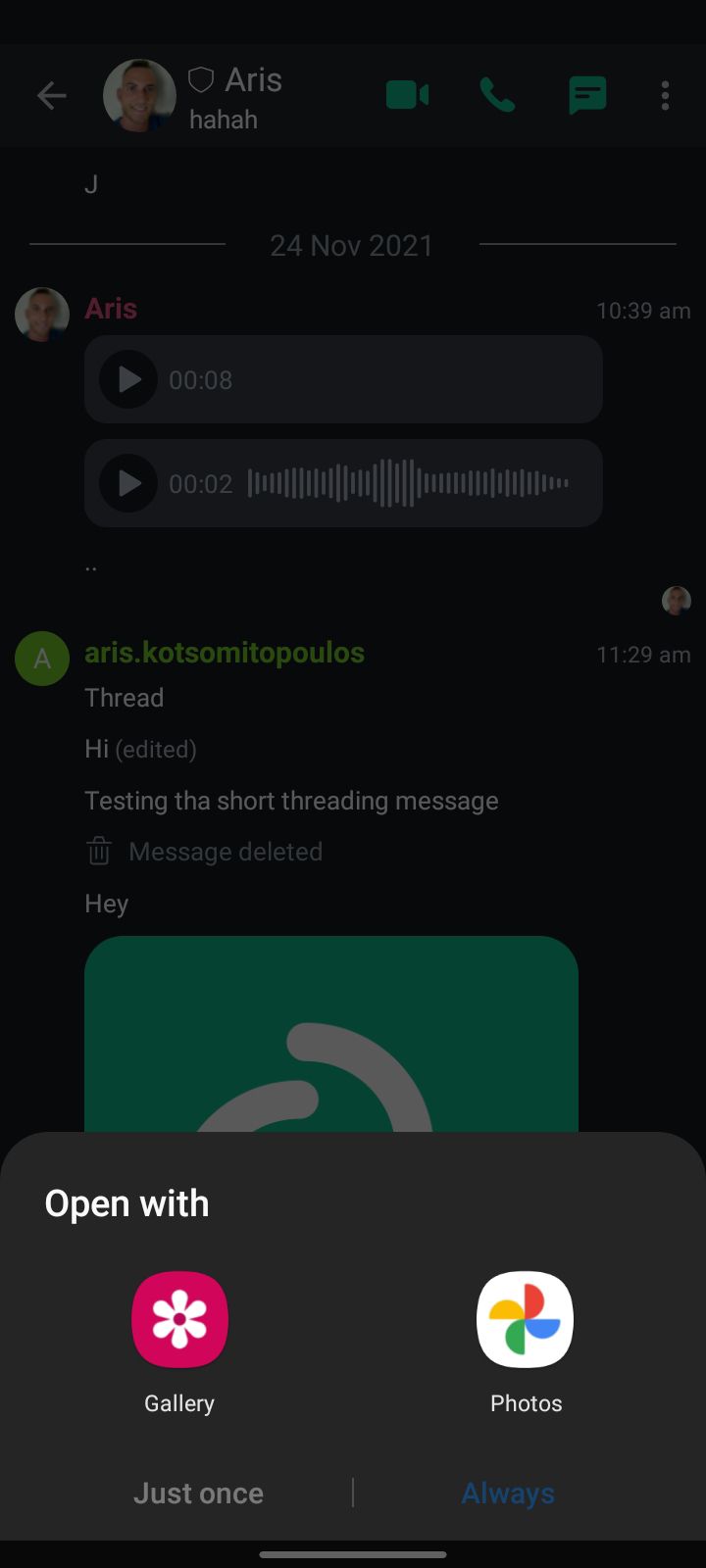
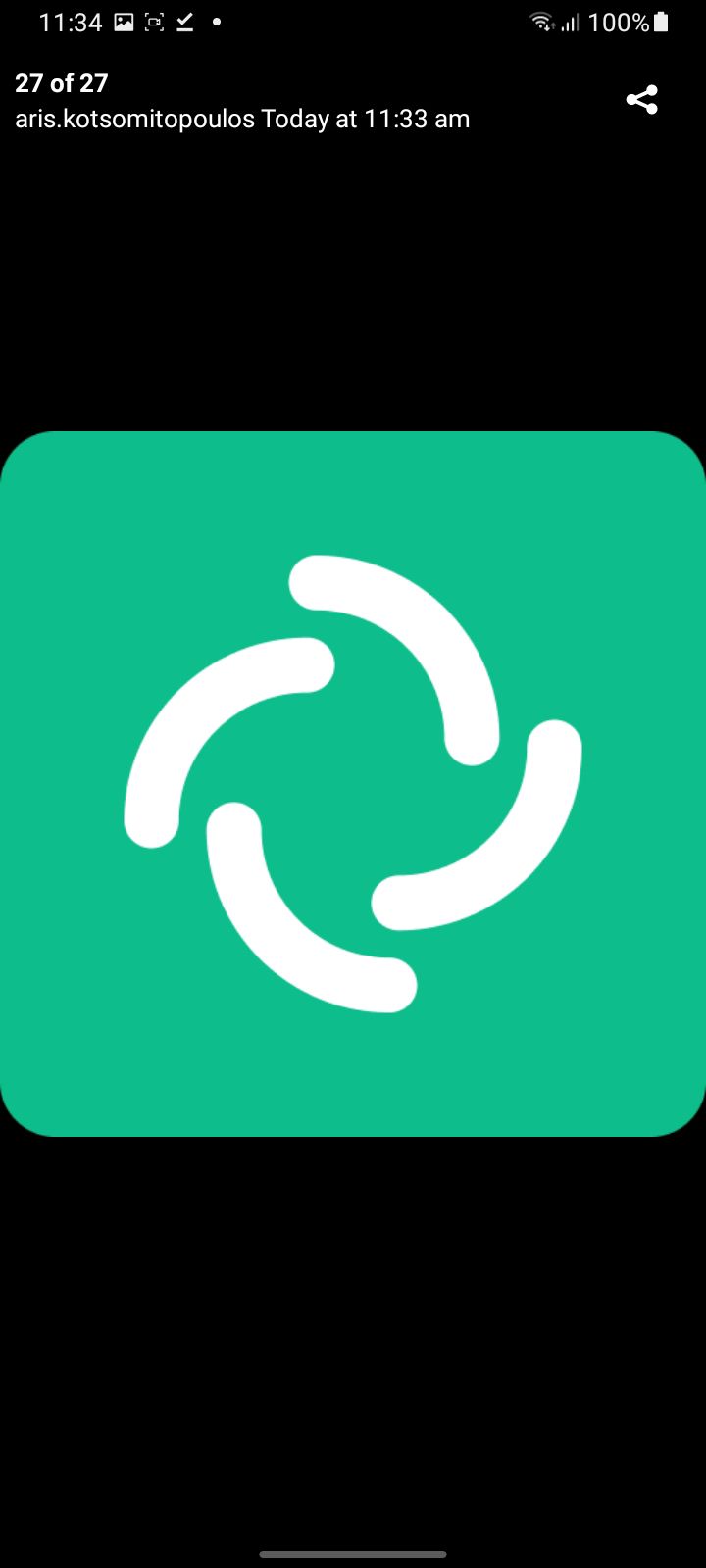
When the user taps on the cell (not on the image) then the image/video/audio/file will be opened with the native installed application. While when the user taps on the image will correctly display the image.
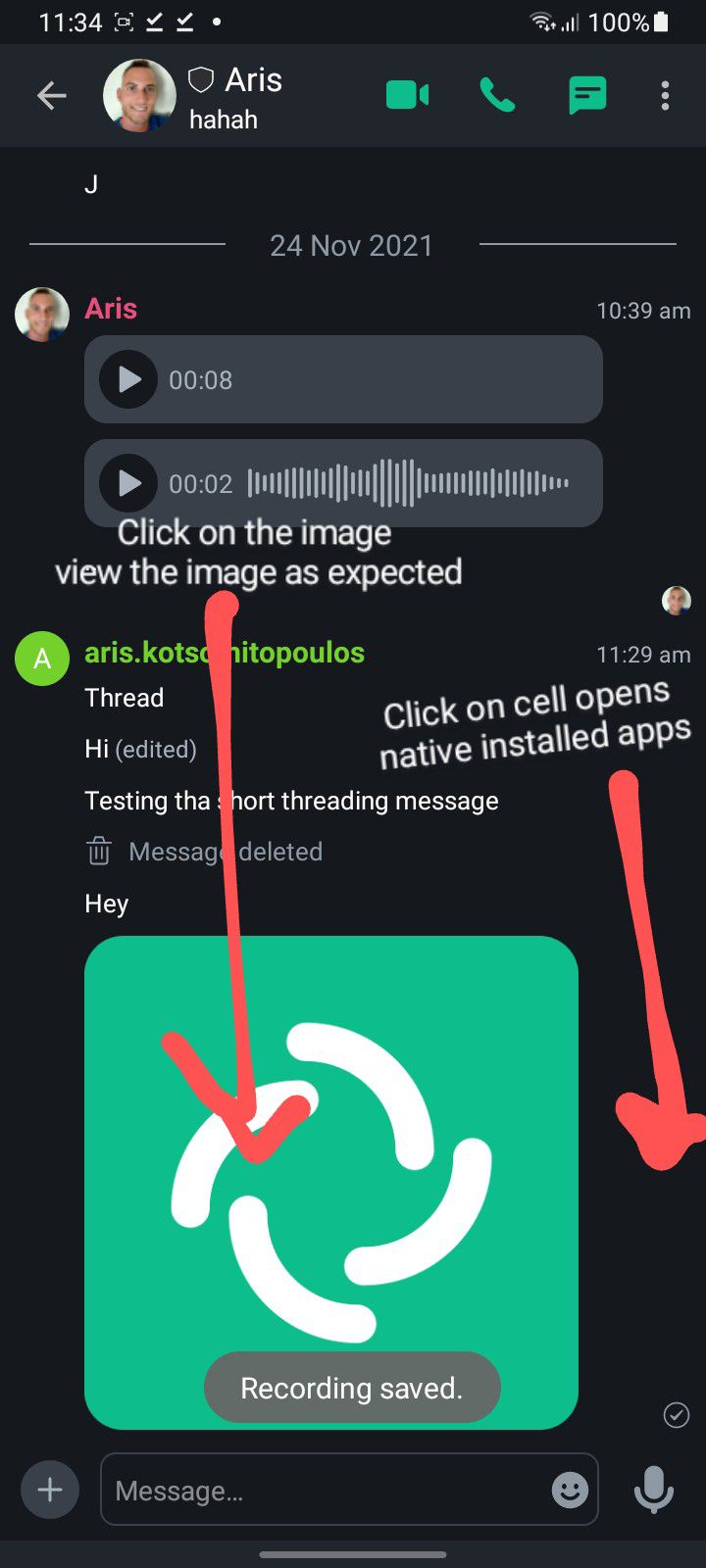
Below you can see the different results for those actions
Tapping on the cell 👎 :
Tapping on the Image 👍 :
Have you considered any alternatives?
No response
Additional context
No response

Great call out @ariskotsomitopoulos Do you think this can be classed as a WTF @amshakal ?

