

 electron
Fiddle installer fails to boot up application
I am on freshly installed Windows 10 ver 19043.1165,
when I click on either 32 or 64 bit version app shows Splash Screen, then window opens for few miliseconds (no content just border with title) and closes immediately.
Same thing happened to me on PC before reinstall, I thought the issue will go away, but it persisted.
Is there any way to solve this?


Hi @jkavalec and @awayshops,
Can you debug on which version of Fiddle this started with? Do older versions work for you? Might help us with debugging this problem a bit.
Also, if you feel comfortable with sharing crash information, could you check %APPDATA%\Electron Fiddle\Crashpad or %LOCALAPPDATA%\CrashDumps for crash dumps? :)

Hello, same problem here when downloading Fiddle directly from www.electronjs.org/fiddle. However, building it from source and running it with yarn start works as expected with the latest version. My system specs in case they help:
Processor AMD Ryzen 5 2600 Six-Core Processor 3.40 GHz Installed RAM 16.0 GB System type 64-bit operating system, x64-based processor
Edition Windows 10 Pro Version 21H1 OS build 19043.1237 Experience Windows Feature Experience Pack 120.2212.3530.0
Crash information is not being generated in any of these two locations after the crash, nor any error message (at least in my case). Thanks!


FWIW I tested this on my Windows machine and this is the behaviour of the downloaded https://github.com/electron/fiddle/releases/download/v0.26.0/electron-fiddle-0.26.0-win32-x64-setup.exe binary:
- I run the Installer exe (link above)
- Splash screen shows up and app opens and immediately crashes
- App is still accessible via the start menu (Electron Community -> Electron Fiddle) and at
%LOCAL_APPDATA%\electron-fiddle\electron-fiddle.exe
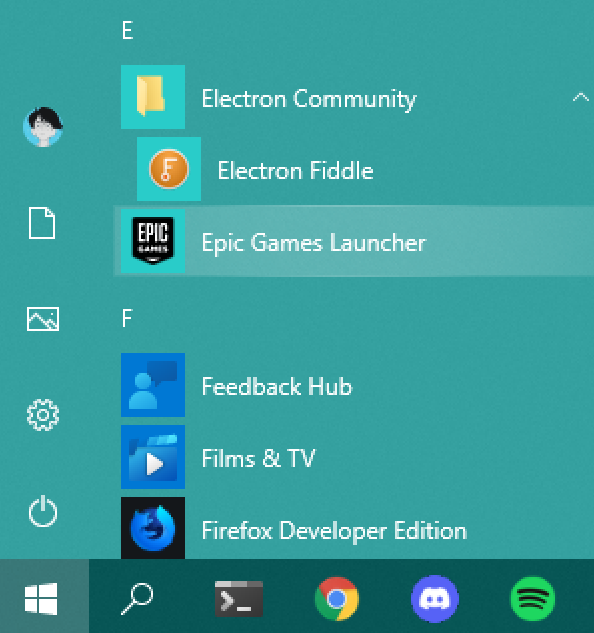
Can anyone confirm if step 3 is still possible? @enricovittorini @andrsdt @awayshops @jkavalec
@erickzhao I can confirm that this works and opens Fiddle as expected. Thanks!
