davinci
 davinci copied to clipboard
 edp963
Davinci is a DVsaaS (Data Visualization as a Service) Platform


> 错误日志如下 ```log 2021-01-20 09:36:30.034 INFO 27488 --- [ main] e.davinci.runner.CustomDataSourceRunner : Load custom datasource finish 2021-01-20 09:36:30.128 INFO 27488 --- [ main] edp.davinci.runner.CronJobRunner : Load cron job finish 2021-01-20...

I try to download a dashboard that i made,the async job run into error,the error details are below,could anyone gives some help? ``` 2022-06-07 10:09:05.046 --- SheetWorker.java:124 : org.springframework.jdbc.CannotGetJdbcConnectionException: Failed...

1. 在云服务器中配置`server.port`及`server.address`,不启用`server.access.port`及`server.address`,地址配置为127.0.0.1外部无法访问; 2. 配置`server.address`为云服务器公网地址,报错`Cannot assign requested address: bind`; 3. 配置`servere.address`为`127.0.0.1`,`server.access.address`为公网地址,启动失败`Cannot assign requested address`

the application running in mu mac, show the error below. I installed Apache-APR and configed: `llows optimal performance in production environments was not found on the java.library.path: [/Users/xxx/Library/Java/Extensions:/Library/Java/Extensions:/Network/Library/Java/Extensions:/System/Library/Java/Extensions:/usr/lib/java:.] 2022-03-03 18:07:16.407...

hi, 我们的presto集群是用的https, 当我用  测试成功, 但保存时会报internal server error, 因为我用的docker部署, 我用docker logs查看了下报的unathorzied  密码是正确的,我用presto_cli可以连接, 用python也可以连, 因为不熟悉java, 让我们会java的同事单独测试下也可连通, 不过他用的方法没有将ssl=true写在url上, 是用setProperties  所以想请教下是什么原因非常感谢

你好,根据官方的文档,我通过多种尝试都无法成功,请问下是因为缺少什么配置吗? 下面是我的配置信息: Elasticsearch 6.8.23 Elasticsearch-sql 6.8.23 druid 1.1.16 davinci master分支 当我配置数据源后,测试连接,后台报错   后台报驱动空指针问题,于是我添加了下面驱动 com.amazon.opendistroforelasticsearch.client opendistro-sql-jdbc 0.10.0.0 compile 修改了 DataTypeEnum.java文件的ELASTICSEARCH配置 ELASTICSEARCH("elasticsearch", "elasticsearch", "com.amazon.opendistroforelasticsearch.jdbc.Driver", "", "", "'", "'"), 这时能够测试连接成功,但是保存需要等待1分钟,添加视图去查询时,报下面错误  

elasticsearch-7.11.2.jar elasticsearch-sql-6.8.13.0.jar transport-7.11.2.jar x-pack-api-5.6.1.jar x-pack-transport-7.11.2.jar dp.core.exception.SourceException: Unable to get driver instance for jdbcUrl: jdbc:elasticsearch://localhost:9200 at edp.core.utils.SourceUtils.checkDriver(SourceUtils.java:187) at edp.core.utils.SqlUtils$SqlUtilsBuilder.build(SqlUtils.java:1022) at edp.core.utils.SqlUtils.init(SqlUtils.java:127) at edp.core.utils.SqlUtils$$FastClassBySpringCGLIB$$33c0f0b2.invoke() at org.springframework.cglib.proxy.MethodProxy.invoke(MethodProxy.java:204) at org.springframework.aop.framework.CglibAopProxy$DynamicAdvisedInterceptor.intercept(CglibAopProxy.java:684) at edp.core.utils.SqlUtils$$EnhancerBySpringCGLIB$$79c19f4a.init() at edp.davinci.service.impl.SourceServiceImpl.testConnection(SourceServiceImpl.java:255)...


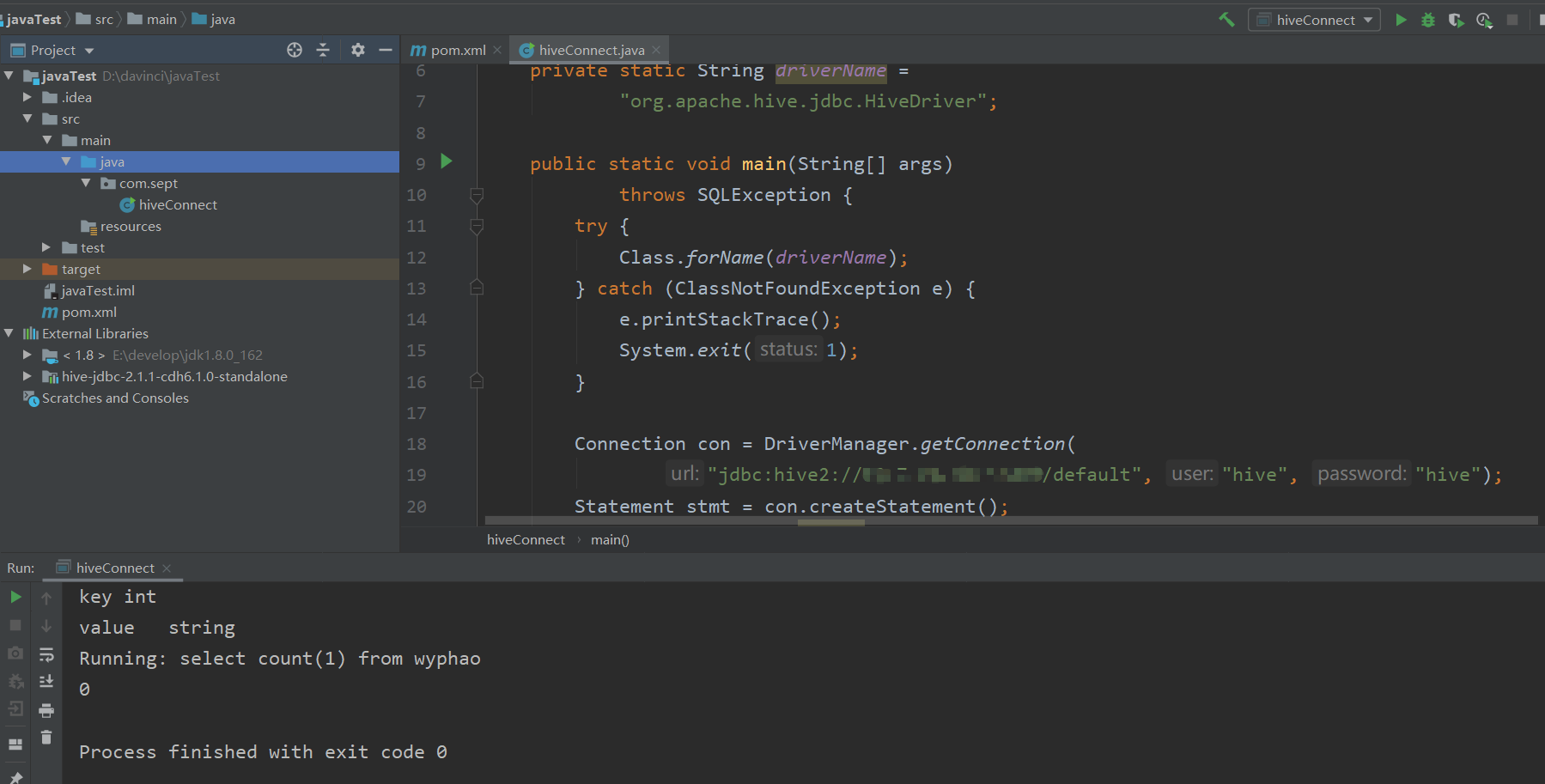
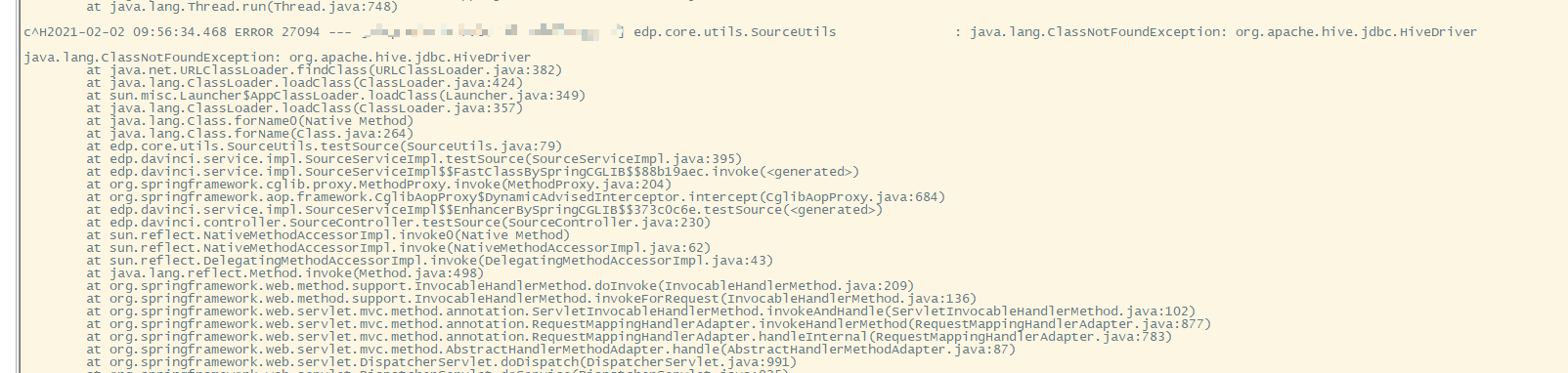
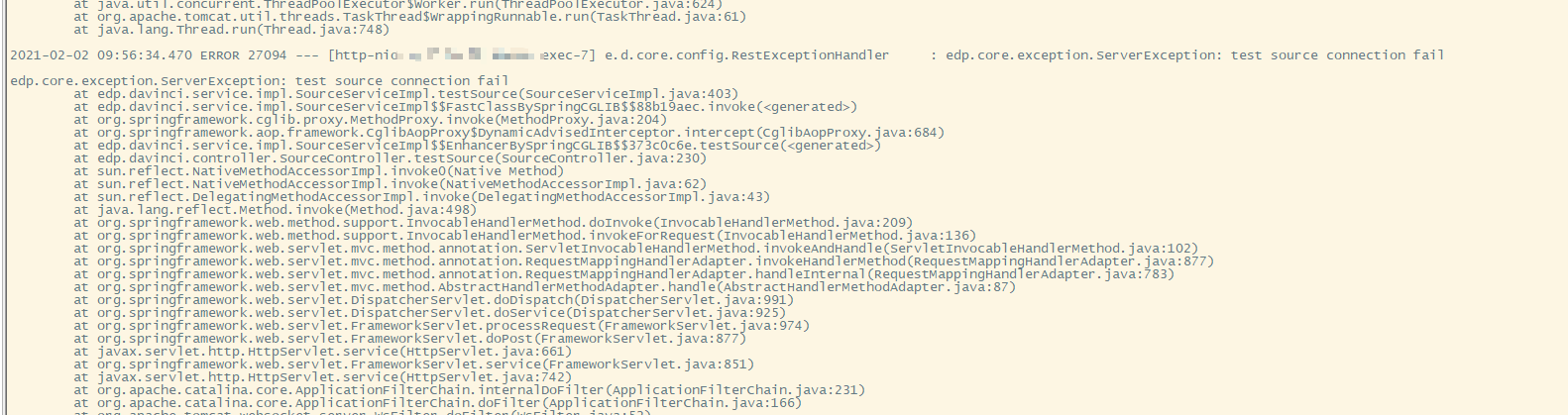
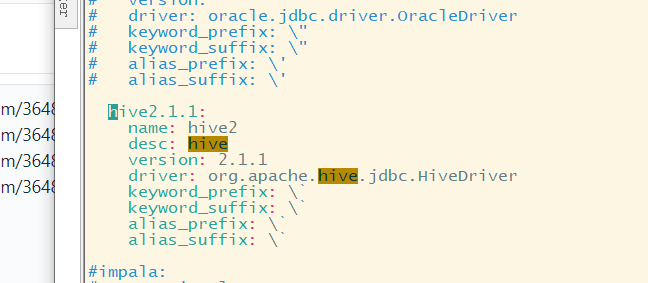
通过java本地只要添加hive-beeline-2.1.1-cdh6.1.0.jar一个jar包就可以正常连接,将jar包放到lib/ext/hive2/2.1.1下,显示找不到驱动类