

 dwarvesf
[Feature Request] Keep menubar from auto collapsing when one of the items in the hidden section is open
Describe the bug
I have auto collapse turned on and set to 10s. I have a few system monitoring widgets I have in there that I don't want to constantly be visible. But if I expand the menubar and open one of the menubar items, after 10s it auto collapses closing the menu item. I would like to keep the menu bar from auto collapsing if one of the hidden menu items is open. I don't know if this is technically possible though (to know the open/closed statuses of the menu items).
Steps to reproduce
Pre-requisites: Have at least 1 menu in the hidden section and have auto collapse turned on
- Go to the menu bar
- Click on arrow
- When you see the hidden menu item, click on it to open it
- Keep the menu item open past the auto collapse timer
- Observe that the menu closes out and the menubar auto collapses
Expected behaviour
In step 5, the menu item should not close and the menu bar should not auto collapse
Screenshots
https://user-images.githubusercontent.com/30106062/148650473-75731926-5b74-4715-a6fa-87a66aab0a54.mov
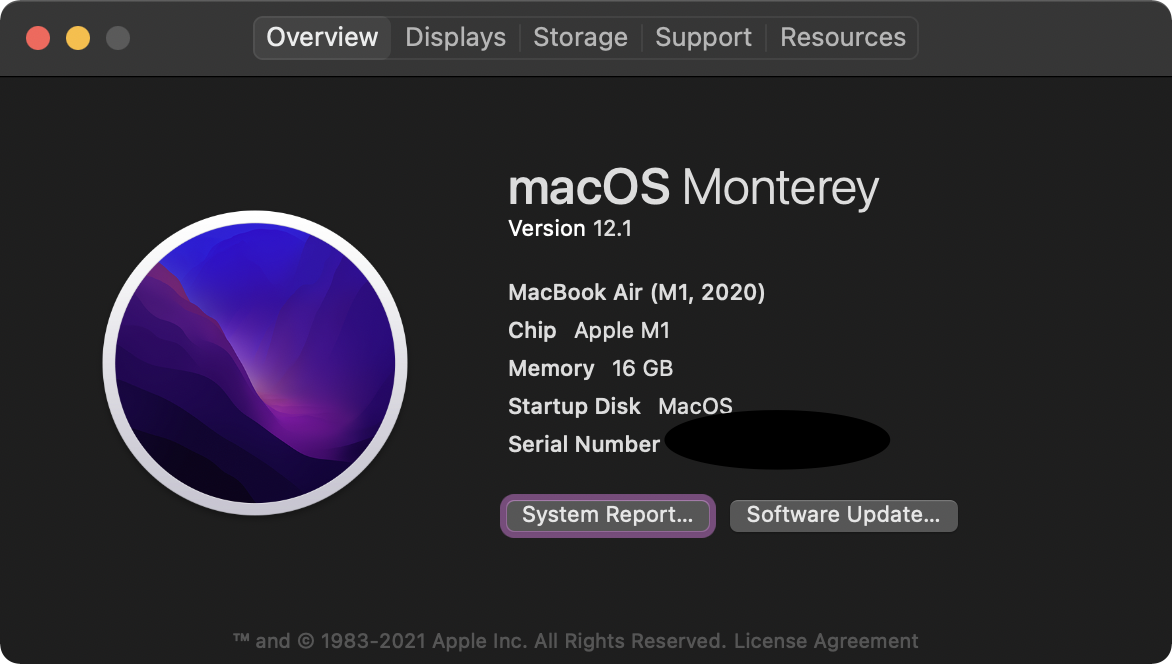
Environment


I would love this option too. Opening different app settings in menubar with auto collapse kills the enjoyment of this tool.

This feature is already in progress. But I don't know when it will be finished. (#115)

Currently, we have no way to detect an open Menu, that is the reason why we are still stuck.
