

 dotnet
[Win11][.NETCore3.1]The project stops working when running Narrator and clicking the dropdown button several times on the propertyGrid control in runtime
.NET Core Version:
- .NET Core 3.1.22
Have you experienced this same bug with .NET Framework?:
- No
Problem description:
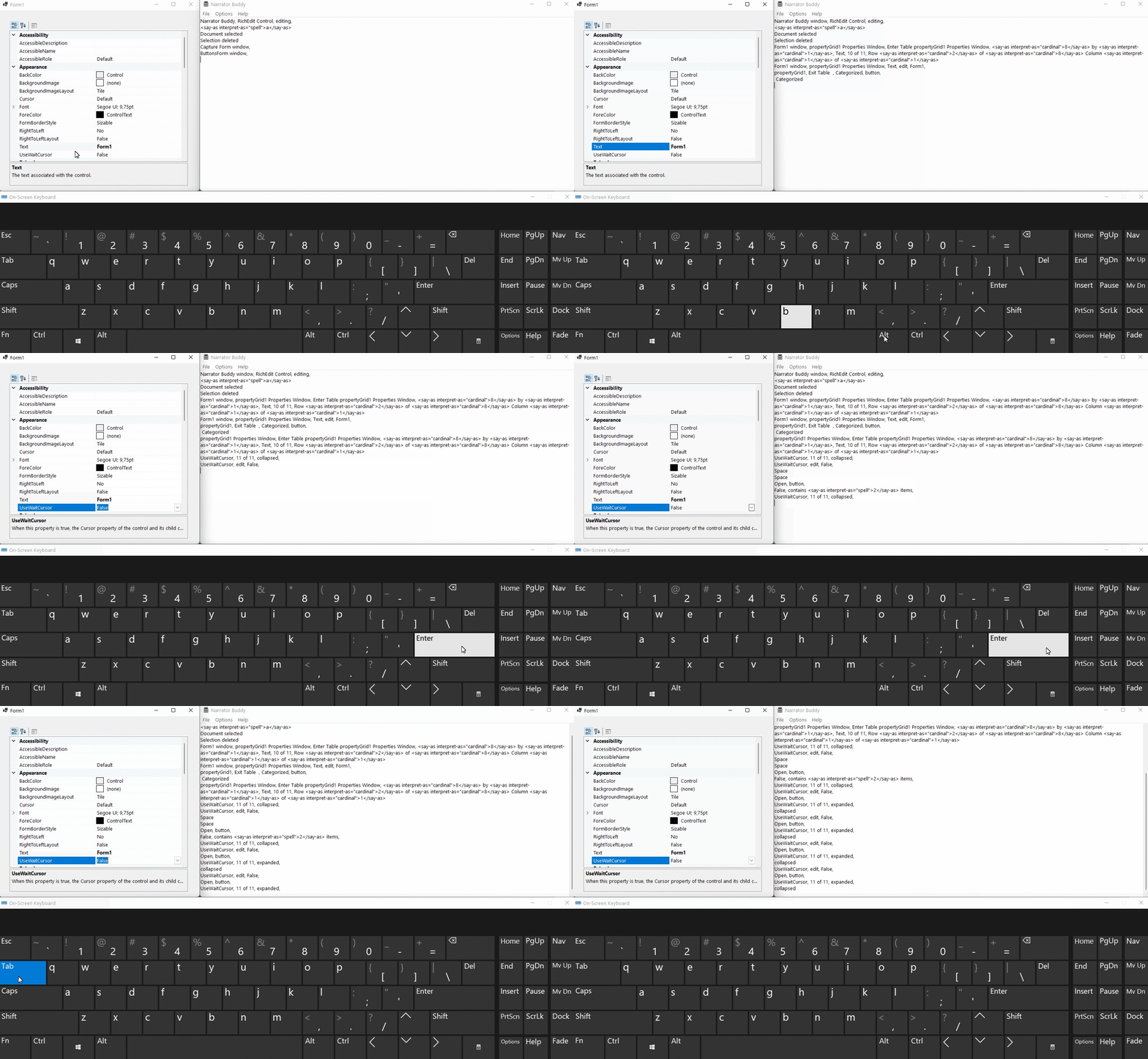
The application has stopped working when running Narrator and clicking the dropdown button several times on the propertyGrid control in runtime.


Expected behavior: Project and Narrator both work well.
Minimal repro:
- Create a .NET Core 3.1 Winforms project with ProeprtyGrid control added.
- Set the SelectedObject property to Form1.
- Build and run the project.
- Launch Narrator, then click the drop down button in the PropertyGrid control. or run the attached project and execute Step4.3.1CoreApp.zip
More Info:
- This issue can't reproduce on win10.
- This issue can't reproduce with .net5.0, .net6.0, .net7.0.

@VinoWang01 is this a customer reported issue, or just found during exploration testing? Did it work in any of the previous 3.1 releases?

@RussKie, this issue is found duing exploration testing against private testing that request from Tanya in Teams Test Requests channel. And Tanya let us to open this issue and maybe will servicing it.
@vladimir-krestov can you take a look at what the cause of the issue is? The big question I have is why you could repro it on .NET 5+ and @VinoWang01 could not. Also check out .NET Framework 4.8.1 and make sure we don't have this issue there.

The bug was caused by these changes (https://github.com/dotnet/winforms/pull/3398/files#diff-07a0a87cedab0d76c974ce8b105912a1b986c87116c7ee0ac73d6d5d65e4b48a) in .NET Core 3.1. And it was fixed in .NET5 by this PR (https://github.com/dotnet/winforms/pull/3398/files#diff-07a0a87cedab0d76c974ce8b105912a1b986c87116c7ee0ac73d6d5d65e4b48a). So, I think a reason of the issue was an incorrect call UnsafeNativeMethods.UiaDisconnectProvider(int) for buttons and it was fixed since we started using the UIA provider. I have a few options for what we can do in .NET Core 3.1:
- Nothing if it is a really rare case. Very fast and very easy.
- Merge PR with adding the UIA provider from .NET5. It was tested through time and looks well. Fast and easy.
- Investigate which call of UnsafeNativeMethods.UiaDisconnectProvider(int) brokes logic and fix it. Slow and hard.

Also, it doesn't reproduce via the keyboard. Because the button wasn't destroyed I think.
@merriemcgaw could we close the Issue as we discussed previously?
If the issue only affect .NET Core 3.1 then we need to bar check it. If it affects a large number of customers then we'd probably want to consider fixing it. But we also need to keep in mind that .NET Core 3.1 is nearing its EOL in Feb '23.
I would say we don't need to do anything because even in the case of 3.1 it looks like it doesn't repro using the keyboard, just the mouse. So I see no reason to fix unless we've got a customer blocked on it. And, in that case we would still need to bar check it.