
fsharp

fsharp copied to clipboard
 dotnet
[VS2022] please show assembly name / file path for generated .FSI files on F12
I just installed VS 2022 Preview, pressed F12 on an external symbol, expected the error message box to pop up, and was shocked to my core when I saw the generated fsi file.
That's awesome, thank you so much!
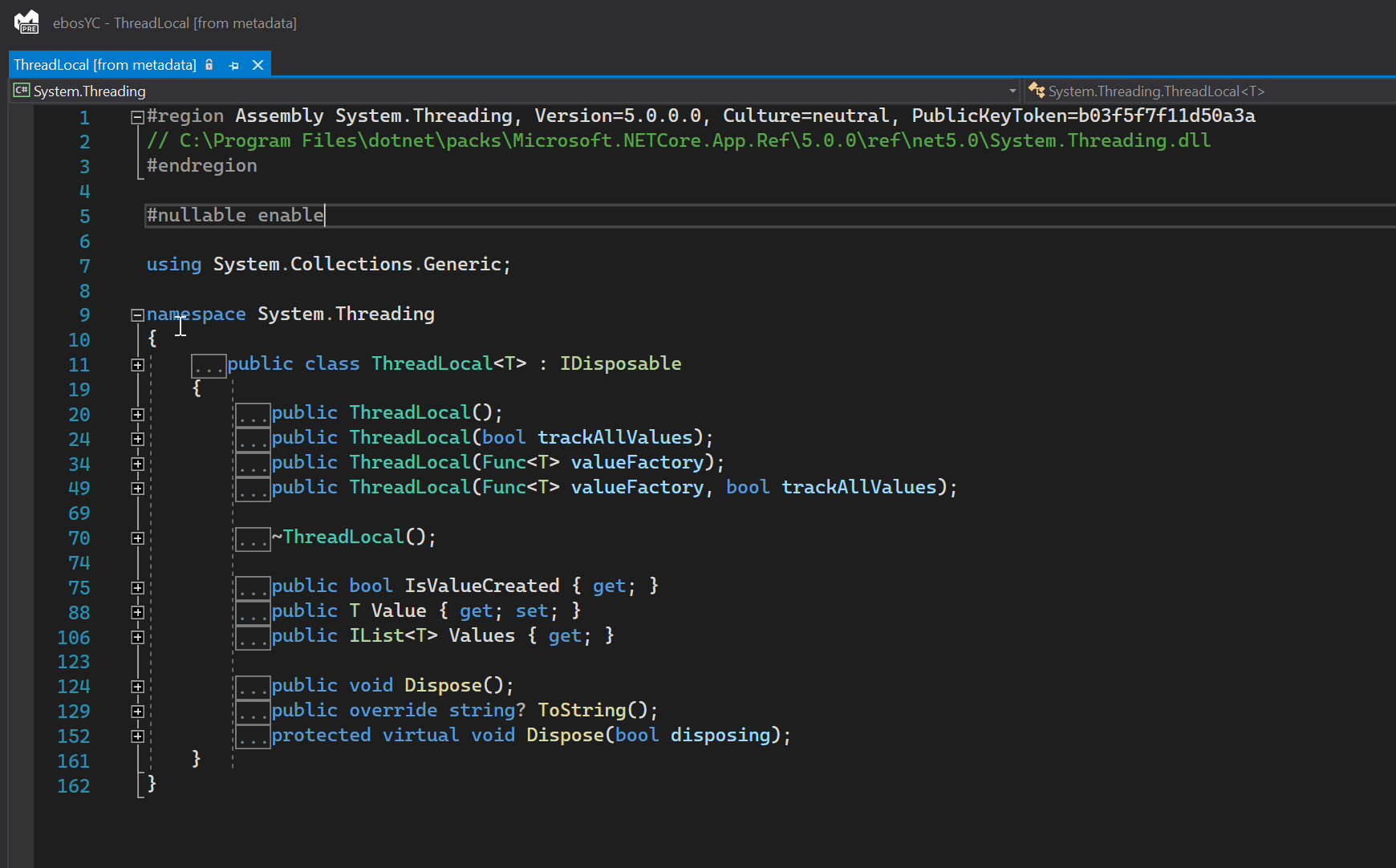
One addition that would be really useful would be showing assembly name and path.
For example, this is how it looks in C#:
Also, the devenv process is currently happily chugging along at 3 GB. When I did a stress test and opened a bunch of large files, It went up to 6 GB, when I closed these files, it went back to 3.
One other thing I noticed is, VS 2019 would consume a lot of CPU with an open F# solution at idle, VS 2022 does NOT consume any CPU while idle. ✨🎉

