

 dnnsoftware
admin.css old styles need removed
Description of bug
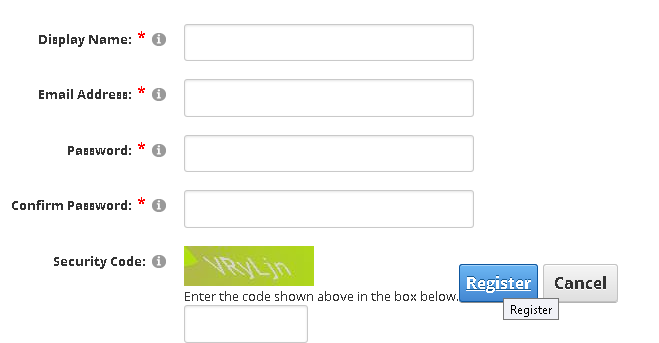
Registration buttons are not being displayed properly while logged in as admin
Steps to reproduce
List the precise steps to reproduce the bug:
- Log in as administrator
- create a page
- add registration module to page
- view registration buttons
Current behavior
the registration buttons are not displayed properly
Expected behavior
registration buttons always at bottom
Screenshots
If applicable, provide screenshots to help explain the bug.
Additional context
Seems to be related to admin.css file. Will review if anything can be removed from admin.css without harm to admin page styling.
Affected version
- [ ] 10.0.0 alpha build
- [ x] 9.5.0 RC1
- [ ] 9.4.4 latest supported release
Affected browser
- [ ] Chrome
- [ ] Firefox
- [ ] Safari
- [ ] Internet Explorer 11
- [ ] Microsoft Edge (Classic)
- [ ] Microsoft Edge Chromium

This is what I see using the default theme:
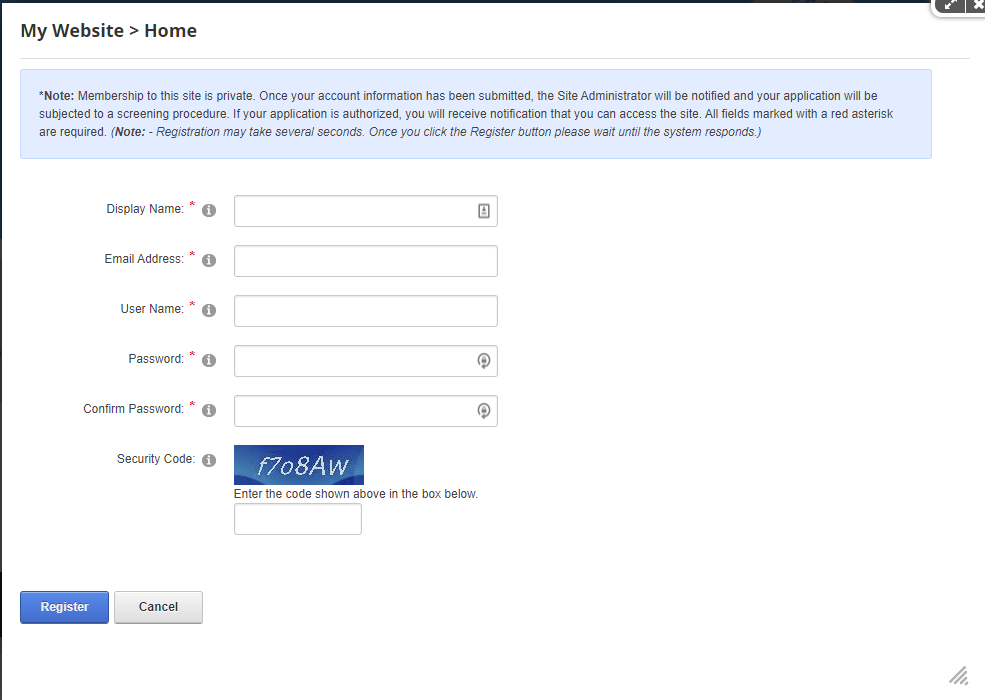
The .dnnActions class makes that ul float:none; and display:block thus clearing any previous controls. Are you using a different theme on that site?

some reason in the 9.5 RC this DIV tag and class ended up missing after the merge
So far as I can see, there was no Div tag wrapping those controls even if I go as far back as 7.4.2 https://github.com/dnnsoftware/Dnn.Platform/blob/release/7.4.2/Website/DesktopModules/Admin/Security/Register.ascx
Can you explain a bit more what you mean by "after the merge", what merge?
You are looking at the popup modal.
Maybe one step is to put the module on a page
That was the issue, in the popup modal it works fine like your screenshot however if you put the module on a page it looks like my screenshot.
I can't remember why I had that DIV Tag in my fork maybe I added it while I was working on moving the user registration fields. I was worried about creating a breaking change of some kind so i excluded it from that PR.
Maybe this newly added PR will work with the new class and div tag wrapped around the registration buttons.
If on a small window the register and cancel buttons go off the screen. No flex...
And on another note possibly the captcha textbox area needs to be inside a DIV tag potentially? It works without but I noticed with the buttons to the right the border goes above the textbox area for Captcha when enabled.
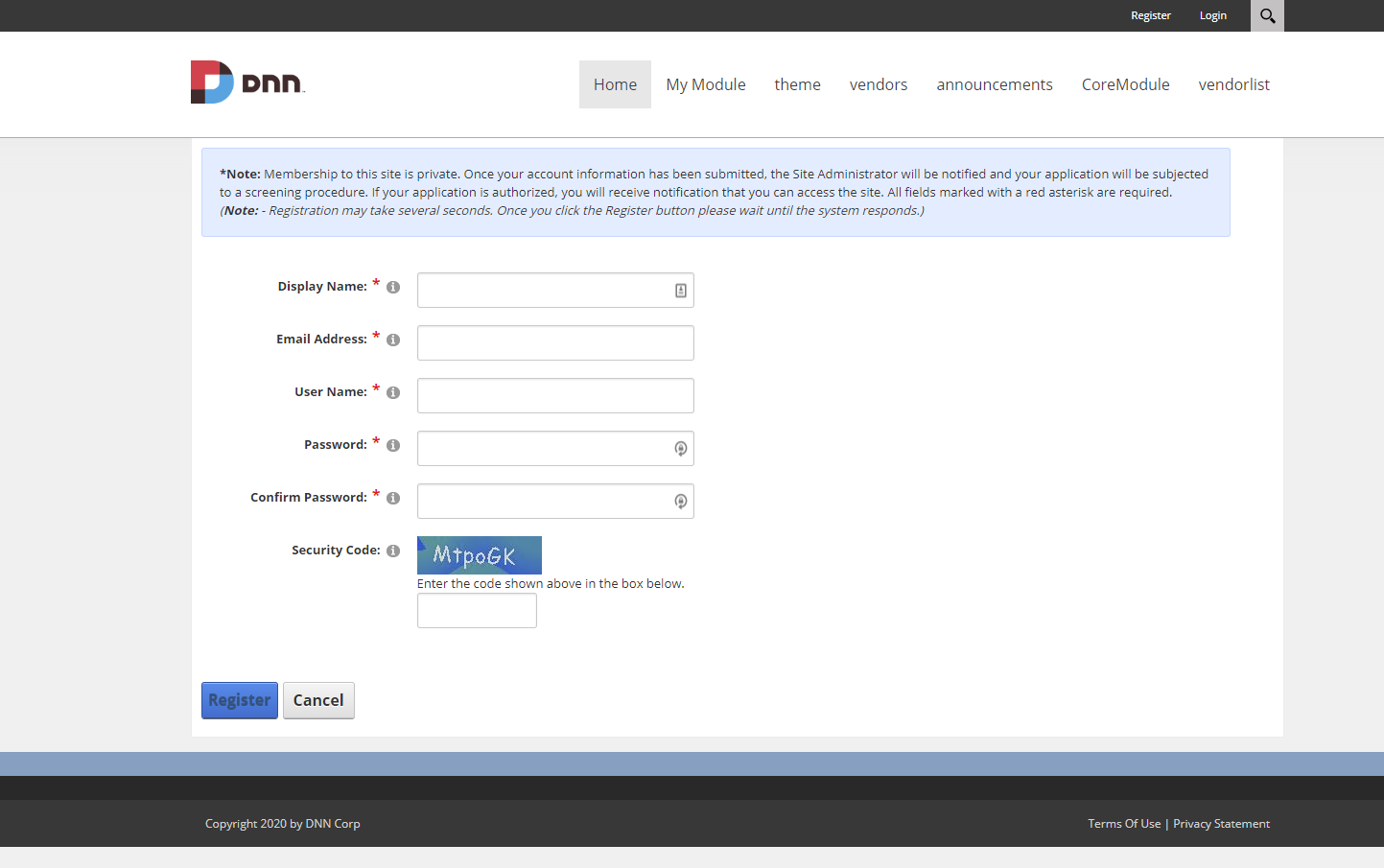
Shows up fine to me even with popups disabled here:
Let me try to put a module manually on another page...
Ha, found it... Ok, so when you place the module manually on a page it acts as you described.
This behaviour comes from admin.css which overrides the display:block; in favour of display: inline-block;
I believe admin.css was planned to style admin modules back in the days where Dnn used some controls directly in the ControlPanel admin experience way before the PersonaBar and way before the ControlBar...
I would think changing inline-block to block in that file would be a pretty safe change and would not need adding more bytes to the wire :) Eventually we could check if maybe it makes sense to kill admin.css as part of Dnn10...
You are correct @valadas
Reason it was playing with my mind is I was logged in as an admin and it gets displayed like you said inline-block was causing the register button to display differently than if you are a normal user or visitor.
I can change the admin.css file in a PR to fix the issue if that sounds ok.
IMO needs some CSS love here for when on a smaller screen as I placed this in a small container which is similar to a smaller screen or window size:
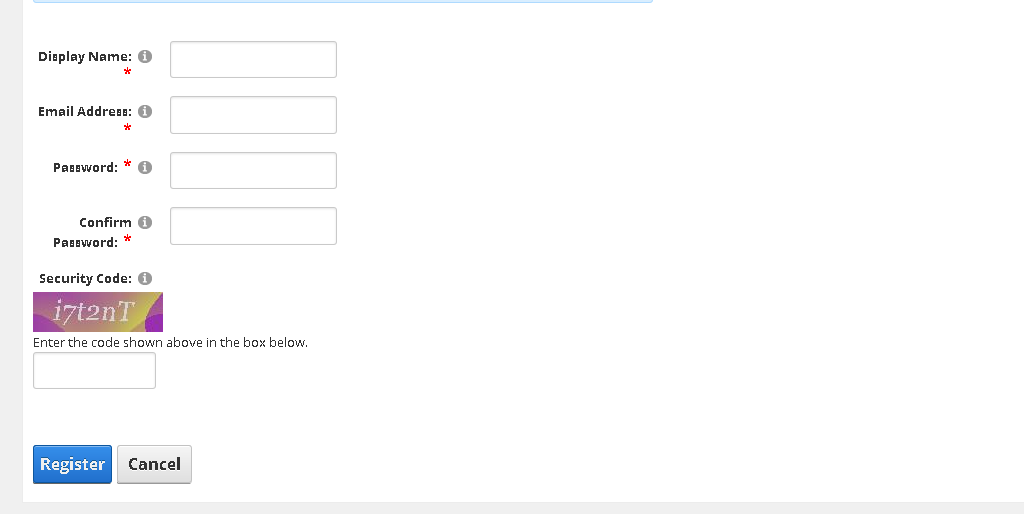
I will see if I can help this look decent out of the box for when placed on pages for smaller screen sizes.
Cool, the captcha issue is probably something similar and whenever possible I would prefer removing unneeded css than adding more :) So maybe something else in admin.css messes up with the captcha the same way...
I have no time right now for extensive testing, but if you do, I would even go as far as deleting admin.css and testing all UI parts like module settings, etc. If we can kill it, all the best, it was meant for older control panels I believe, but maybe it has been misused and is still needed here and there... Maybe...
sounds like a plan @valadas i will do my best to see what I can come up with for a solution here we can fine tune as needed removing as much from admin.css as possible. I am getting back into swing of things here again so should be able get on this done asap.
I studied, tested and removed all that old outdated CSS (all of the current admin.css styles) that pretty much only takes effect when logged in as administrator. It is nice to have that css file and it's feature to run when logged in as an administrator.
I don't believe any of the current CSS is used for anything that is in the latest development version and if anything conflicts with things such as module layouts in ways that are unnecessary and problematic for viewing the site the way it should be viewed while administrating site pages.
I suggest add any modifications later starting with a clean slate which I put in a recent PR.
@valadas The PR is accepted for version 10 with a clean slate, for version 9 should I create another pr with the registration button fix while logged in as admin?