

 divamgupta
Black screen outputs on Intel MacBook Pro
Hi, I always getting black outputs with version 1.4.2 (intel), I tried with few and more words, 7-8 steps, 256x256. I have mbp mid 2014 with i7-4870hq, intel iris + nvidia gt 750m 2gb, 16gb ram, macOS ventura (opencore patcher).
There is no problem with version 0.3.0, even with 512x512, 25 steps only with 1.4.2: (1.4.2 blank vs 0.3.0 results)


Could you try v1.4.3. Let met me know if that version works or not.
On Sun, Oct 30, 2022 at 7:04 AM stbb9 @.***> wrote:
Hi, I always getting black outputs with version 1.4.2 (intel), I tried with few and more words, 7-8 steps, 256x256. I have mbp mid 2014 with i7-4870hq, intel iris + nvidia gt 750m 2gb, 16gb ram, macOS ventura (opencore patcher).
There is no problem with version 0.3.0, even with 512x512, 25 steps only with 1.4.2: (0.3.0 vs 1.4.2 results)
[image: Képernyőfotó 2022-10-30 - 12 01 53] https://user-images.githubusercontent.com/117009740/198875210-d55d2318-7d8f-4aa8-946d-9ca963e837ab.png
[image: Képernyőfotó 2022-10-30 - 12 02 07] https://user-images.githubusercontent.com/117009740/198875213-5023a19c-bb13-492d-8086-23e7d449bef2.png
— Reply to this email directly, view it on GitHub https://github.com/divamgupta/diffusionbee-stable-diffusion-ui/issues/263, or unsubscribe https://github.com/notifications/unsubscribe-auth/AAONR5JWGEDLPHWUMU73NXDWFZBZ7ANCNFSM6AAAAAARSHMUPI . You are receiving this because you are subscribed to this thread.Message ID: @.***>

Could you try v1.4.3. Let met me know if that version works or not. …
Oh sorry, I just realised that a new version came out for intel. Unfortunately it also produces the same black outputs as 1.4.2.
I guess its because you are using opencore patcher which is not supported officially by Apple.
I guess its because you are using opencore patcher which is not supported officially by Apple.
Big Sur was the last official edition for this mbp. I tried 0.3.0 with big sur yesterday, and there was a "backend quit unexpectedly" massage, immediately after starting the program. After that, I installed ventura with opencore, and now 0.3.0 works fine, but 1.4.2 and 1.4.3 not. I am not an expert, so I don't know what can be the problem, I guess maybe these newer versions are using something that not compatible with my hardware... or I don't know, graphics works fine with other apps, the os runs fine, the opencore team did a great job with optimalizing ventura for this machine. If I figured out correctly, 0.3.0 was the last intel version for a while, and now with 1.4.2, there's intel versions again. Or were there intel versions between these versions? Thank you for answering me.
The same happens with me on a 2012 Mac Mini running Monterey. Now I will admit that I never expected it to run in the first place but by looking at the activity monitor it was using my GPU fully but still generated nothing. 0.3.0 works perfectly fine for me as well and I saw that it actually downloaded a lot more and larger files compared to 1.4.3 which makes me think that it didn't download the entire set correctly?

I guess 1.4.2 and 1.4.3 are only 16 bit versions for intel with worse quality but faster generating. That's the reason why they are smaller. 0.3.0 should be a 32 bit version based on it's size. By the way the it's not slow with a a 47w quad core i7 from 2014. I think a 32 bit edition of 1.4.x would be worth a try..
I have same issue with black outputs on 2018 MacBook Pro/Monterey with v1.4.2/.3 but not with 0.3. Very slow as expected on intel Mac using 0.3 but still get images. Unfortunately can't get any outputs using 1.4.3 even if I take a 0.3 image and try to modify using 1.4.3 image to image. Tried reducing image size output but still >95% of time just black. Maybe 32bit is the answer. No idea. Just hoping more info you get might help resolving this.

What are your exact hardware specs?
On Mon, Nov 7, 2022 at 12:30 AM cal-gary @.***> wrote:
I have same issue with black outputs on 2018 MacBook Pro/Monterey with v1.4.2/.3 but not with 0.3. Very slow as expected on intel Mac using 0.3 but still get images. Unfortunately can't get any outputs using 1.4.3 even if I take a 0.3 image and try to modify using 1.4.3 image to image. Tried reducing image size output but still >95% of time just black. Maybe 32bit is the answer. No idea. Just hoping more info you get might help resolving this.
— Reply to this email directly, view it on GitHub https://github.com/divamgupta/diffusionbee-stable-diffusion-ui/issues/263#issuecomment-1305104543, or unsubscribe https://github.com/notifications/unsubscribe-auth/AAONR5NKSXEYD6THWQH4KM3WHCAXHANCNFSM6AAAAAARSHMUPI . You are receiving this because you commented.Message ID: @.*** com>
2018 MacBook Pro 2.3 GHz quad core i5, 8GB 2133 MHz LPDDR3, Iris Plus 655, 1536 MB. I also tried lowering the image size and steps. 320x320, 20 steps gave images, 484x484 10 steps gave images, 515x515 5 steps gave images. higher steps in theses gave black results. I think it stopped before it properly decoded in the black outputs. Interestingly if you get a black image, lowering the steps to 5 on subsequent try doesn't help. you need to load a different image size model first. Then go back and reload. ie 515x515 at 10 steps is black. retry at 5 steps- black. load 320x320 and try 10 steps-ok, then reload 512x512 5 steps now ok.
update:
in version 1.5.1 with lowered resolution, guidance scale, steps, the result is not fully black but nothing visible
Seed : 41996 | Scale : 5.07 | Steps : 16 | Img Width : 384 | Img Height : 384 | model_version : 1.5fp16
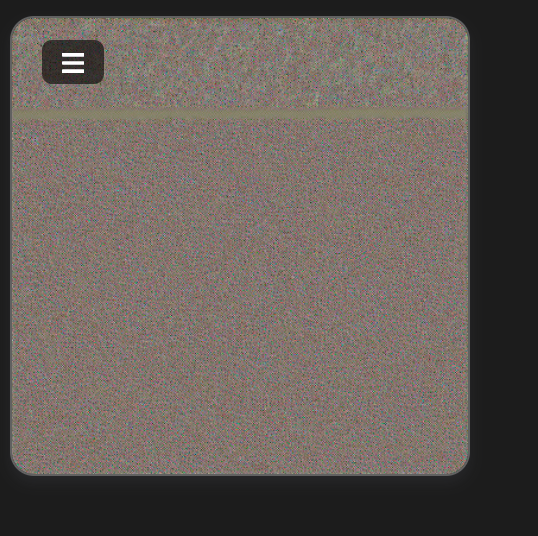
in version 0.3.0 there is no problem with 768x768, 40 steps, etc..
1.5.1 is a bit better for me. I can increase the steps before getting black outputs. There is a high memory pressure on my system and my SSD is being used for Gigs of virtual memory. I took a snap shot of the activity monitor but Im afraid Im not that computer savvy so not sure how important this really is.This sampling was done during generation not decoding step. BTW, the generation on my system is slow as expected with 26 sec/it on the image below. I can try and test out any advice/ideas you can give me on my system it that helps. Again intel 0.3 version doesn't have issues with 512x512 and 50 steps- just really slow.
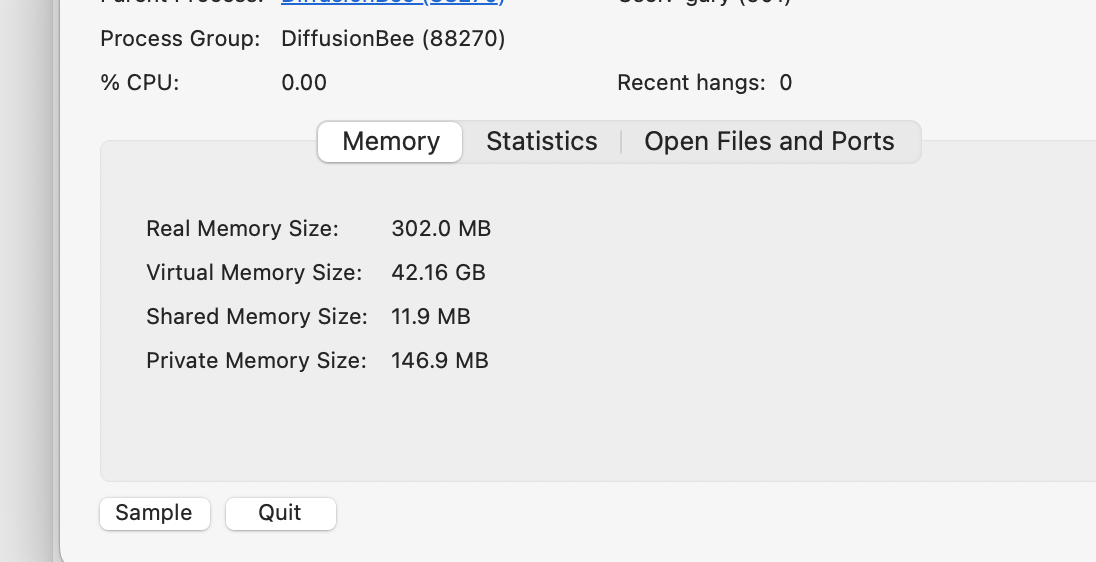
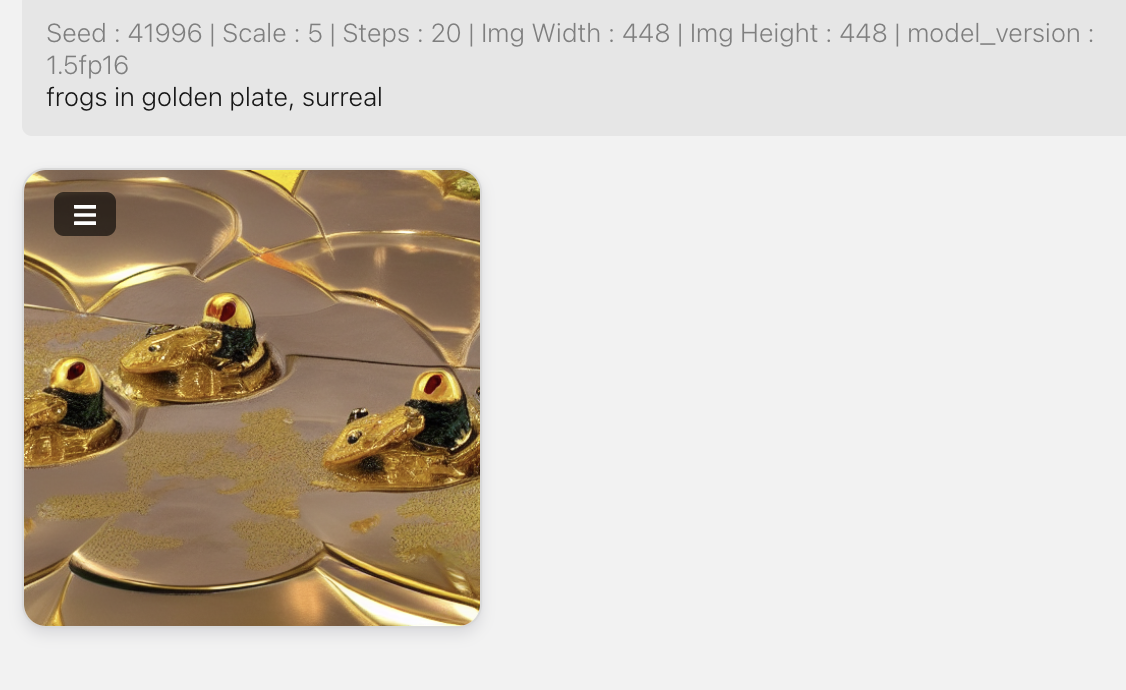
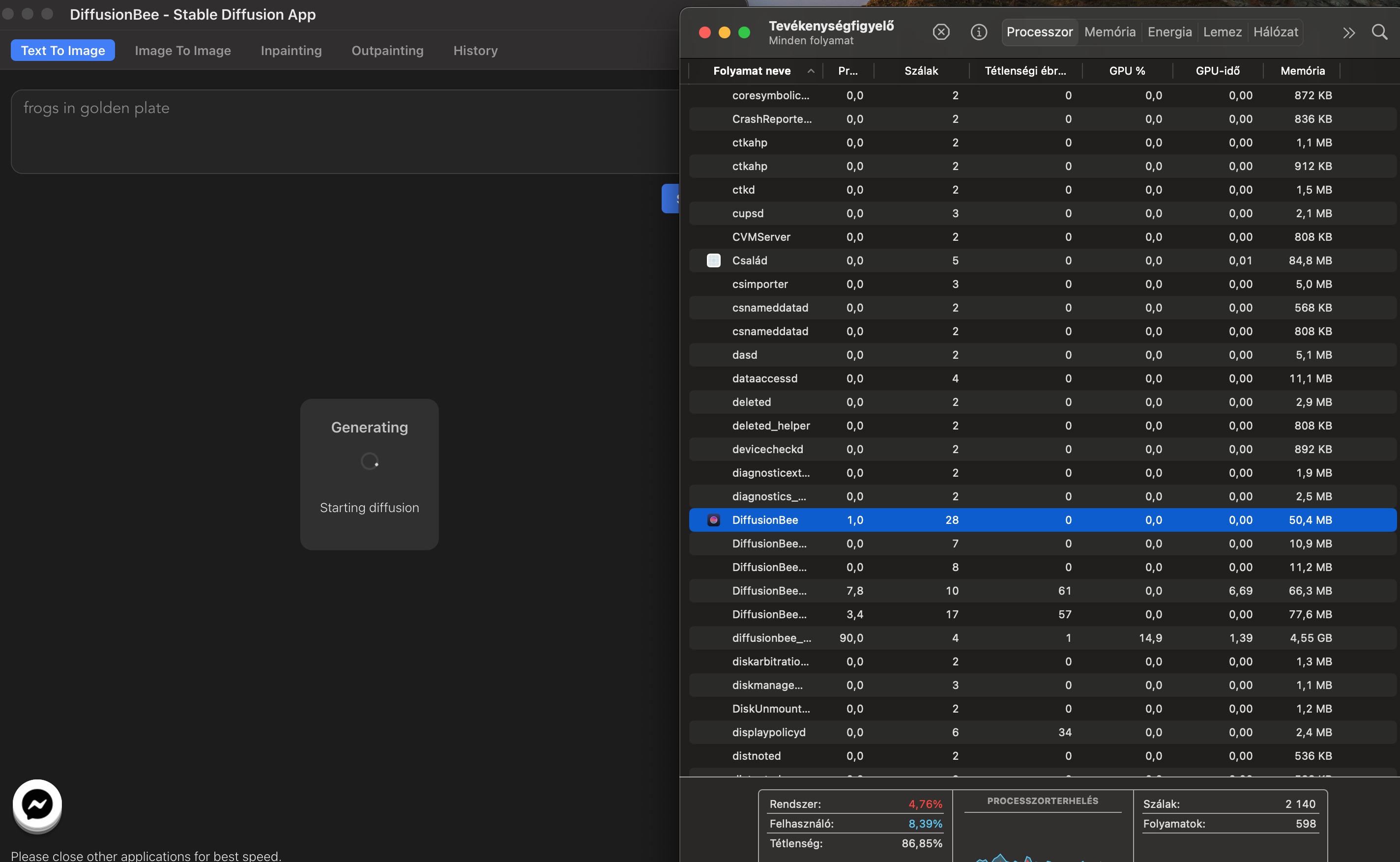
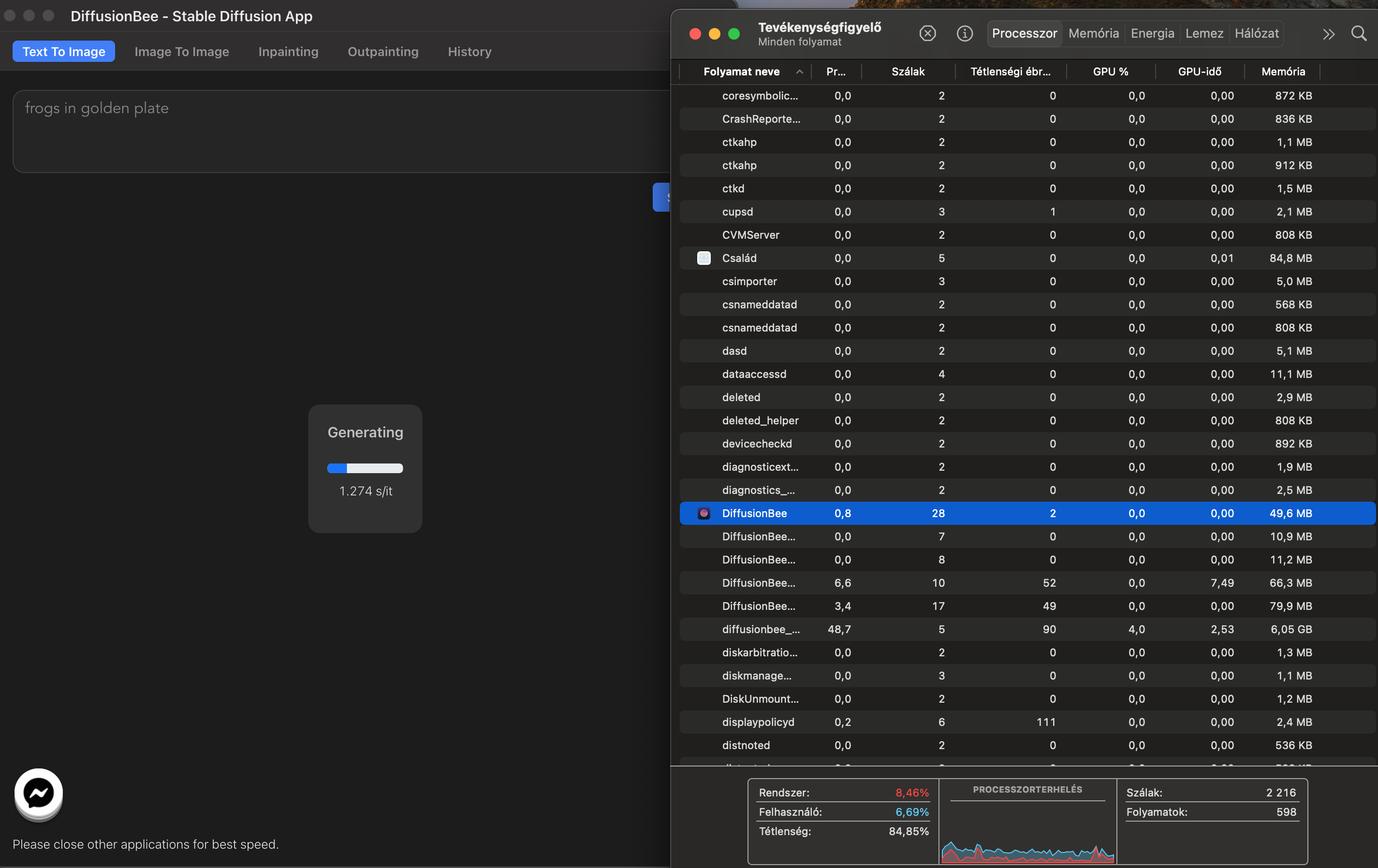
the result here is a total black output, in the process manager there's no significant cpu/gpu usage, 1,2s/iteration is irreal, version 0.3.0 is much slower but produces good outputs
 with image to image, something starts to, gpu usage is up, fans up, but output the output is also total black
The only other thing I could add about this issue on my system is that the 0.3 version (backend and helpers) use >80% of the cpu resources and only <1.5% gpu while the 1.5.1 version is the exact opposite distribution of required resources. I guess my gpu isn't up to the task for v 1.5.1 while it struggles with v0.3, the cpu can eventually support generation of 512x512 images. Both versions however require writing/reading 100's of Gb of data to my 1TB SSD during the generation since my laptop cpu has limited (8Gb) memory.
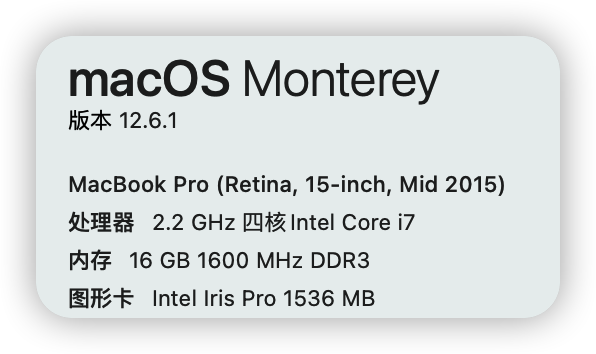

Some sharing from my case, I experienced black boxes output on my Mac Pro 5,1 which should has plenty of RAM and VRAM for 512x512 images.
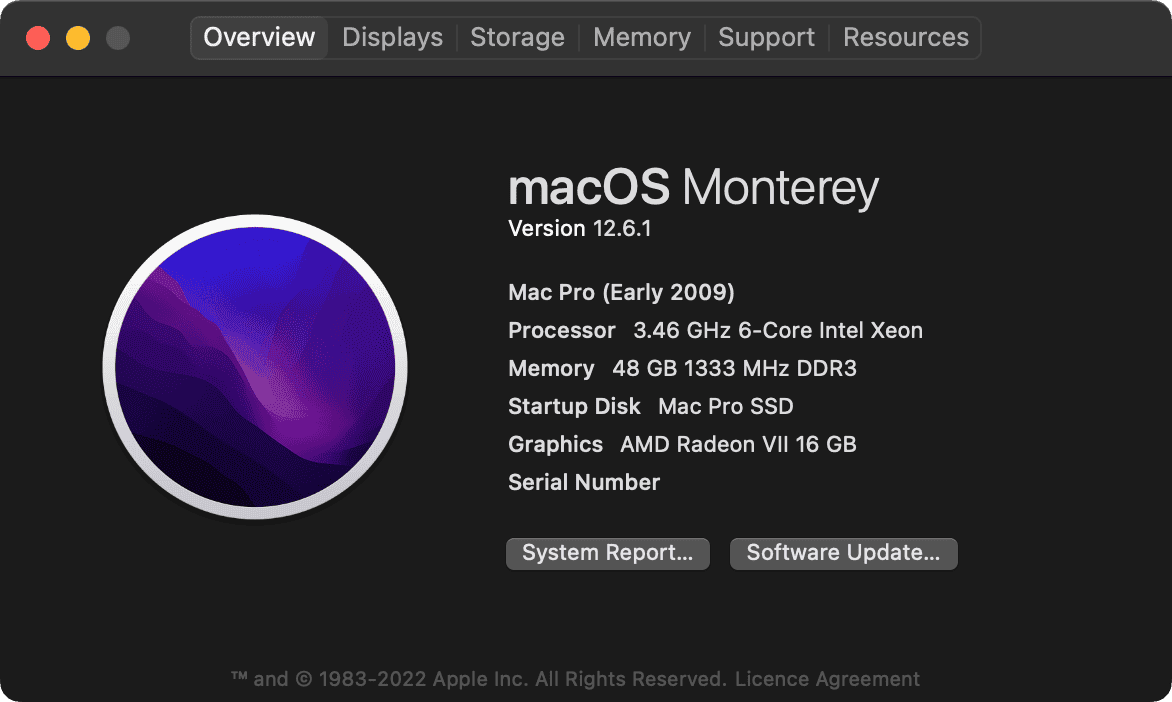
Initially, I though that's software issue, because my Mac Pro works flawlessly for anything else. However, what I found out later on, the problem exist because I inserted a too limiting PowerPlay table. I limited the card to draw 981mV and 224W max (this parameters was carefully tested, which works extremely well for my card for years). But this setting causing black boxes occur.
Once I raise the limit to 1000mV and 240W, no more black boxes output. I can continuouly generate 768x768 75 steps images without any issue.
Of course, on a normal Mac, the user shouldn't inject such limit. So, the problem cannot be fix by using the same method. However, I suspect DiffusionBee is extremely sensitive to GPU error. Even one single bit error may cause black box output. Therefore, when I limited the powerdraw, I picked the exact numbers that my GPU drawed in the stress tested. Which leave the GPU no room to move around. And once anything need tiny bit more (e.g. DiffusionBee), error occur.
Anyway, from my experience. I am almost sure your problem is GPU related. FP16 may be just accidentially show you the hidden issue. May be FP16 cause higher demand to the GPU which push it to over the limit, may be FP16 has less room for error. I don't know. But if high resolution doesn't work on your setup, then most likely that's VRAM related. However, if lower the resolution doesn't help, and that black box occur randomly. Then may be your GPU is failling. Or has some very minior intermittent issue that can hardly spotted in other usage.
Since we known that Nvidia GPU is not supported in Ventura, and that patched driver still has some known issue. I will assume that's the root cause of the problem, but not a failing GPU.


1.7.4 allows me to generate images at 512x512 and 25 steps, but still get black output at max resolution of 800plus pixels. Also image to image gives dark grey output using 512x512 resolution
What’s your OS version?
On Fri, May 5, 2023 at 1:09 PM cal-gary @.***> wrote:
1.7.4 allows me to generate images at 512x512 and 25 steps, but still get black output at max resolution of 800plus pixels. Also image to image gives dark grey output using 512x512 resolution
— Reply to this email directly, view it on GitHub https://github.com/divamgupta/diffusionbee-stable-diffusion-ui/issues/263#issuecomment-1536545839, or unsubscribe https://github.com/notifications/unsubscribe-auth/AAONR5NAKNLBHYOE3TV5K4LXEUX6NANCNFSM6AAAAAARSHMUPI . You are receiving this because you were mentioned.Message ID: @.*** com>
Monterey 12.6.5. As before 2018 13" MacBook Pro with integrated intel Iris plus 655 graphics
Could you run it in debug mode and send the logged files : https://youtu.be/PsnU8olM6ss
On Fri, May 5, 2023 at 4:11 PM cal-gary @.***> wrote:
Monterey 12.6.5. As before 2018 13" MacBook Pro with integrated intel Iris plus 655 graphics
— Reply to this email directly, view it on GitHub https://github.com/divamgupta/diffusionbee-stable-diffusion-ui/issues/263#issuecomment-1536725270, or unsubscribe https://github.com/notifications/unsubscribe-auth/AAONR5LAXHZHE4E7F2NCBTLXEVNFXANCNFSM6AAAAAARSHMUPI . You are receiving this because you were mentioned.Message ID: @.*** com>
I tried to send to the GitHub reply address but it was refused due to 5.2 MB zip file size. Trying another address but not sure if you will receive it. can I drag files here?
Maybe uplaod it on drive and sent it to divamg [at] alumni.cmu.edu
On Fri, May 5, 2023 at 5:03 PM cal-gary @.***> wrote:
or perhaps zip contents in smaller packages and send them individually?
— Reply to this email directly, view it on GitHub https://github.com/divamgupta/diffusionbee-stable-diffusion-ui/issues/263#issuecomment-1536778375, or unsubscribe https://github.com/notifications/unsubscribe-auth/AAONR5KIB3W7HAHZHCFYA5LXEVTLZANCNFSM6AAAAAARSHMUPI . You are receiving this because you were mentioned.Message ID: @.*** com>