

 digitalmethodsinitiative
Processor Overview update to better show processor results and follow up processors
RAWGraphs has a nice way of presenting an overview of their various processing options, and something similar for 4CAT would be cool. For many processors, a small image could do a better job explaining what they do than a bunch of text. This won't make sense for all processors though, so we can have a generic image for those.
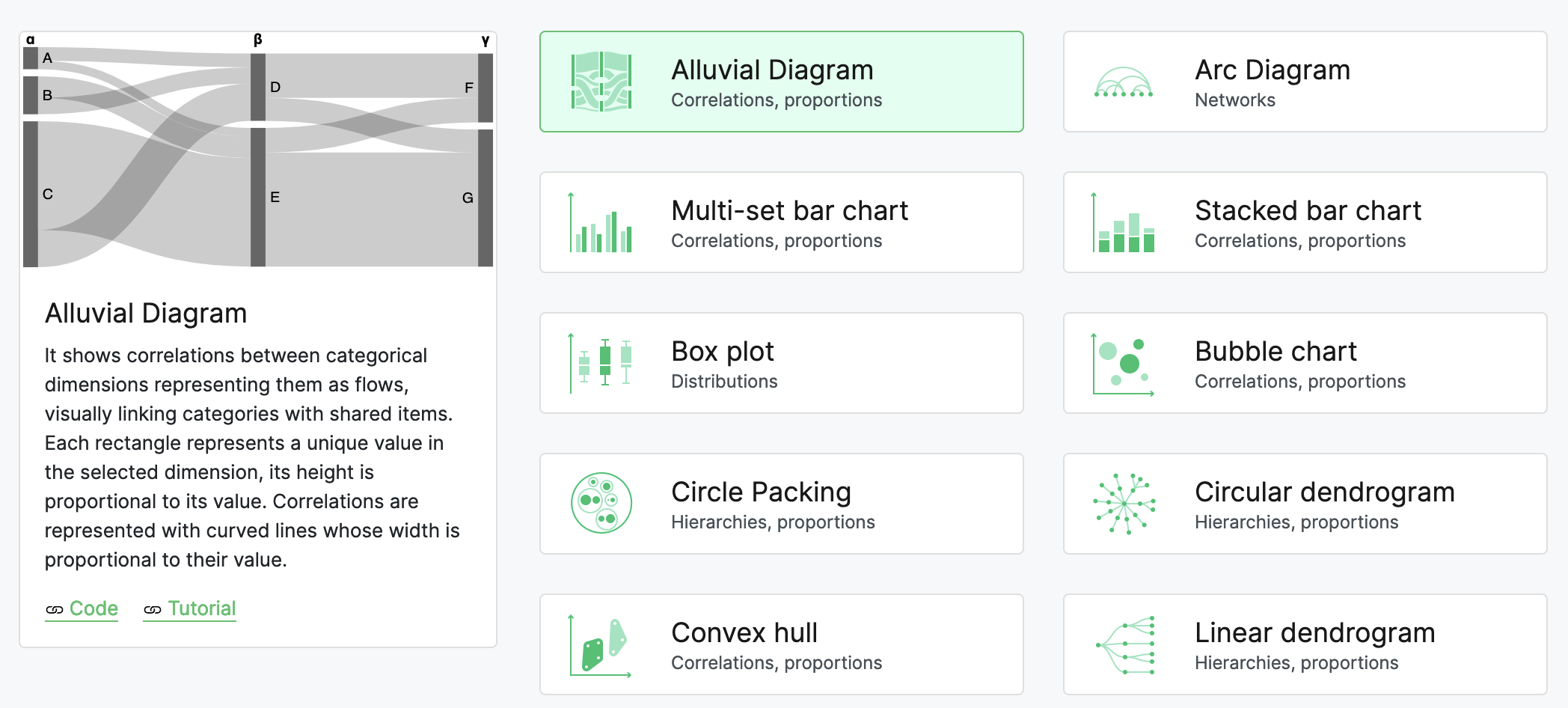

Beyond just showing a preview or a processor's output, we would like to show available sub processors. We're currently envisioning a "tree" to give users an idea of (and possibly search for) potential endpoints.
Our main issue is the is_compatible_with method runs on both processors and datasets while also, occasionally, checking other criteria (e.g., is ffmpeg installed). Making it difficult to dynamically create the tree.
A simple tree can be built off of something like:
for processor_name, processor in all_modules.processors.items():
    for sub_processor_name, sub_processor in all_modules.processors.items():
        if hasattr(sub_processor, "is_compatible_with") and sub_processor.is_compatible_with(processor):
            print(f"Processor {processor_name} has sub-processor {sub_processor_name}")
This discounts processors that check the resultant dataset of another processor. E.g., a processor that checks for a "hashtag" column requires a processor to have run and created a dataset to be checked. To get around this, we need to manually add to the tree or find a way to more explicitly define that sort of output in a processor.
