

 dfranx
Can't find the variable manager
In the Options (project options?), I found a reference to the "variable manager" . I assume it means the uniform variables, doesn't it?
But I can't find it.
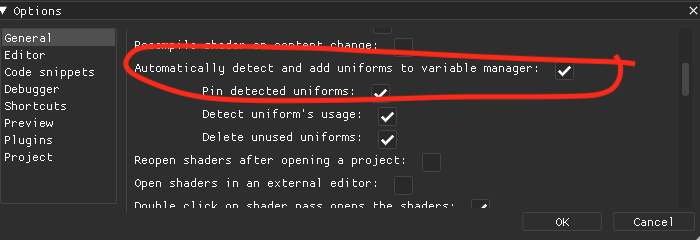
Platform: macOS 10.15.7 (Catalina).

Do you mean you can't find where the actual variable manager is? If so, right click on the shader/compute pass in the "Pipeline" window and click the "Variables" button in the context menu.
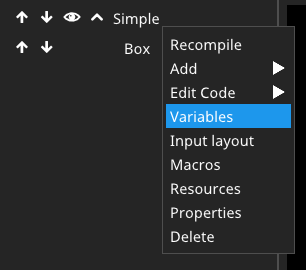

Yes, that is what I meant. Is there any other way of accessing the variables manager?
Or is there an easy way to map it to a keyboard shortcut? I am willing to modify my copy of the code. Or, if there is one place in the code that I need to modify to map this specific context menu to ctrl-click, please let me know.