

 denoland
Importmap issue with Deno React vite
https://deno.land/[email protected]/node/how_to_with_npm/react
I followed the documentation, deno showed a syntax error
Relative import path "react" not prefixed with / or ./ or ../deno(import-prefix-missing)
Should I configure ImportMap in deno.json and fill in vite.config.mjs?

Yes, you need to either add importMap to deno.json or specify it directly in deno.json (https://deno.com/blog/v1.30#denojson-becomes-an-import-map).

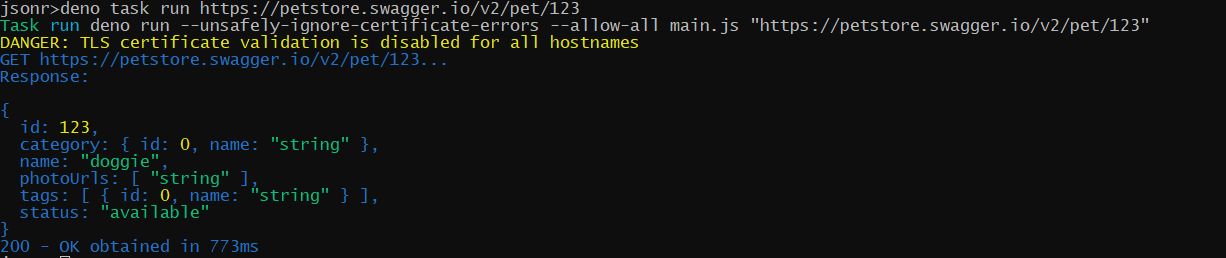
I may be wrong, but I think there may be some issue related to deno install which may be related to this one as well. I've just migrated my OSS to use deno.json imports feature (https://github.com/sobanieca/jsonr/commit/f5a397d45624c7b337a55643802a218a3dac76af#diff-54337bcff4b919f6b8b4e0b0e51d06fd9124562fde88899be726c24b7e354b7c) and when I run it locally all is good:
I have released it to deno 3rd party repository and when I try to install it I get:

Maybe it's something on my end, but maybe deno install has some issues with import maps handling?

Ok, actually I guess the reason why my case is not working is related to the fact that deno install most likely doesn't try to find and download deno.json file?
Ok, actually I guess the reason why my case is not working is related to the fact that
deno installmost likely doesn't try to find and downloaddeno.jsonfile?
Correct, it needs to be explicitly specified as an argument (we can't find config file for remote modules)