

 deiger
Hisense change temperature
Hello @deiger when I change temperature from Hassio, nothing happens ... even the speed of the fan and the oscillation.
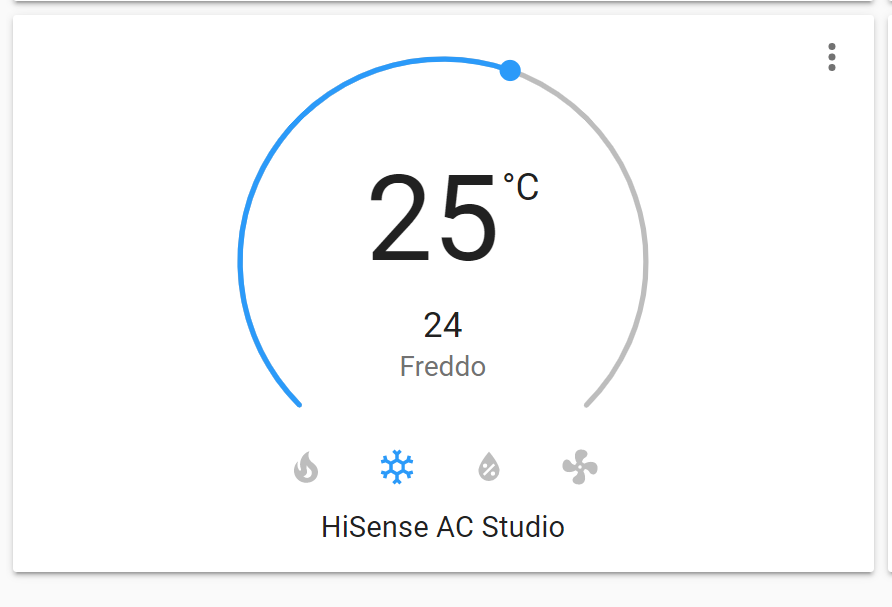
maybe @ck007max knows something

My AC works great with the latest script version. I can change everything, temp, mode, swing and fan. Are you sure that your command topics are right? I suspect that there's something wrong in your config. Post your python command and your hassio config, please.

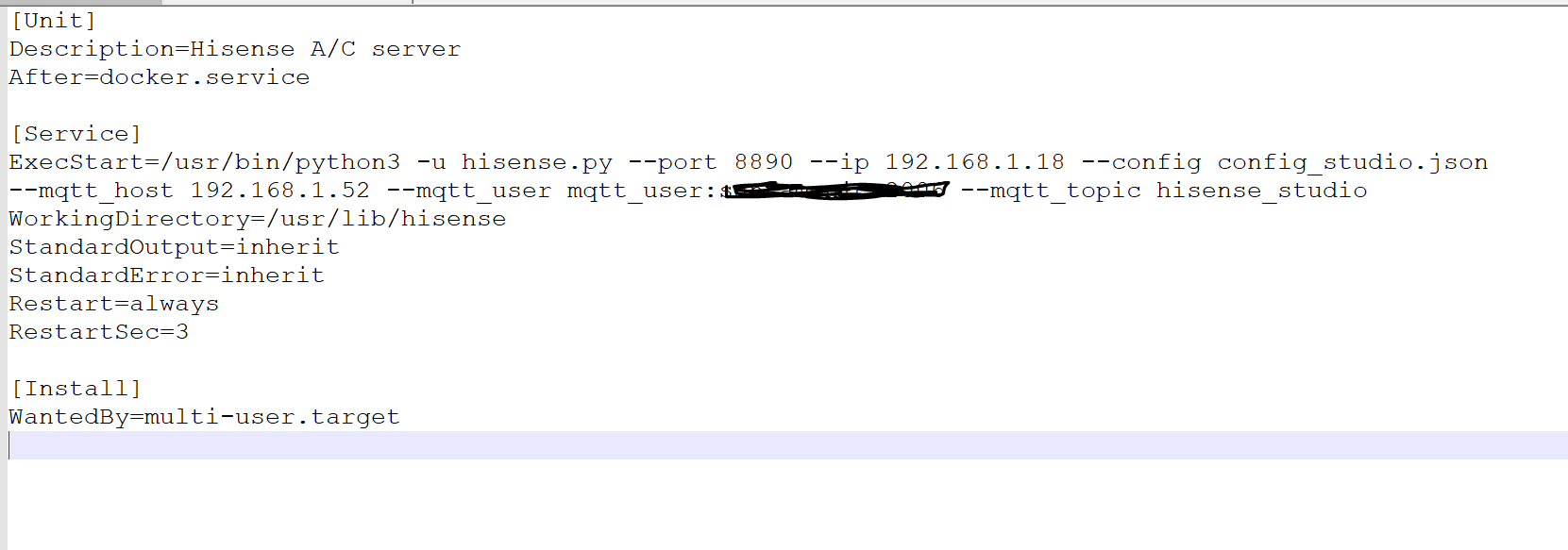
@ck007max this is my service: [Unit] Description=Hisense A/C server After=docker.service
[Service] ExecStart=/usr/bin/python3 -u hisense.py --port 8890 --ip 192.168.1.18 --config config_studio.json --mqtt_host 192.168.1.52 --mqtt_user mqtt_pass --mqtt_topic hisense_studio WorkingDirectory=/usr/lib/hisense StandardOutput=inherit StandardError=inherit Restart=always RestartSec=3 [Install] WantedBy=multi-user.target
in atthacment script for HA ha.txt
I've noticed that in your script --mqtt_user you set mqtt_pass. The right combination is --mqtt_user user: password only if you set an user for your mqtt server.
Ho notato che nel tuo script --mqtt_user hai impostato mqtt_pass. La giusta combinazione è --mqtt_user user: password solo se si imposta un utente per il proprio server mqtt.
YessI did it to hide the password
Ok. Have you got any other mqtt devices linked to hassio? If yes, do they work? Do you use mqtt broker addon?
@ck007max Yes I have several devices mqtt on my broker addons, and no problem.
Does HA show updates from the AC, e.g. shows the right temperature defined in the AC?
If not, try going with your browser to http://<server_ip>:8890/hisense/status, and see if you get the correct status.

@deiger I tryed:
http://192.168.1.19:8887/hisense/status
and
http://192.168.1.18:8890/hisense/status
not info:
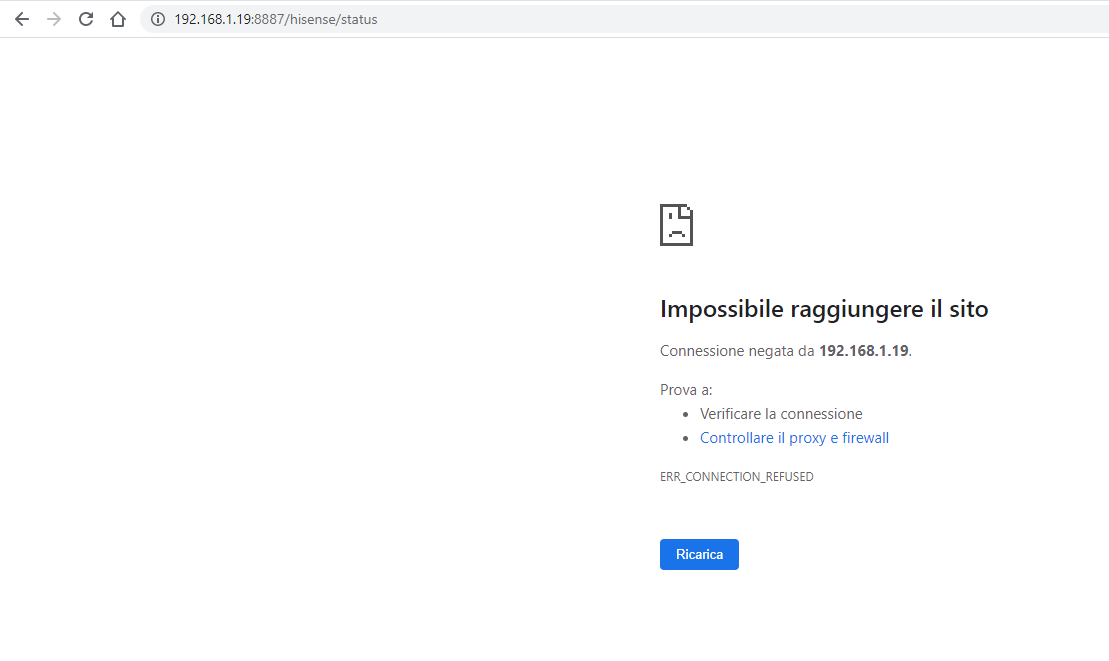 are you sure the string is correct?
for how all work;
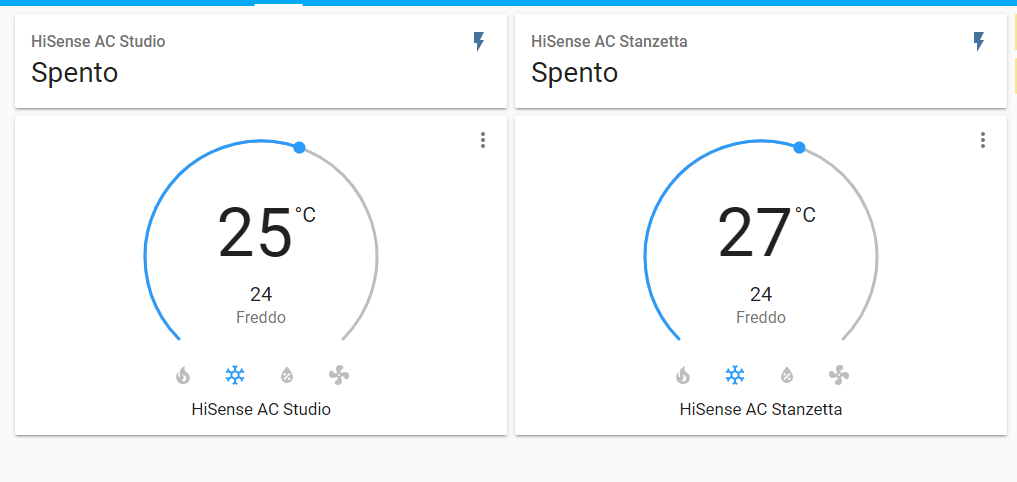
now everything seems to work ... if from google home I change the values also on Home assistant the values change correctly .... so it works! The problem is that if I use the remote control something goes wrong and freezes ...
The IP address should be of the Raspberry Pi running the script. If things freeze, take a look at the syslog and see if there are errors there.
Ok. Have you got any other mqtt devices linked to hassio? If yes, do they work? Do you use mqtt broker addon?
my HA configuration it is ok?


This seems OK - though I'd change t_temptype to CELSIUS. So you do get a response from the server. Is it up-to-date? If it is, this seems to indicate an issue with HA - but checking the syslog is the best way to know for sure.

Could you please try again with the most recent version? Also, consider using the new docker setup.