deckerst
Group by sub-folders option in albums
First of all thanks for all your work on this wonderful app.
Is this feature possible? Group by sub-folders

Glad you appreciate the app.
Just to be sure I understand correctly, let's say you have folders containing media, like so:
- /Pictures/A/
- /Pictures/A/SubA/
- /Pictures/A/SubB/
- /Pictures/B/
And you want to see in the Albums page only the "A" and "B" albums.
If you tap on "A", you don't see the the pictures inside, but instead you see another page listing albums "SubA" and "SubB", and somehow a way to open and see media in "A" itself?
Also, if later a picture is put in /Pictures/ you would no longer see "A" and "B" at the top level, because they would now be considered subfolders of the Pictures album. Is it how you imagine things?

Option:1
Yes there should be an option in setting to not display sub-folders in Main Ablums page, like you said when i tap album "A" then only "SubA" and "SubB" should be displayed.
Option:2
But what i want is how sub-folders are displayed
For Example:
when Ablum A is opened then all sub-folders in Ablum A should be displayed like this
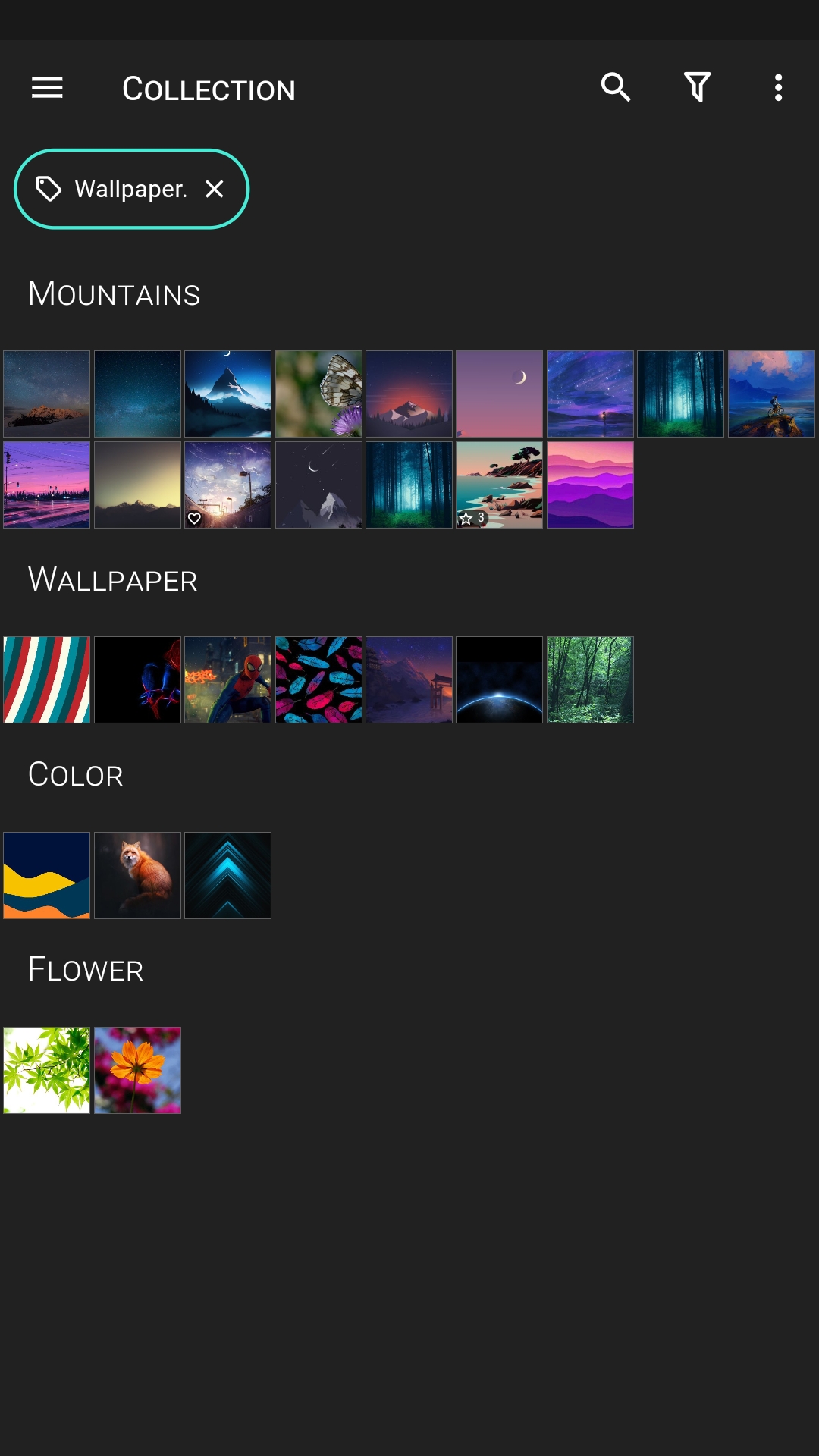
These are all sub-folders of Ablum A .
Pictures/Ablum A/Mountains Pictures/Ablum A/Wallpaper Pictures/Ablum A/Flower
The photos are displayed under headers . This how i want sub-folders to be displayed.
Btw its already possible in Tags Page if i select "group by album" there.
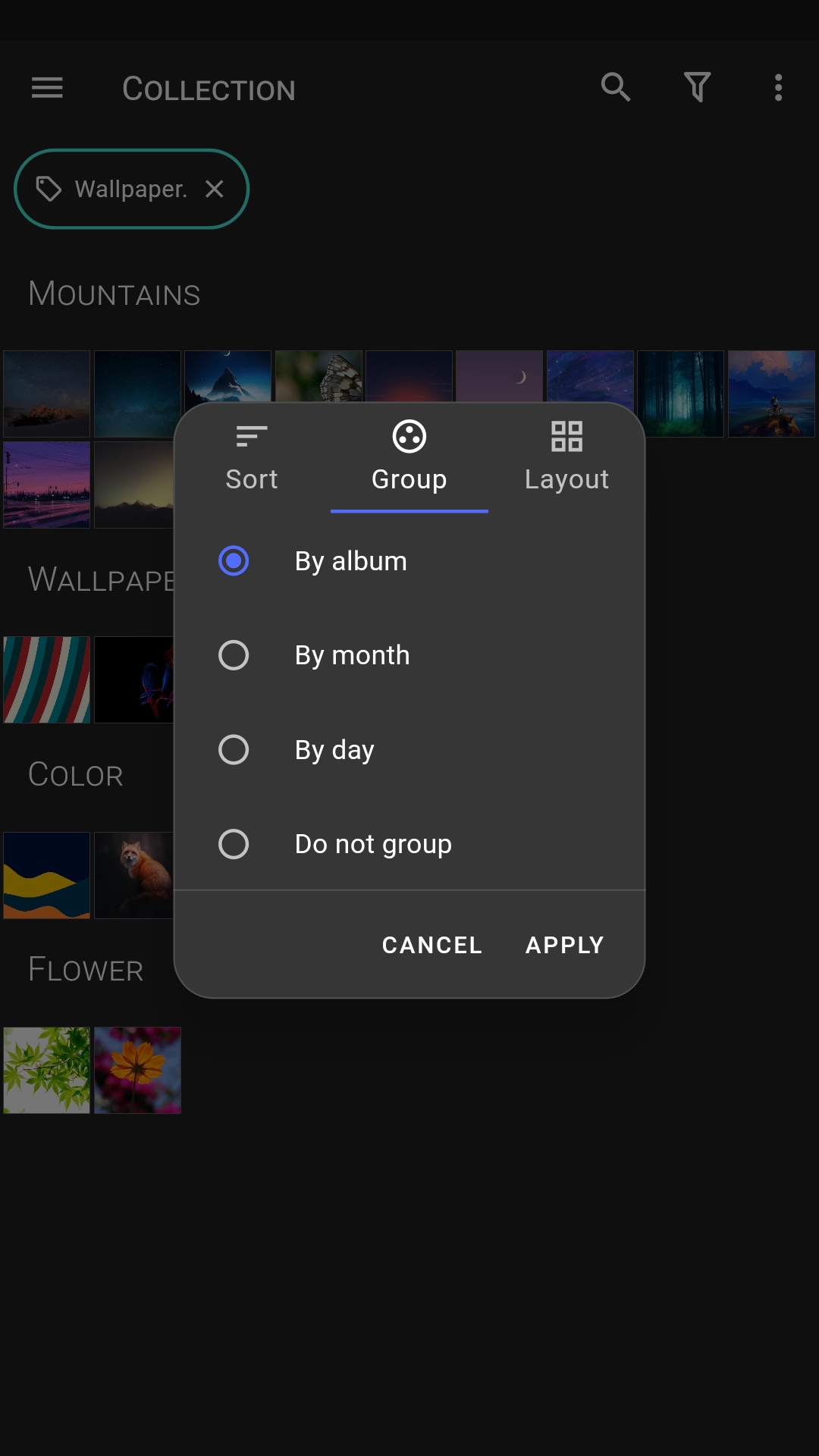
This could be tricky to implement .
Option 2 is interesting. I need to think about it.
It would show items from sub-folders, and from sub-folders within these sub-folders, etc., right?
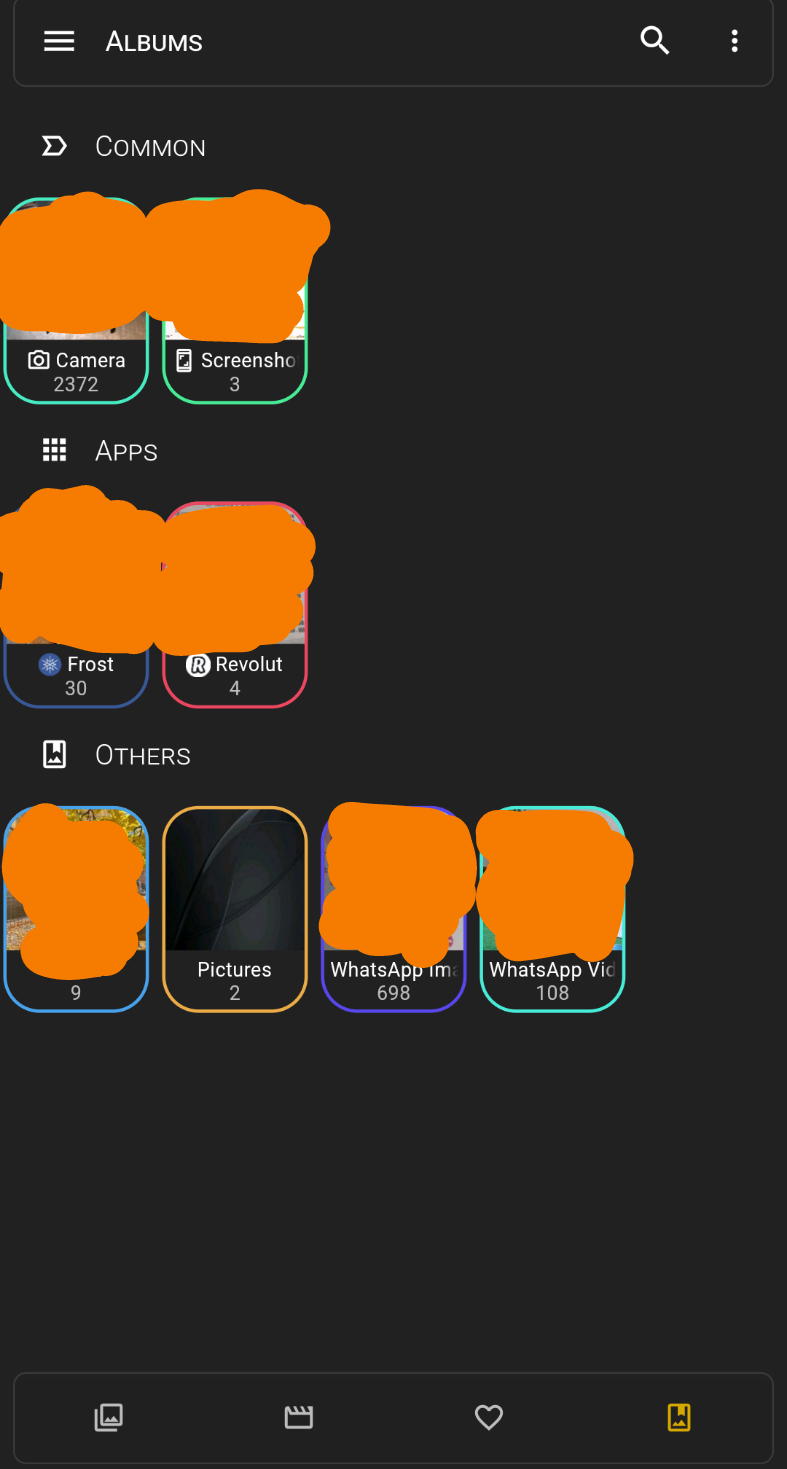
Hi. Can I add that this categorised folders and sub-folders should work in all apps folders that it detectes? An example is Whatsapp, which it shows Whatsapp Photos and Whatsapp Videos. I believe that it would be better to just show Whatsapp under the Apps header and when you open Whatsapp folder to have sub-folders with Whatsapp images and Whatsapp Videos. I will attach a photo to better understand my suggestion.
Thanks