

 deadlyjack
SFTP / FTP Bug
This problem suddenly occurs when saving a file through SFTP/FTP then closes the connection.
When the connection is closed, many problems will occur like unable to view/load the remote directory and saving the file, stuck in the 'saving...' message until you restart the app.
Switching task/other app will close the connection and that's disturbing.
I have to use this app for editing my files from my vps. Thanks for fixing this bug in advance.

I have also sometimes a simular problem.
One of them was:
cannot connect to ftp: Unable to parse TLS packet header
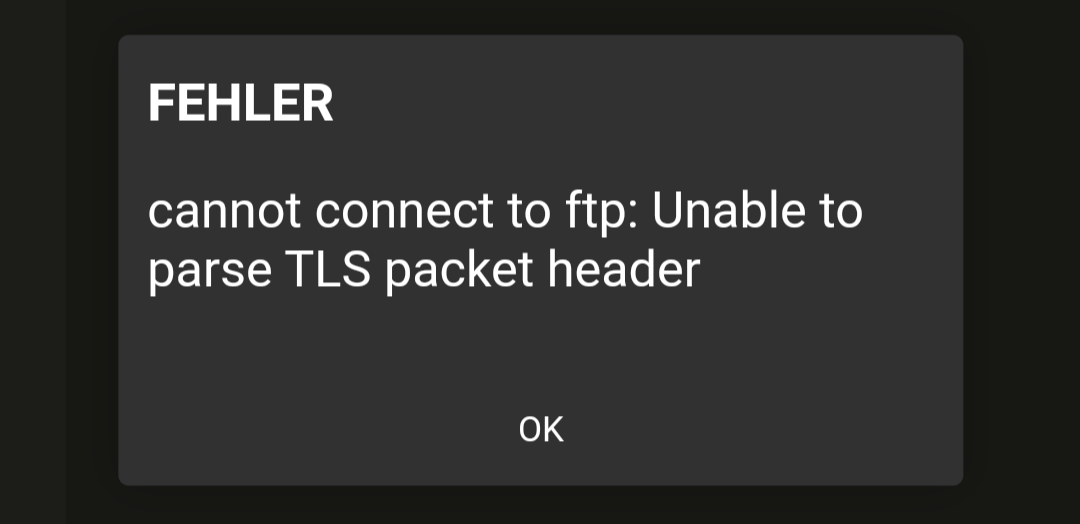
And I have no Idea why this happens. With a different sftp or ftps client it works but for some reason not with Acode.
It also crashes because the id_rsa private key is not really found because Acode copies it to its own directory, but can't find it when I try to connect.
With sftp it also shows the error: Unsupported type: PRIVATE KEY
which is a bit weird
Also that happens often for me:
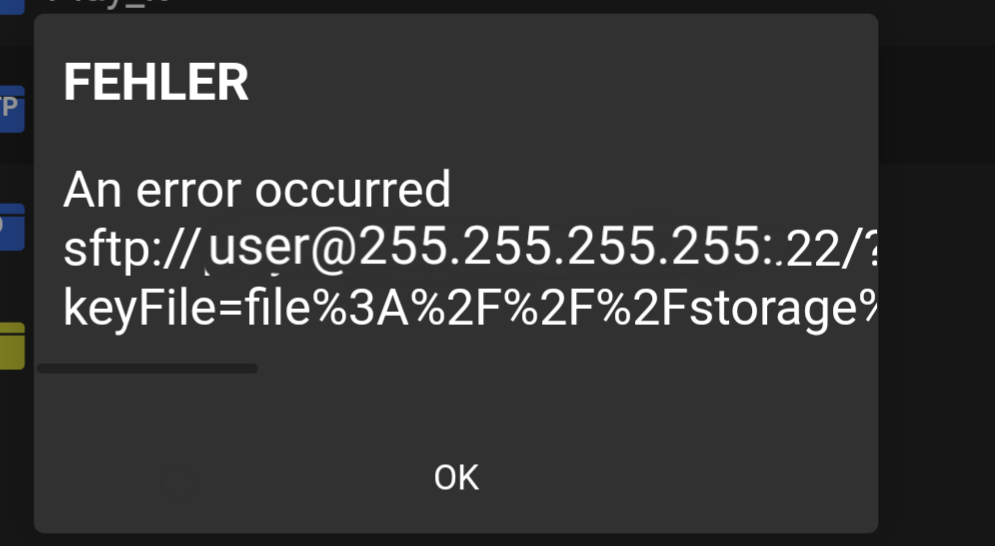
(Edited for privacy)

Please provide the app version, device information, I'll try to fix this issue as soon as possible.

It happens from version 1.3.155 till the most recent one (1.3.155, 1.4.159, 1.4.164) on an android 11 device.
The ssh server consists of a raspberry pi with the sshd service with OpenSSH_7.9p1 and OpenSSL 1.1.1d

It still breaks after some time and i have to reopen the app and reload the connection
It never works for me and always gives the error Unsupported type: PRIVATE KEY
There you have made a mistake. There are two files, the private (id_rsa) and public (id_rsa.pub) key. The public is on the server you want to connect to and the private is the one you select
I know, and I'm 100% sure I gave it the file with my private key, and put the public key on the server.
You can look inside the file. It should start with -----BEGIN RSA PRIVATE KEY----- or simular
I know what public and private keys are, I'm 100% sure. And it did start with that.
I've updated Maverick Synergy Java SSH API. I think it might work after the update. Please wait for version ^1.5.4 on play store.
since the version on fdroid is the latest (1.5.3) I would guess it'll auto fetch version 1.5.4 when you release it, but I'm not sure
I'll let you know if it does or doesn't