

 danielcaldas
When I use viewGenerator for customizing my node, neither the strokeColor nor borderColor work.
Hi, everyone here. This is my first time using the Github issue. I really like the freedom and easy-to-use feature of the react-d3-graph! Thank you for the development community. Hope I can help in the future. :)
Describe the bug My encounter problem is that after I use viewGenerator to customize my nodes, I can't add any border for the node.
To Reproduce
First, I tried to add node config. This can work before I use viewGenerator.
node: {
strokeColor: "#2f76c8",
strokeWidth: 3,
}
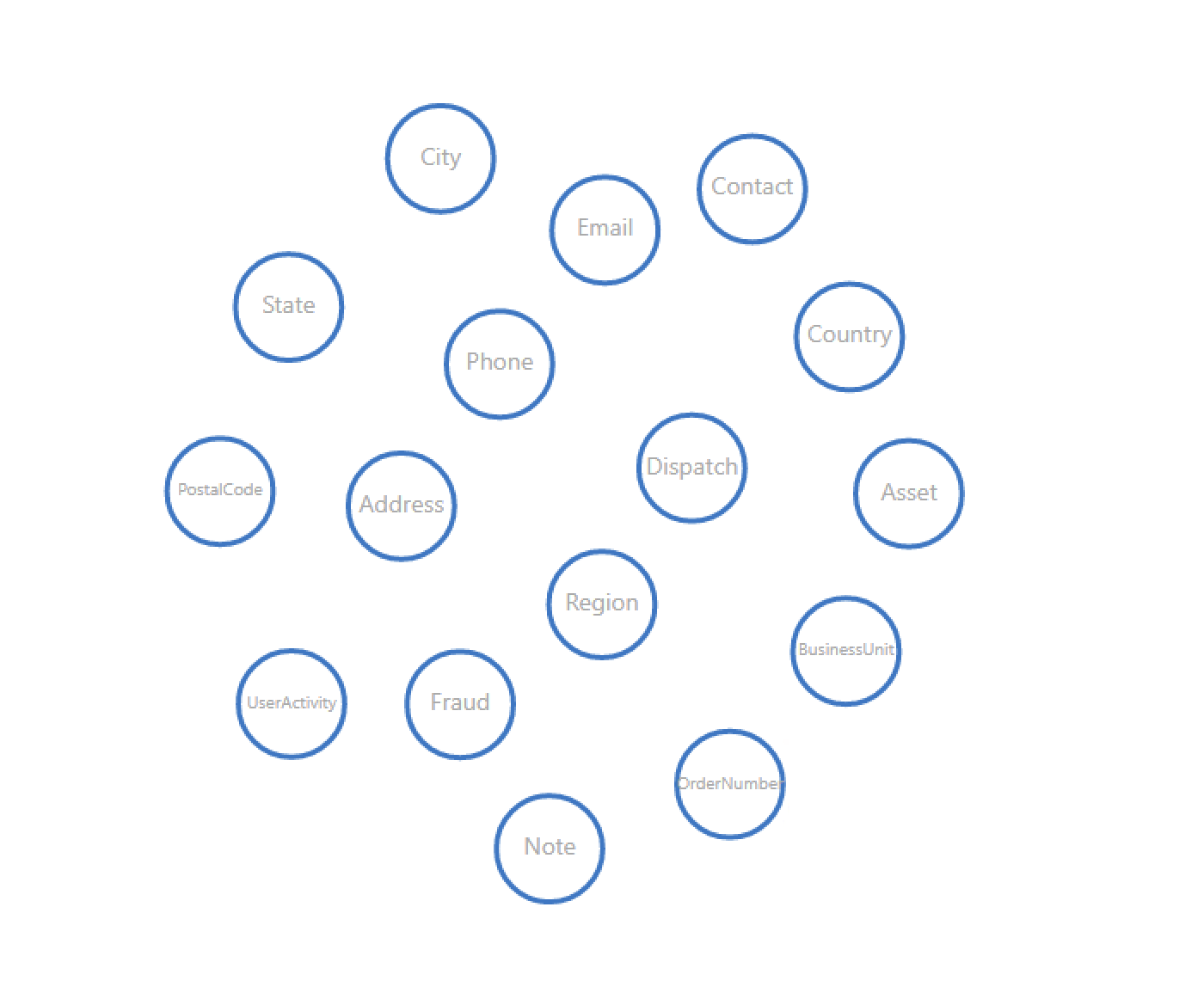
Second, I tried to use CSS to modify the borderColor, but it didn't work either.
node: {
backgroundColor: "#eee",
width: "100%",
height: "100%",
borderRadius: "80%",
borderColor: "#2f76c8"
}
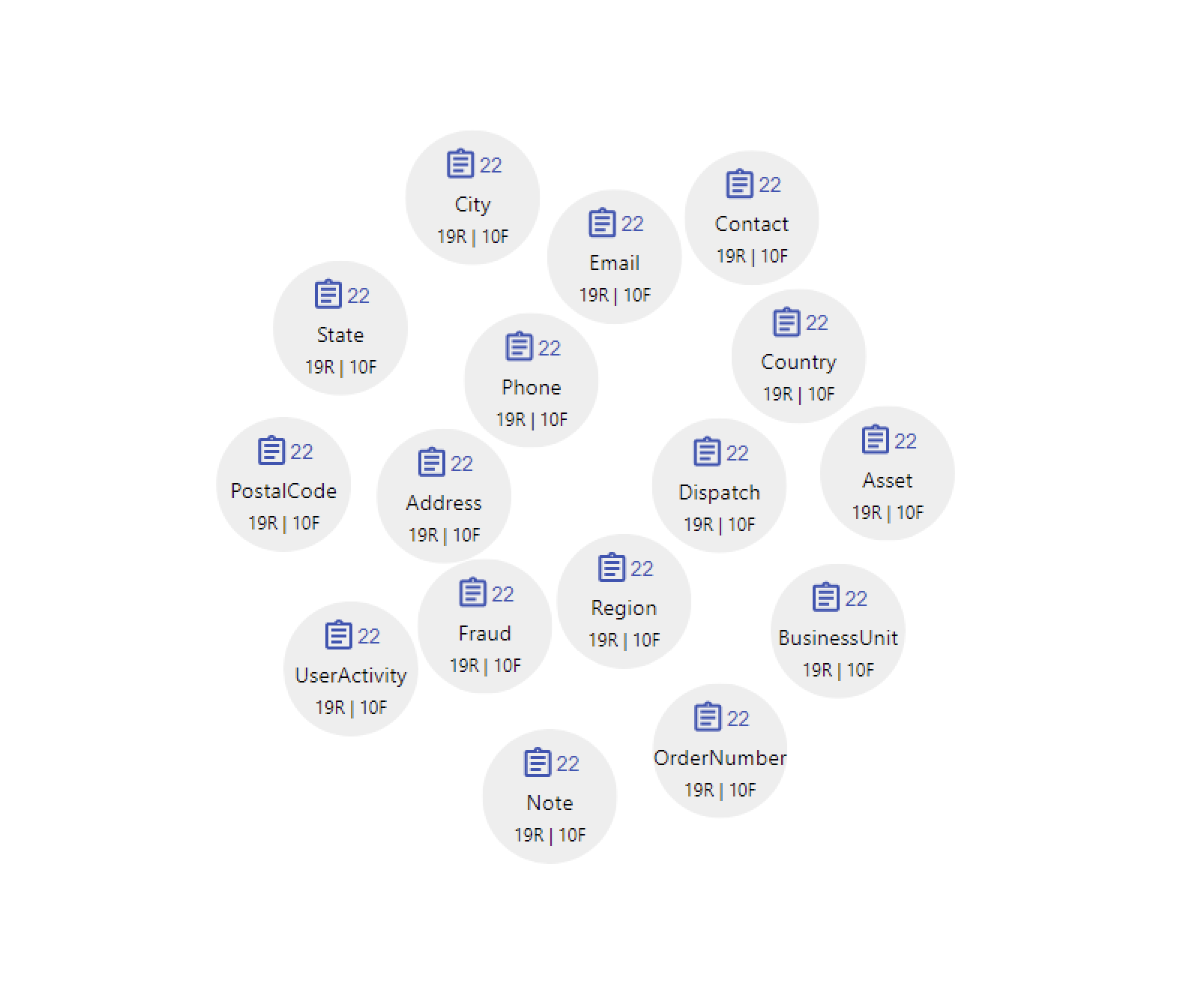
Expected behavior
This might be the expected effect.
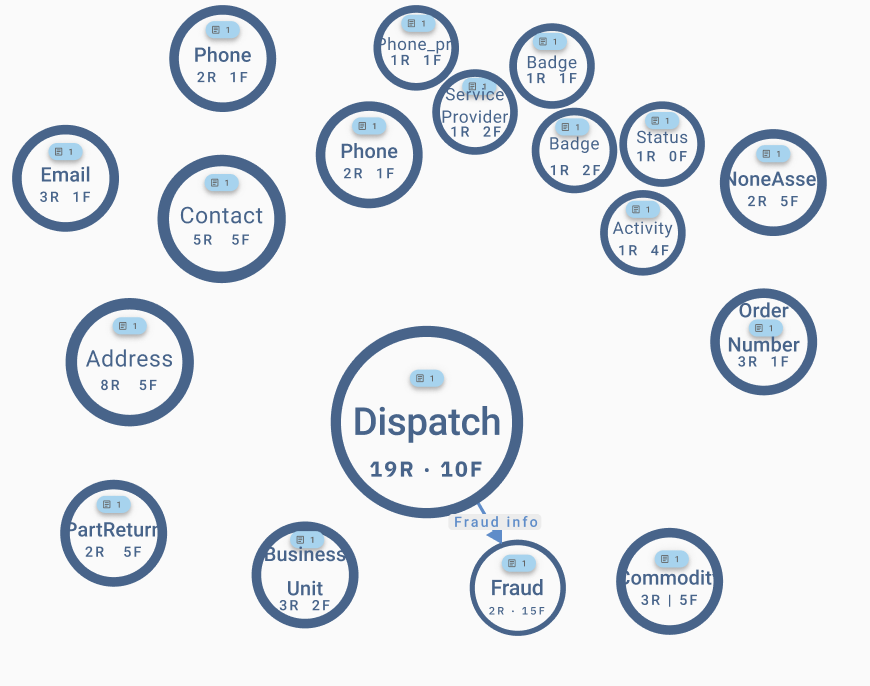
Am I missing something? Or is there any overwrite I need to do?
Environment:
- OS: Windows
- Browser: Chorme
- Node version 14.16.0
- react-d3-graph version 2.6.0
- d3 version 6.6.0
- react version 17.0.1
Thanks! :)

Yes, the stroke colour will not work. Because you're replacing the entire node with a custom node then the package doesn't have the control of binding the stroke colour.
Suppose if you pass the div element to a custom node then it doesn't have the property of stroke. So you need to manually apply the border to it.
In the below case, you added border color but border color will not apply until unless you pass the border width.
node: { backgroundColor: "#eee", width: "100%", height: "100%", borderRadius: "80%", borderColor: "#2f76c8" }
The correct answer is border: '2px solid #2f76c8'
