

 danger
[Question] Do we need to install the danger-swift when using SPM?
I have set up the swift package manager file
// swift-tools-version:5.2
// The swift-tools-version declares the minimum version of Swift required to build this package.

import PackageDescription

let package = Package(
    name: "DangerTarget",
    products: [
        .library(name: "DangerDepsPipefy", type: .dynamic, targets: ["DangerTarget"])
    ],
    dependencies: [
       .package(name: "danger-swift", url: "https://github.com/danger/swift.git", from: "3.3.0")
    ],
    targets: [
        .target(
            name: "DangerTarget",
            dependencies: [.product(name: "danger-swift", package: "danger-swift")],
            path: ".",
            sources: ["dummy.swift"]
        ),
    ]
)
When I try to run the swift run danger-swift command
👉  swift run danger-swift local
ERROR: Danger JS was not found on the system
Please install it with npm or brew
I'm getting an error, which is not clear in the setup whether I have to install the dependencies with homebrew or not.
From docs:
We recommend you install Danger via Swift Package Manager. Though you can use homebrew also. Using Swift PM means you safely lock your versions, making your tooling more reliable.
It appears to me that with swift package manager I would be able to run the danger without having to install via homebrew. Did I get it wrong?

It's asking for Danger JS - not Danger Swift, which it sounds like you've installed correctly
ERROR: Danger JS was not found on the system
I'm pretty sure that's in the getting started guides?

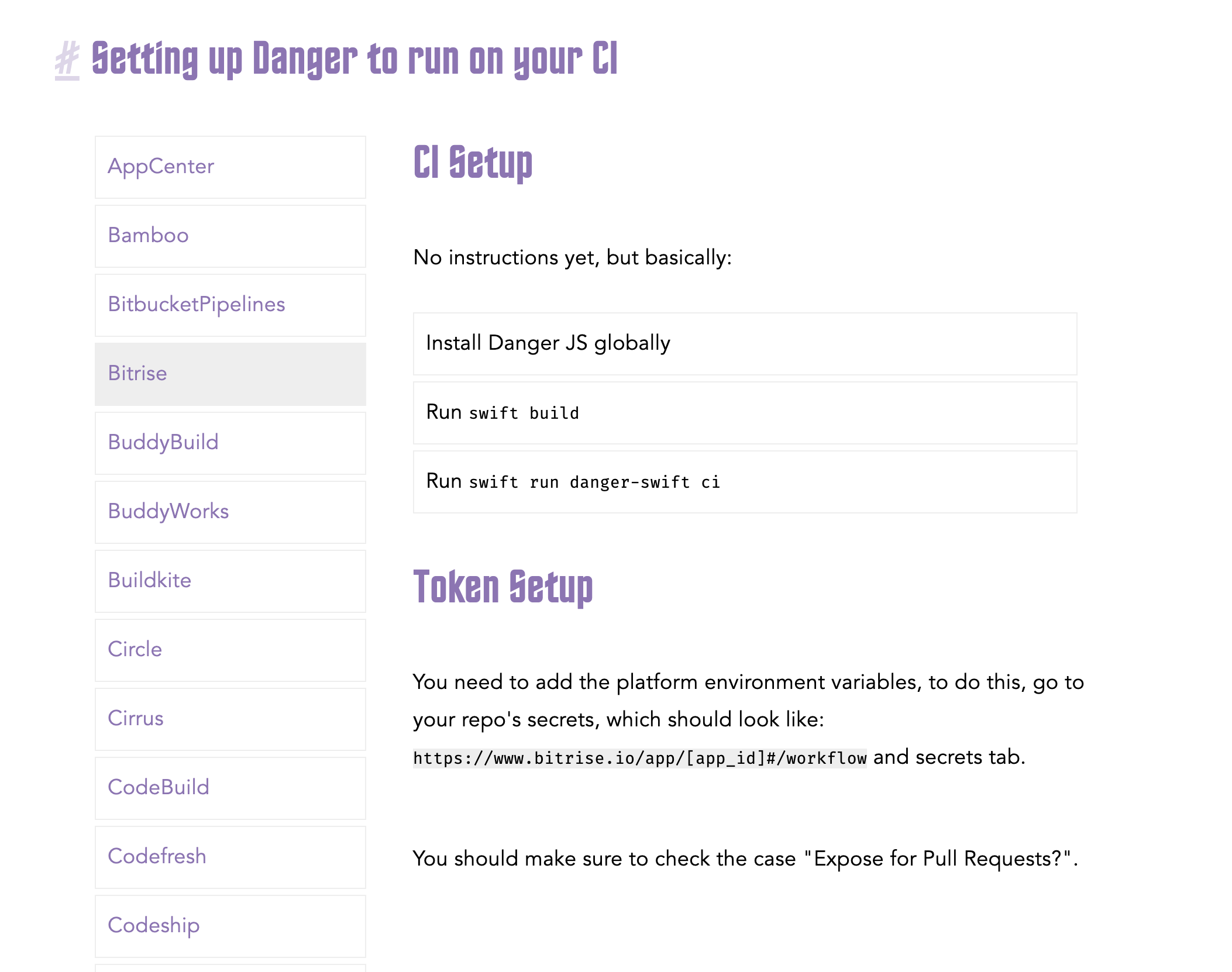
Actually, you're right. However, it the begging of the guide, it let you think that you would only need the swift package build and it would handle the dependencies (which I thought it would be the js part of the danger as well)
Swift PM
You’ll need to be using Xcode 10 or above. We need to create a package definition, so create a Package.swift in the root of your folder:

// swift-tools-version:4.2
import PackageDescription

let package = Package(
    name: "Eigen",
    dependencies: [
      .package(url: "https://github.com/danger/swift.git", from: "1.0.0")
    ],
    targets: [
        // This is just an arbitrary Swift file in our app, that has
        // no dependencies outside of Foundation, the dependencies section
        // ensures that the library for Danger gets build also.
        .target(name: "eigen", dependencies: ["Danger"], path: "Artsy", sources: ["Stringify.swift"]),
    ]
)
This is working around the system a little bit here, we create a SwiftPM build target that requires Danger (to ensure it gets compiled correctly) by adding Danger as a dependency. Next we create a build target that references a random Swift file in your app. This is so that libDanger will be created and because you have to have at least one build target in a Swift Package. Two birds, one bath.

You’ll have to find a file like this in your codebase, something that just imports Foundation is enough.

Run swift build to verify your setup.

From this point on you can use swift run danger-swift [cmd] to run Danger locked correctly to your project.
I think we should alert the user that it will need to install the js part as well. Like:
Before attempt to run swift run, be sure you had installed the Danger JS. From this point on you can use swift run danger-swift [cmd] to run Danger locked correctly to your project.
I ran into this recently--this would be mega helpful to have updated in the guides as well. It's also running into conflict with my existing Danger-Ruby installation.

I had the same problem @bdrelling had with the danger ruby gem (see #452) and now with danger-js being required on CI. I agree, it would be good to improve the guide.
