
webots

webots copied to clipboard
 cyberbotics
Wrong Lidar cloud points after simulation reset
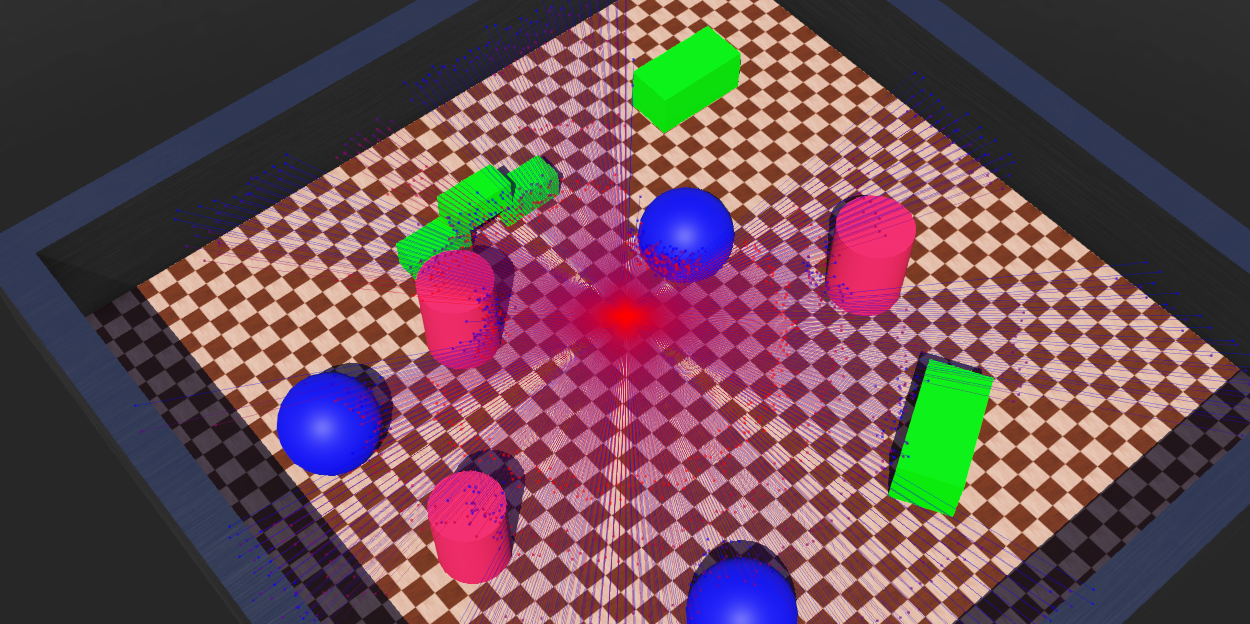
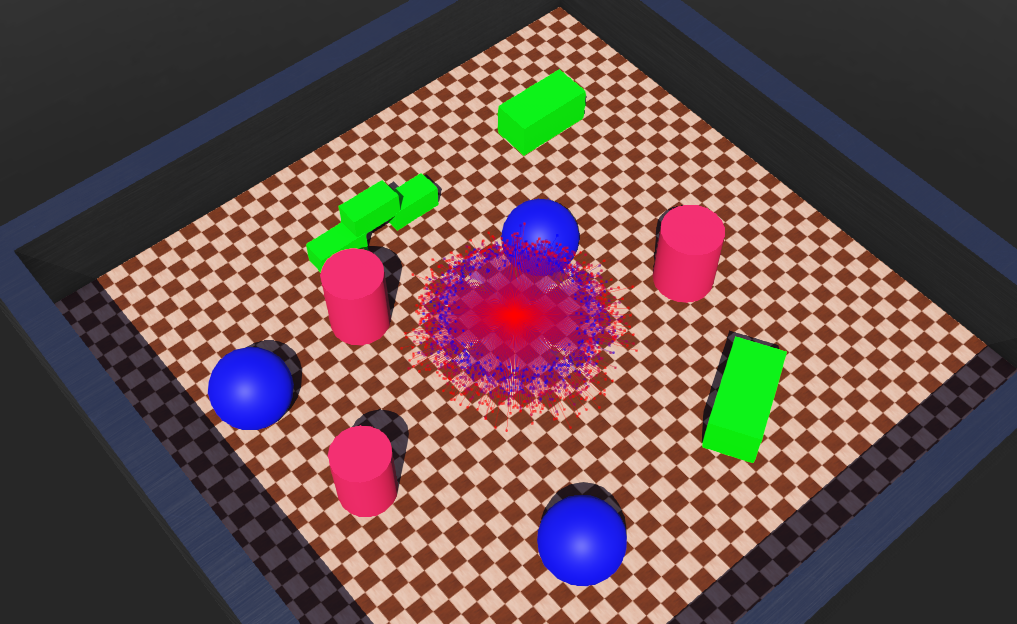
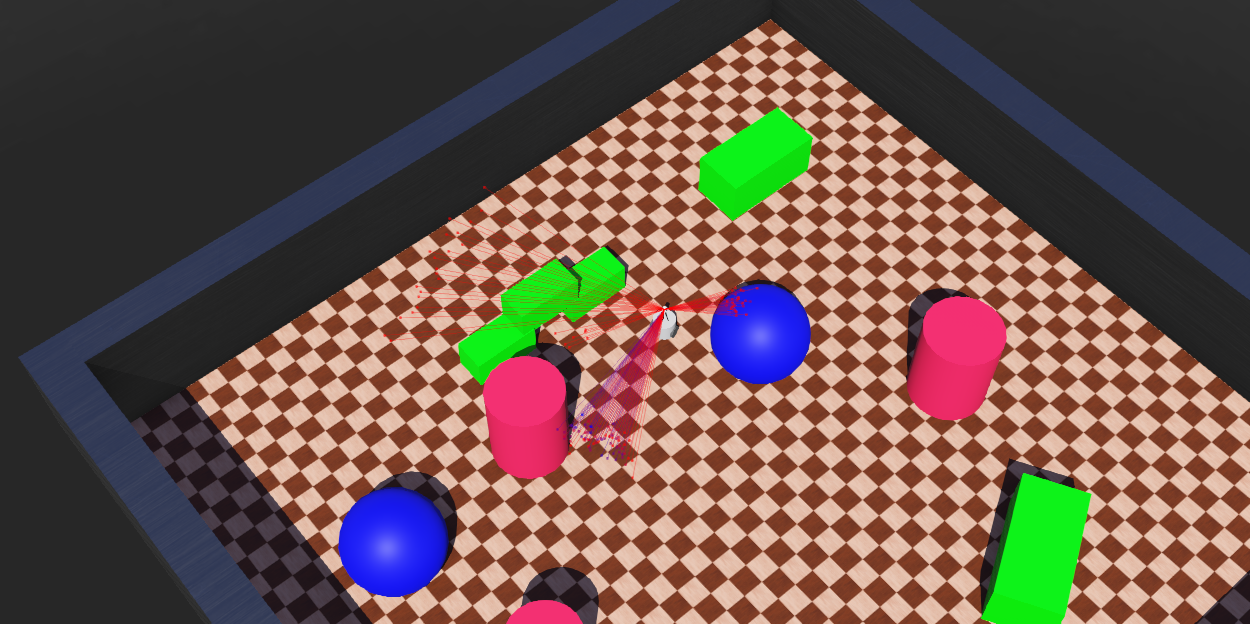
The Lidar point cloud is not displayed correctly after a simulation reset. Also OpenGL warnings are shown in the console:
OpenGL error: GL_INVALID_OPERATION
Steps to Reproduce
- Open Webots
- Open
lidar.wbt - Make sure View > Optional Rendering > Show Lidar Point Cloud is active
- Run the simulation -> the lidar should work correctly and the point cloud should be shown correctly.
- Reset (not reload) the simulation and run it again.
- The point cloud is completely wrong each time the simulation is reset.
Screenshots
FIRST RUN AFTER RELOAD = CORRECT
 AFTER FIRST RESET = WRONG
 AFTER SECOND RESET = WRONG
System
- Operating System: Ubuntu 20.04
- Graphics Card: NVIDIA GeForce GTX 970
- Webots R2022a and Webots R2022b.
