

 cryptomator
Wrong Date for uploaded Images with iOS Filesapp and Cryptomator
Please agree to the following
- [X] I have searched existing issues for duplicates
- [X] I agree to follow this project's Code of Conduct
Summary
An uploaded Image has no creation date and wrong change date
System Setup
- iOS: 15.5
- Cryptomator: 2.3.0 (967)
Cloud Type
WebDAV
Steps to Reproduce
- In iOS photos, select picture and save in files
- Select folder in cryptomator vault and save file
Expected Behavior
The picture is encrypted and uploaded in the webdav target. The creation and changed date of picture is the same as in the original picture on the iPhone.
Actual Behavior
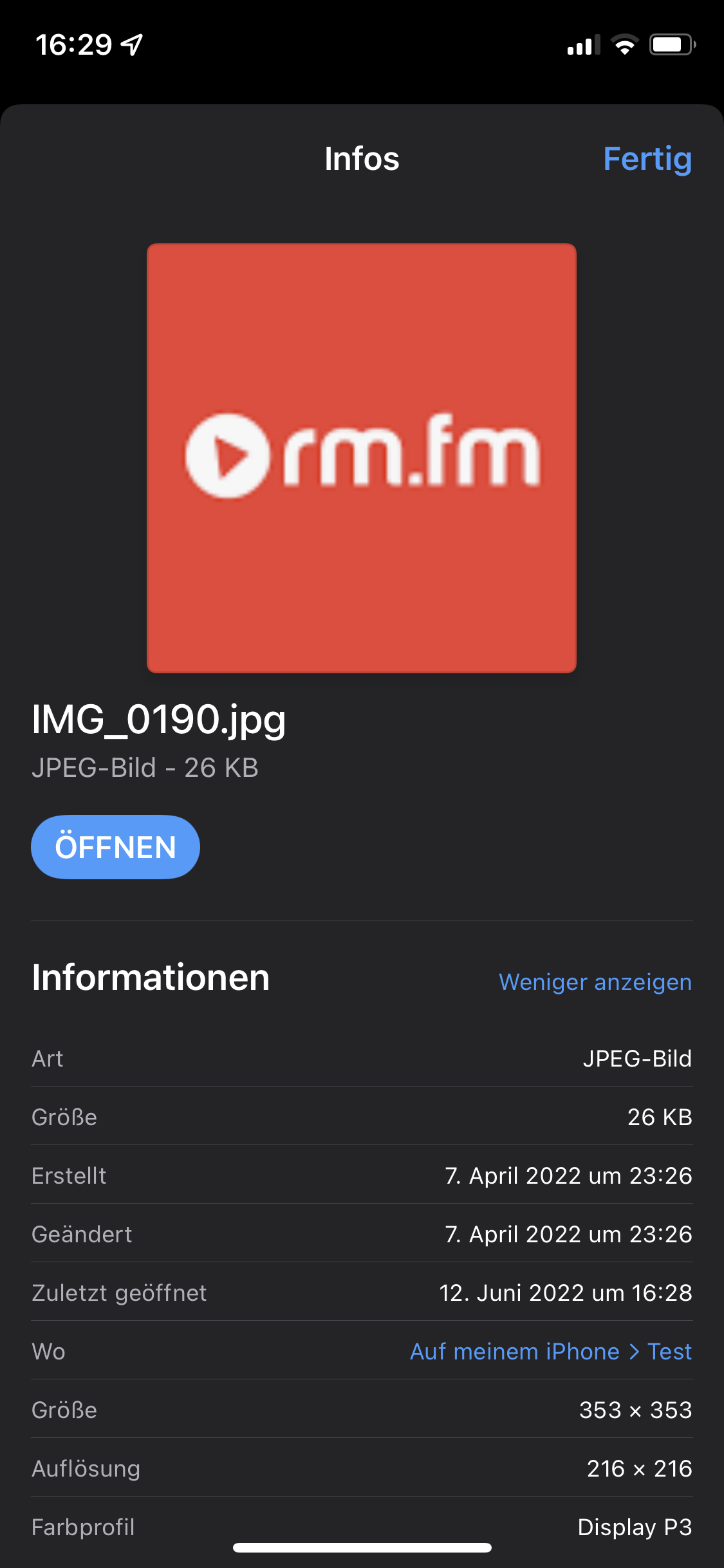
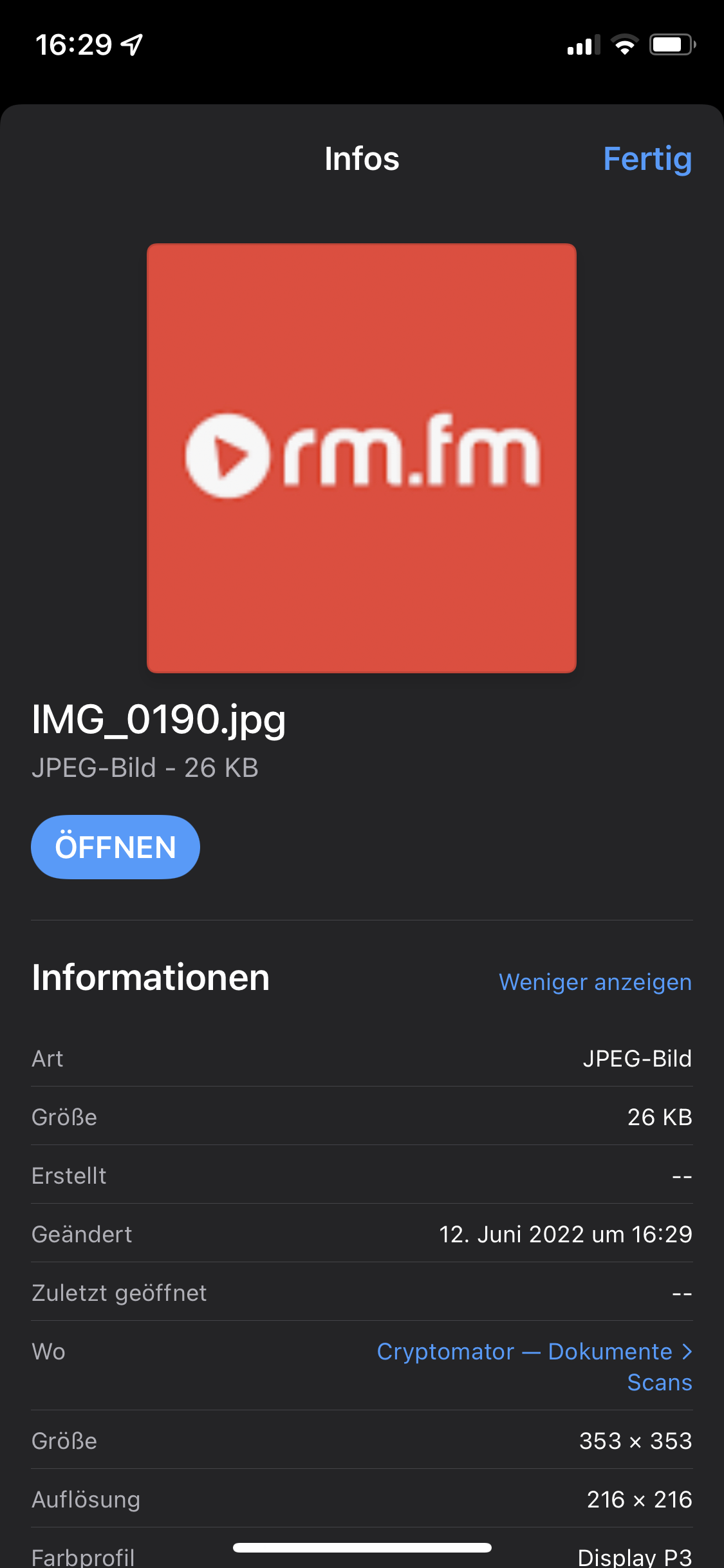
The picture has no creation date and the changed date ist set to save time in vault. For example the first picture shows the infos for the file on a local path in the files app on the iPhone, the second picture shows the infos for the same file in Cryptomator vault in the files app. On the first picture are correct dates set after save in files app.
First picture:
Second picture:
Reproducibility
Always
Relevant Log Output
No response
Anything else?
No response

I use workaround: add time stamp to the filename via my auto upload shortcut.

https://www.icloud.com/shortcuts/adda4abe730842aca9dc82841f19a6d0
By the way, there is a try to change file metadata (Set Creation Date to Date Taken in File) in the Shortcut, but it doesn’t work because of the bug. You can remove it ;)
This issue has been automatically marked as stale because it has not had recent activity. It will be closed if no further activity occurs. Thank you for your contributions.
![github-actions[bot] avatar](https://avatars.githubusercontent.com/in/15368?v=4 "Published by a pub.dev verified publisher")