

 creativecommons
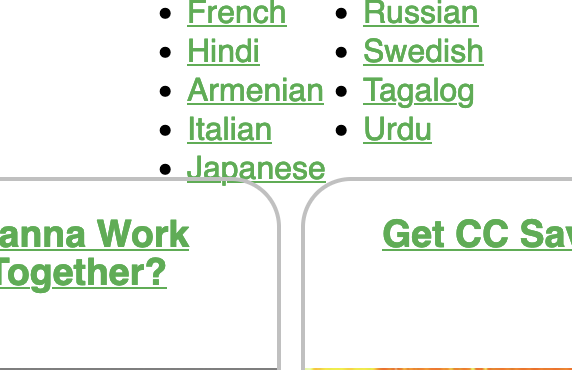
[Bug] Language filter overlapping with Resource cards
Description
After the new code merges, the languages are overlapping with the resource card after clicking see all.
Reproduction
- Go to https://resources.creativecommons.org/all/
- See error
Expectation
A margin/padding can provided which can fix this overlapping.
Screenshots
See the Language filter
Environment
- Device: Laptop
- OS: MacOs
- Browser: Firefox
- Other info: All resolutions
Resolution
- [x] I would be interested in resolving this bug.

@Xaid-vfx Could you share environmental details such as screen resolution, browser etc ? it is working completely fine on my pc
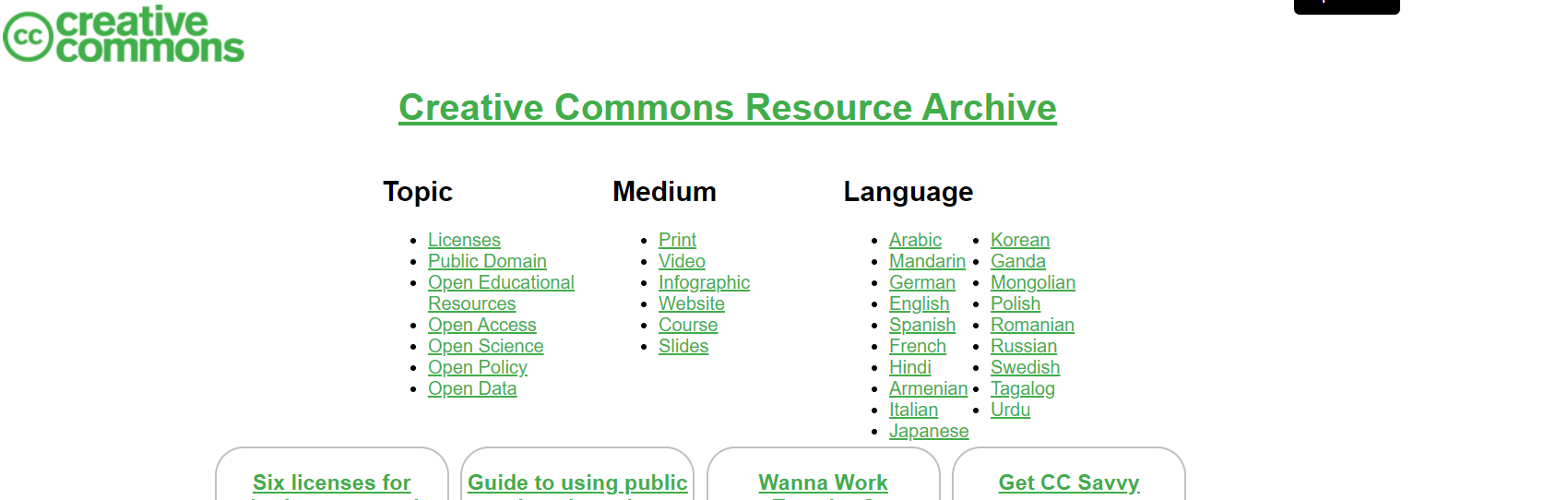

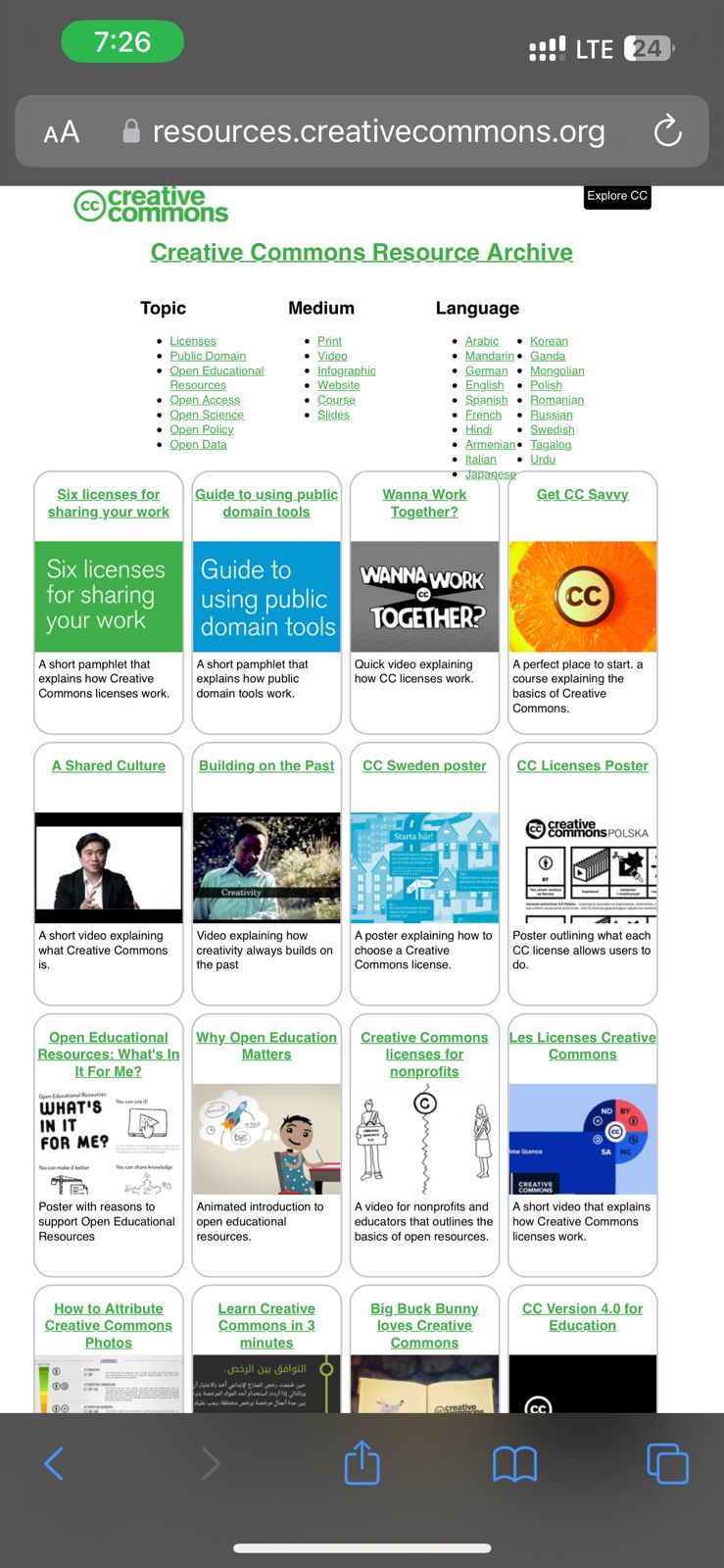
@Lakshay-Pruthi I think the above issue persists in Firefox for all resolutions. It works fine on Chrome and Safari. Regardless of browser, I think it would be appropriate to provide some space between Cards and Filter. Even in chrome, the space is too little. A little margin would fix the issue for all browsers.
For example:
This is on iPhone 14 Safari browser:
Hey @Xaid-vfx ,
Since "Submit a resource" link is added, I don't think this issue persists. I might be wrong though. Lemme know your thoughts :)


@possumbilities The issue gets resolved by the PR #316 and can be closed successfully 🙌
