react-player

react-player copied to clipboard
 cookpete
Google Chrome Device Mode Simulation iOS Device Not Working - onError DOMException: The element has no supported sources.
Current Behavior
I am getting a weird behavior when simulating mobile devices in device mode on Chrome (Version 112.0.5615.49).
Expected Behavior
For Audio/Video to play normally as it would when not in device mode.
Steps to Reproduce
- Go to https://cookpete.com/react-player/ on Google Chrome
- Open the developer tools
- Click on device mode
- Select an apple device from the emulated device list e.g: iPhone 12 Pro
- Add the following URL to the Custom URL input field: https://stream.mux.com/uNbxnGLKJ00yfbijDO8COxTOyVKT01xpxW.m3u8
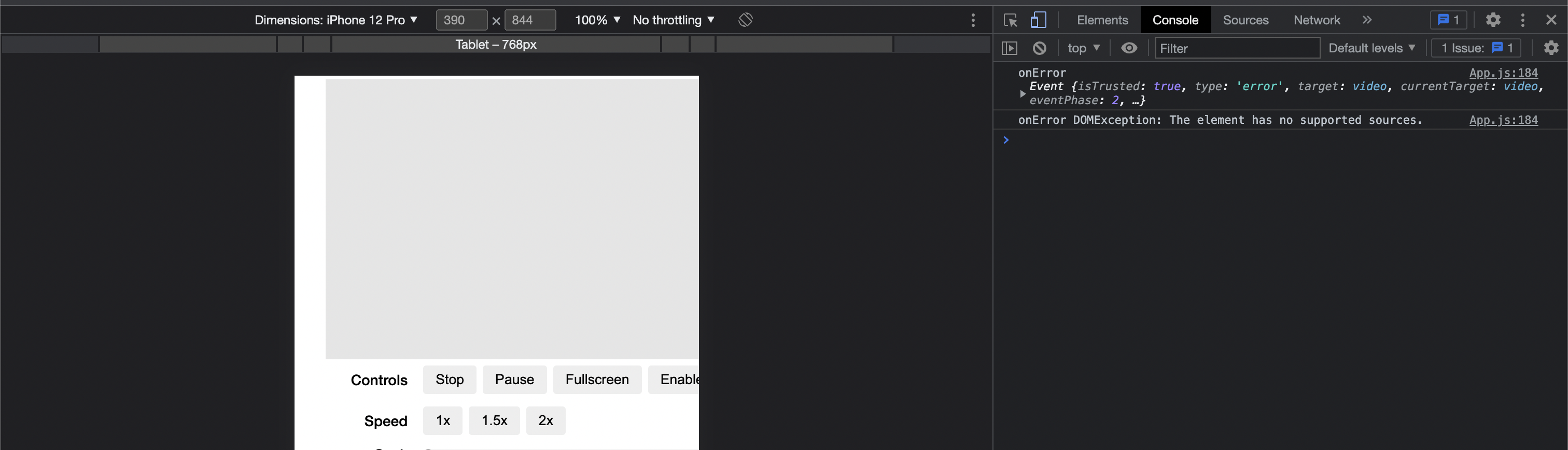
- Click load, video/audio won't play. An error will be thrown with Event object
- Click pause/play gives you the following error message: onError DOMException: The element has no supported sources.
Environment
- URL attempting to play: https://stream.mux.com/uNbxnGLKJ00yfbijDO8COxTOyVKT01xpxW.m3u8
- Browser: Google Chrome (Version 112.0.5615.49)
- Operating system: MacOS
- jsFiddle example: N/A
Other Information
Enable device mode

When not in device mode

Device mode enabled
Safari

Safari iOS - iPhone 14