comfyanonymous
Some convenience changes
I made some changes to help with the usability of the UI and backend
- You can now preview the region affected by
ConditioningSetAreain a visual manner - You can now add additional model paths for scanning
- You can align the graph nodes to a grid, and adjust the grid size
- You can change the font family/size of the
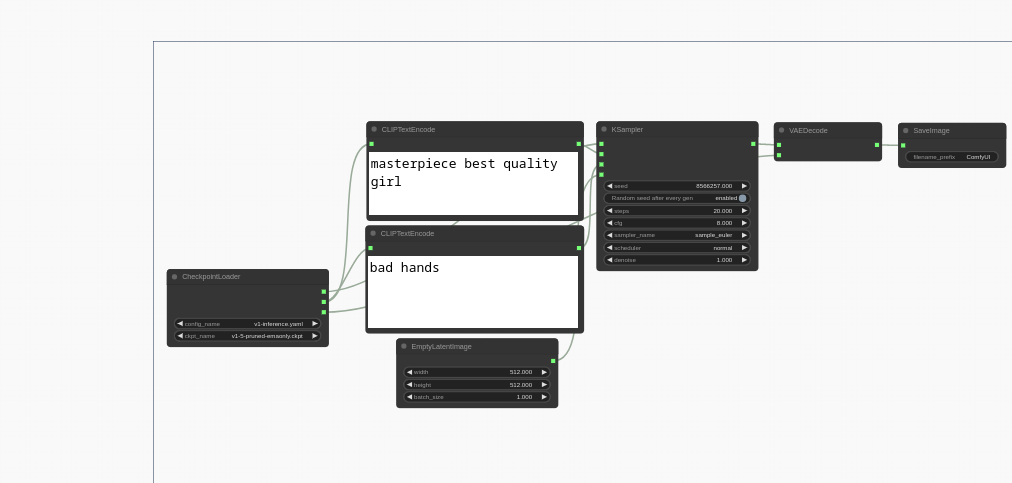
CLIPTextEncodetext areas - You can lock the canvas with the
Lock Canvascheckbox to prevent from accidentally moving around any nodes (they can still be interacted with otherwise) - The
stepoption for number sliders is now respected and locked at the step increment, so it's impossible to pick an invalid value between steps - Added the example workflows to the repo because I was stuck trying to figure out how to import them

You should have split this up into different pull requests so I could have merged what works.
Here's some issues I found.
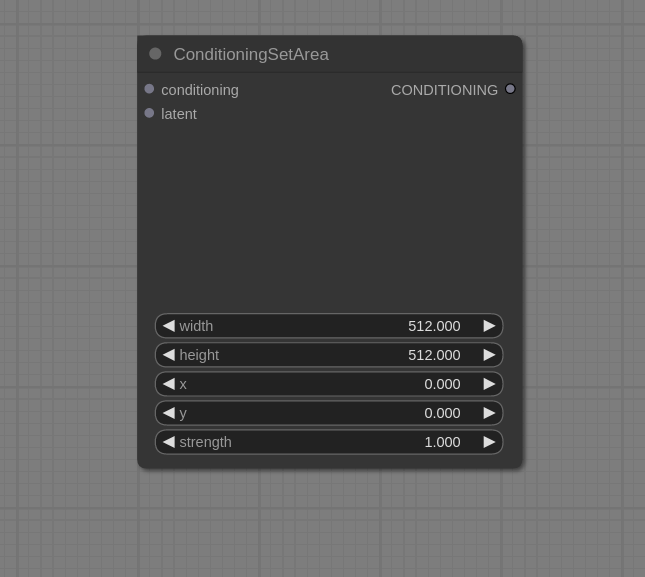
Is the area node supposed to look like this?
Loading the list of models/etc.. on start improves performance but it means people have to restart it every time they put new models which isn't ideal.
There's also an issue with the text in the CLIPTextEncode nodes when zooming in an out.

I'll split it up soon, apologies.
That's what the ConditioningSetArea node is supposed to look like if you don't connect a latent to it. If you add an EmptyLatentImage it will show the region
Without the model scanning I found it was impossible for me to open the page since I have thousands of models, it just hangs for some reason
I think the CLIPTextEncode issue was there before I made any changes
Oh I see that's a great idea for the ConditioningSetArea node unfortunately your implementation only works when you connect an EmptyLatent image node to it and not all the other nodes that output a latent image like the LatentUpscale node for example.
For the model scanning I'll do some investigating. There's probably a solution that solves your issue without having to restart the software for it to pick up new models.
For the CLIPTextEncode issue:
This is what I see when zooming out on master:
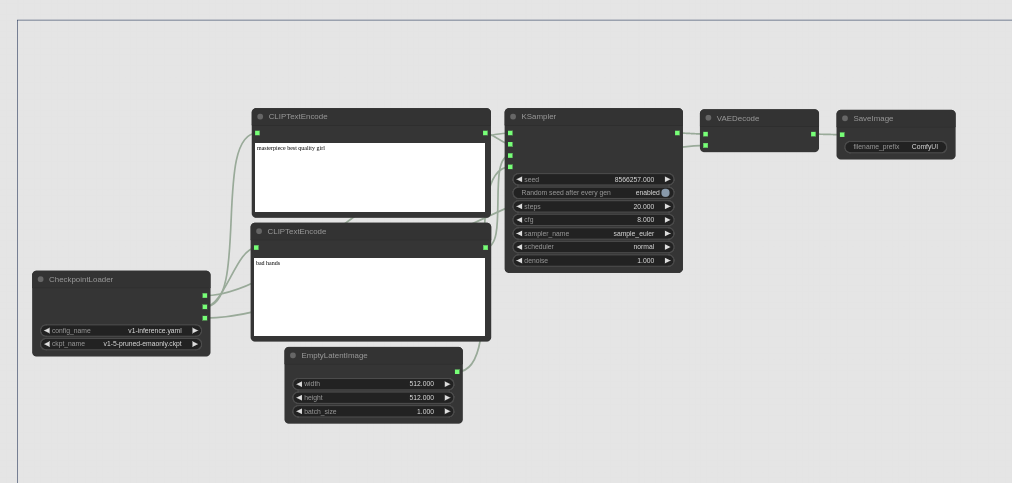
This is what I see on your branch: