colinta
Column location is not preserved when moving text up and down.
This is currently an unresolvable bug. When you call View.command_history from within a command, it filters out the most recent change if that change is the same command that is being run (or something like that).
So in MoveTextCommand, a move_text_up or move_text_down command does not "see" itself as the previous command. Very frustrating, and I've filed a bug report here: http://sublimetext.userecho.com/topic/93699-command_history-does-not-help-determine-last-command/ (please comment and bump).
In the meantime, you can get around this bug, but only by moving the text in the opposite direction first (and there better be enough columns in that row!).

I still kind have a problem when moving text. On this git bellow:
- I move the caret until the word
pullon the middle of the line. - Then I move the empty caret up and down, and it correctly continues on the right column.
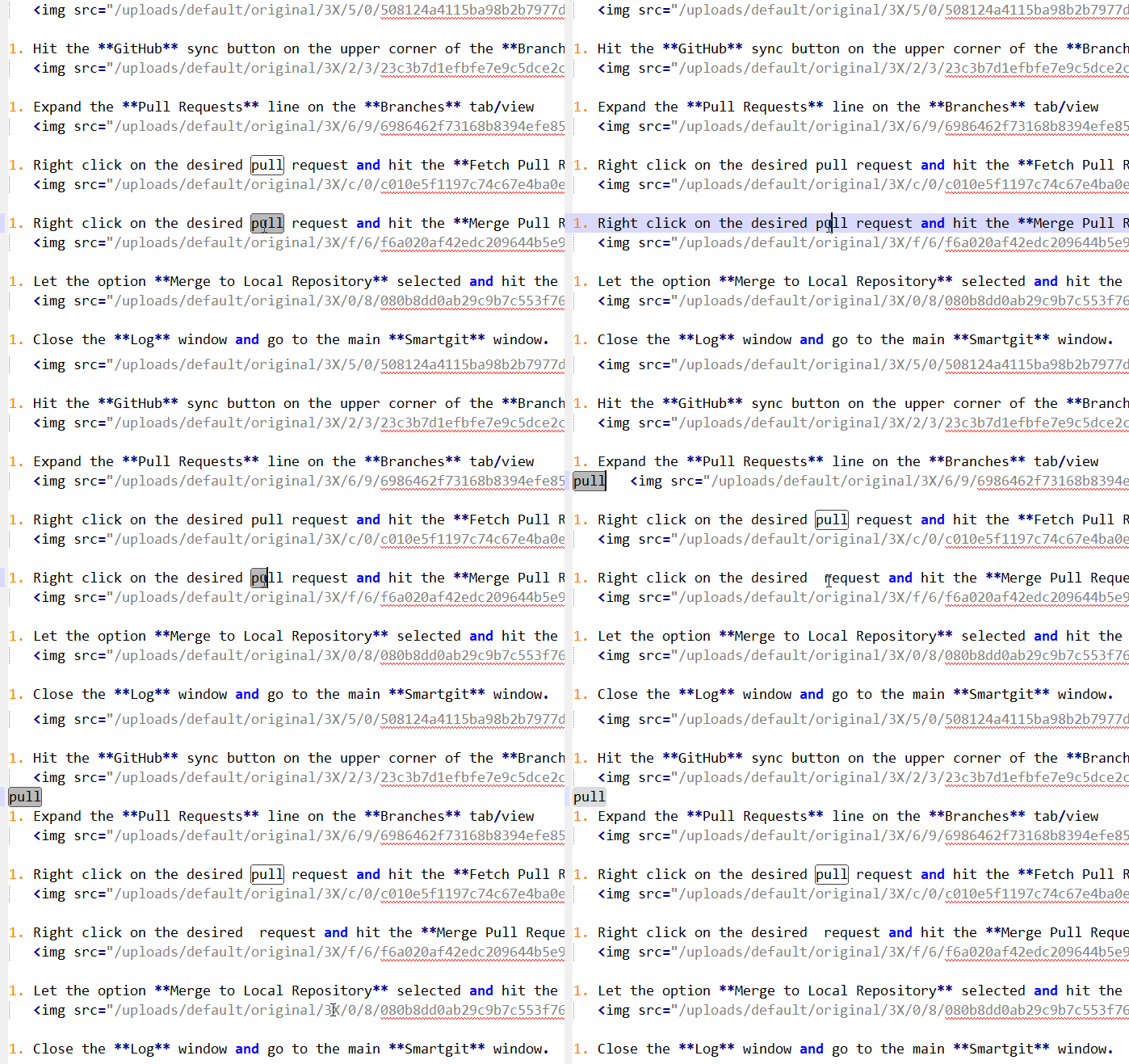
- However, when I select some text and try to move it up and down, it does not continues on the right column. It goes to the first column instead:
Strange, yeah that's the bug that I used to see, but it's not happening in my version of Sublime (build 3156)
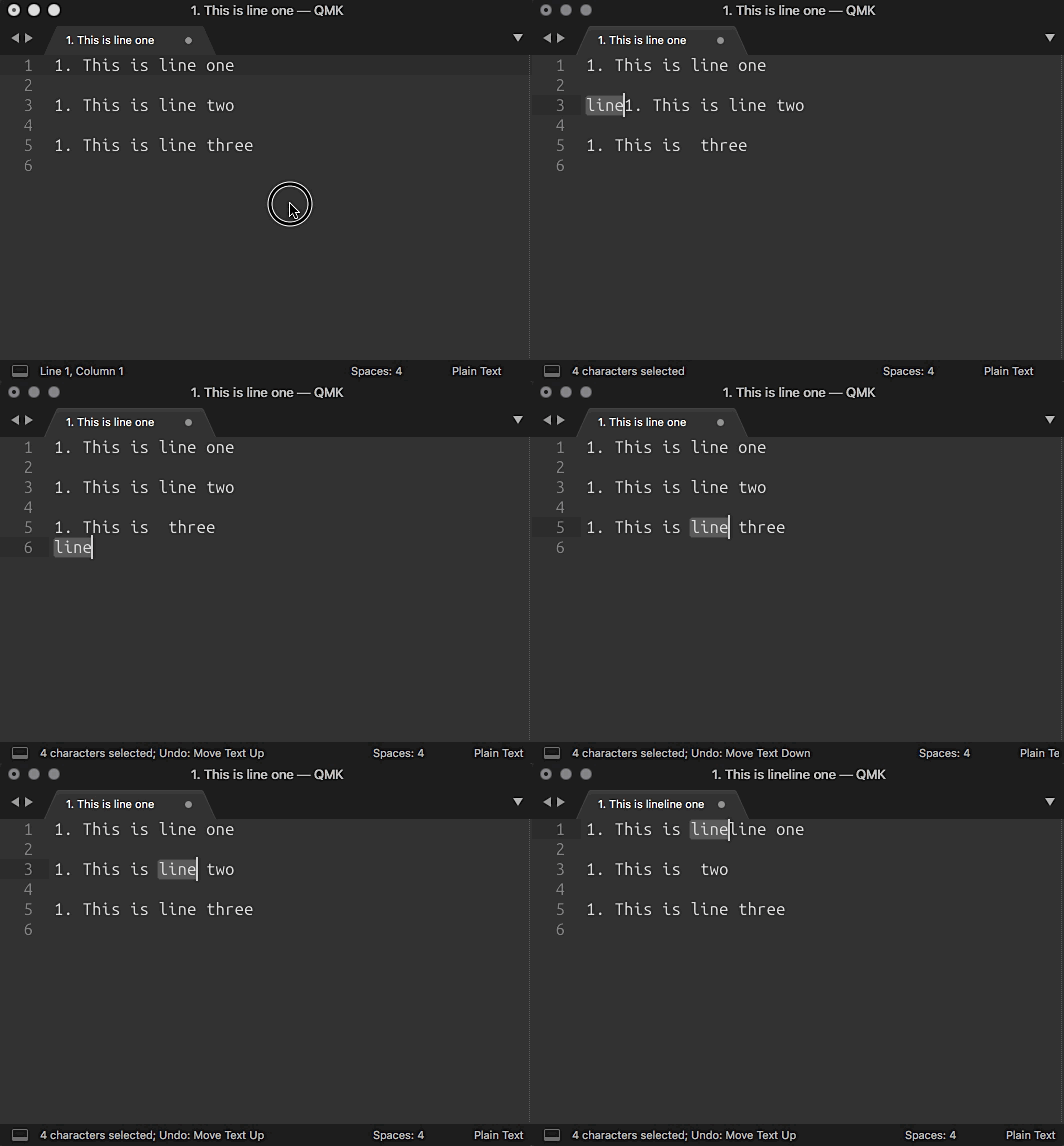
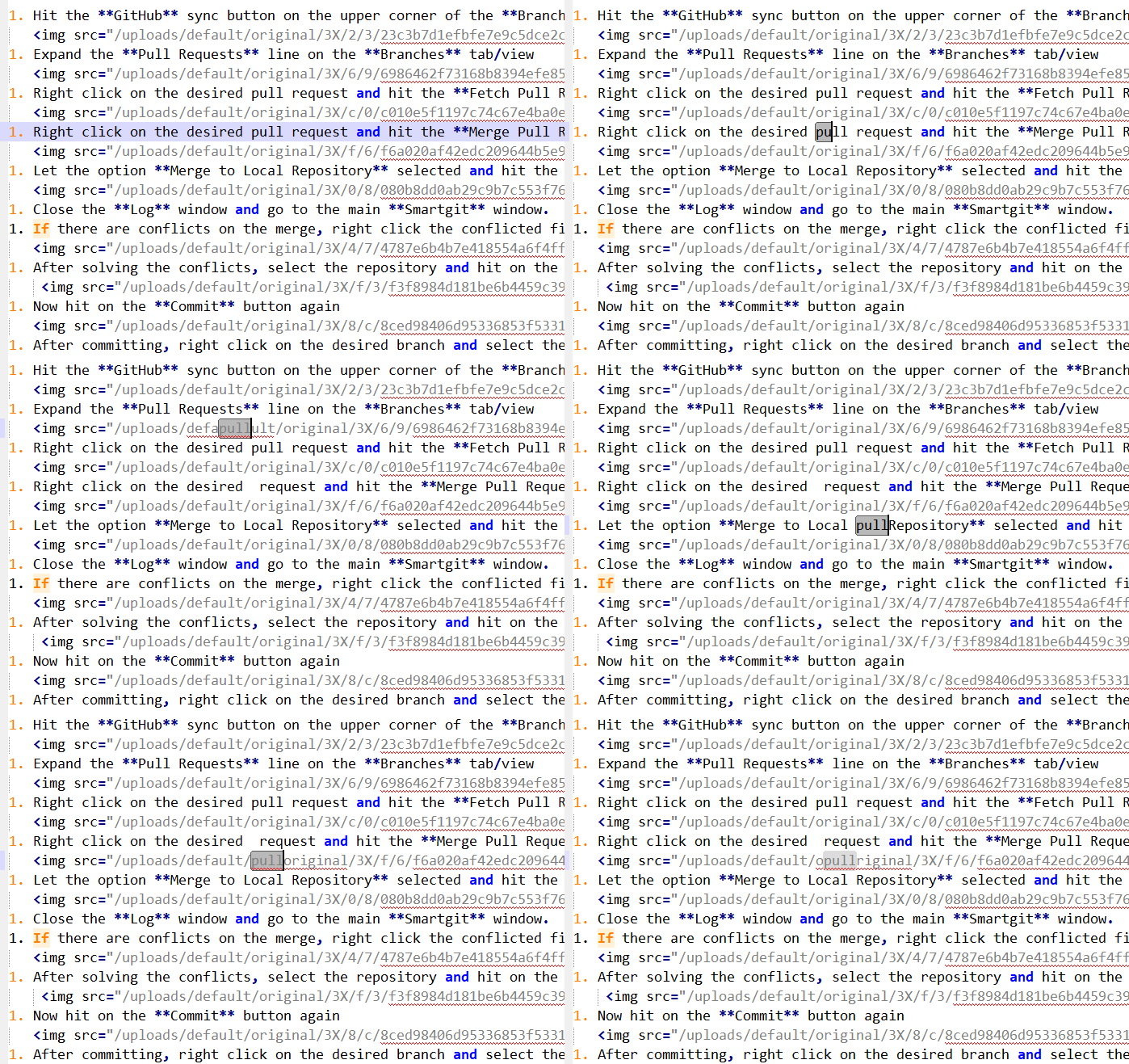
I am also using build 3156. I noticed this bug only happens when there are empty lines between the text. If there is not empty lines, it does work correctly:
Stranger and stranger... I opened a new window (I was going to record my screen, to show it working) and in a new buffer it worked as you recorded it! I'm trying to figure out what's making it work sometimes and not other times... we should reopen the Core issue that you created.
A workaround, btw: move the text in the opposite direction first (e.g. move it down if you're going to move it up); that'll put another entry in the command history, and the "memory" feature will work. e.g.