
hibiscus-theme
 hibiscus-theme copied to clipboard
 colinlienard
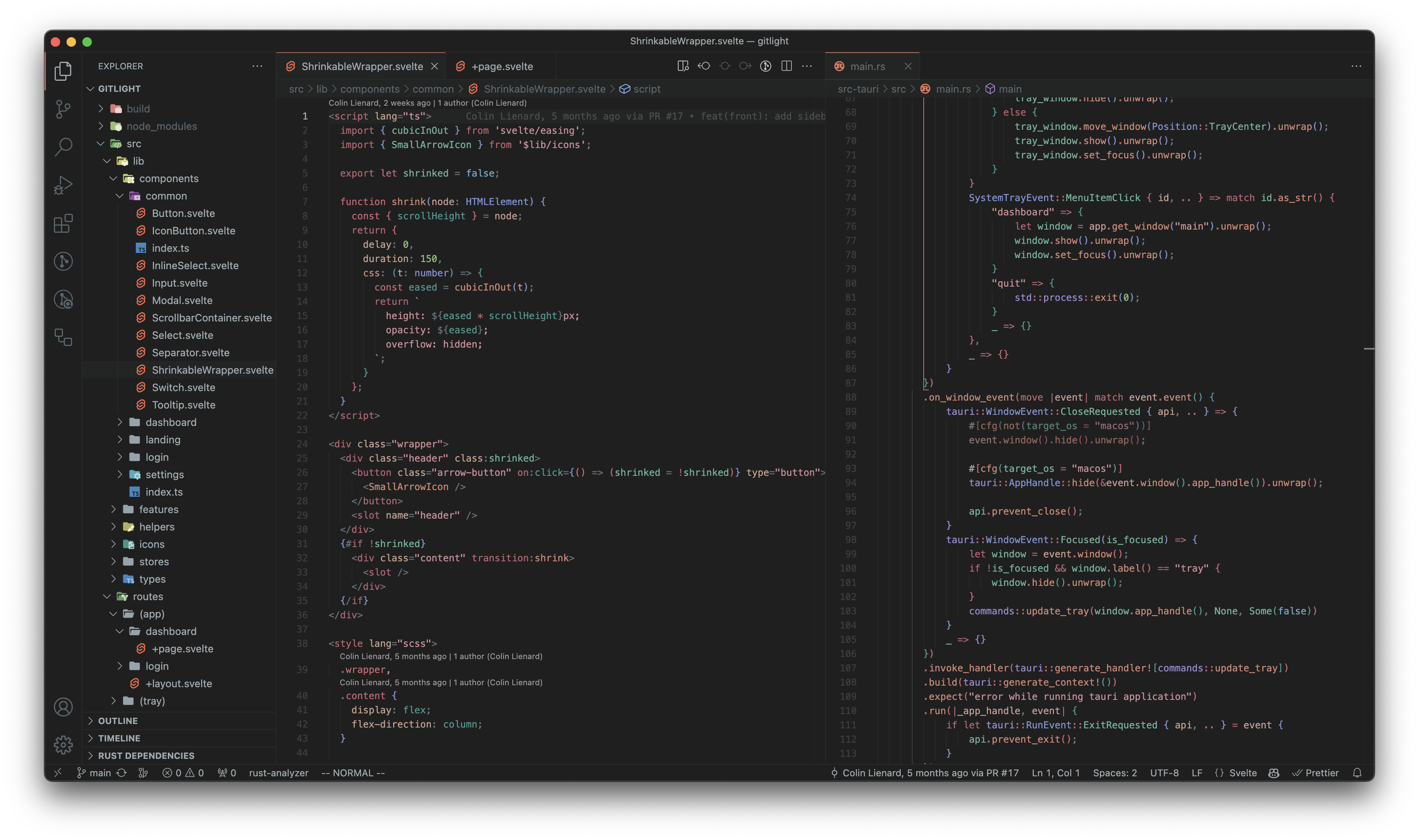
🌺 A warm, cosy, pastel VSCode theme


Warning
This theme was originally created for personal use and is currently incomplete.
Contributing
- Install dependencies with
bun install. - Generate the json output once with
bun dev, or at each file change withbun watch. - Run the debugger (
F5). - Tweak the colors in
src/colors.ts. - Change where colors are used in
src/theme.ts. PressCmd+Shift+P, type Developer: Inspect Editor Tokens and Scopes and click on a word in the debugger editor to see its token scope.
Inspiration
Lot of inspiration was taken from primer/github-vscode-theme and antfu/vscode-theme-vitesse.
License
MIT © Colin Lienard
 colinlienard