
simple-sidenav

simple-sidenav copied to clipboard
 codica2
How to apply CSS on simple side nav?
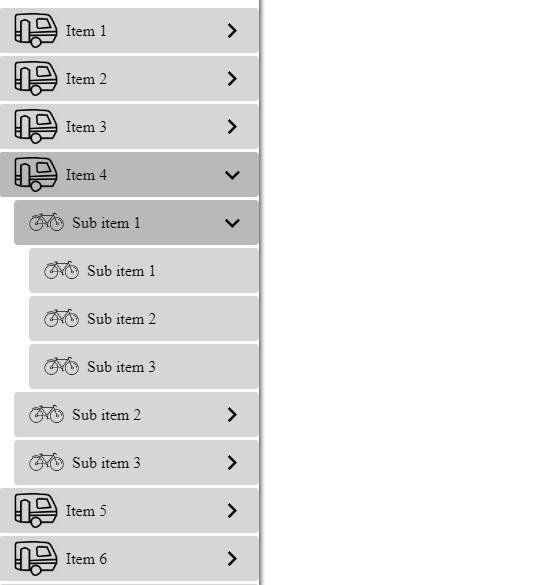
Actually, I am trying to apply custom CSS on simple side nav? How can I add my CSS and apply on its items and on anywhere of sidnav?

Hello waqas2023! Thanks for your question and using simple-sidenav
Just attach a class to the component
<sm-simple-sidenav
  class="sidenav-custom"
  [animation]="{in: {value: 'slide-in'}, out: {value: 'slide-out'}}"
  [withArrow]="true"
  [menu]="menu"
  (onSidenav)="onSidenav($event)">
</sm-simple-sidenav>
and now you can override default styles
.sidenav-custom {
  .simple-sidenav {
    &__item {
      margin-top: 5px;
    }

    &__item-content {
      background: #FFF;
      color: #333333;
      padding: 12px 15px;
    }

    &__icon {
      width: 30px;
      margin-right: 15px;
    }

    &__arrow {
      svg {
        fill: #6e298c;
      }
    }

    .active {
      background: rgba(66, 133, 244, 0.12);

      .simple-sidenav__arrow {
        svg {
          fill: #fff;
        }
      }
    }
  }
}
