

 coder
coder
Please Specify a file or folder
OS/Web Information
- Web Browser: Vivaldi 4.2
- Local OS: Windows 7
- Remote OS: Ubuntu 20.04
- Remote Architecture: AMD?
-
code-server --version: 3.12.0
Steps to Reproduce
- Get 3.12.0
- Run
- See error
Expected
Expected code-server to start
Actual
I see this error(mentioned on Slack too): Please specify a file or folder.
Logs
- [x] Need to do this(see below) Error log:
gitpod /workspace/coder-lg-blog-codedoc $ code-server --log debug
[2021-09-22T04:28:21.583Z] error Please specify at least one file or folder
Running on Gitpod via the cURL link on my blog repo(needed a base for it, got a base or it)
Installation log:
gitpod /workspace/coder-lg-blog-codedoc $ curl -fsSL https://code-server.dev/install.sh | bash
Ubuntu 20.04.2 LTS
Installing v3.12.0 of the amd64 deb package from GitHub.

+ Reusing ~/.cache/code-server/code-server_3.12.0_amd64.deb
+ sudo dpkg -i ~/.cache/code-server/code-server_3.12.0_amd64.deb
(Reading database ... 65739 files and directories currently installed.)
Preparing to unpack .../code-server_3.12.0_amd64.deb ...
Unpacking code-server (3.12.0) over (3.12.0) ...
Setting up code-server (3.12.0) ...

deb package has been installed.

To have systemd start code-server now and restart on boot:
  sudo systemctl enable --now code-server@$USER
Or, if you don't want/need a background service you can run:
  code-server
Using the cURL link.
Extra info: The entire console log:
gitpod /workspace/coder-lg-blog-codedoc $ curl -fsSL https://code-server.dev/install.sh | bash
Ubuntu 20.04.2 LTS
Installing v3.12.0 of the amd64 deb package from GitHub.

+ mkdir -p ~/.cache/code-server
+ curl -#fL -o ~/.cache/code-server/code-server_3.12.0_amd64.deb.incomplete -C - https://github.com/cdr/code-server/releases/download/v3.12.0/code-server_3.12.0_amd64.deb
######################################################################## 100.0%
+ mv ~/.cache/code-server/code-server_3.12.0_amd64.deb.incomplete ~/.cache/code-server/code-server_3.12.0_amd64.deb
+ sudo dpkg -i ~/.cache/code-server/code-server_3.12.0_amd64.deb
Selecting previously unselected package code-server.
(Reading database ... 56822 files and directories currently installed.)
Preparing to unpack .../code-server_3.12.0_amd64.deb ...
Unpacking code-server (3.12.0) ...
Setting up code-server (3.12.0) ...

deb package has been installed.

To have systemd start code-server now and restart on boot:
  sudo systemctl enable --now code-server@$USER
Or, if you don't want/need a background service you can run:
  code-server
gitpod /workspace/coder-lg-blog-codedoc $ code-server
[2021-09-22T04:26:21.335Z] info  Wrote default config file to ~/.config/code-server/config.yaml
[2021-09-22T04:26:21.345Z] error Please specify at least one file or folder
gitpod /workspace/coder-lg-blog-codedoc $ cat ~/.config/code-server/config.yaml
bind-addr: 127.0.0.1:8080
auth: password
password: cb9bb7d9b0d41b78a9e0936a
cert: false
gitpod /workspace/coder-lg-blog-codedoc $ code-server --log
[2021-09-22T04:28:07.428Z] error --log requires a value
gitpod /workspace/coder-lg-blog-codedoc $ code-server --log verbose
[2021-09-22T04:28:14.379Z] error --log valid values: [trace, debug, info, warn, error]
gitpod /workspace/coder-lg-blog-codedoc $ code-server --log debug
[2021-09-22T04:28:21.583Z] error Please specify at least one file or folder
gitpod /workspace/coder-lg-blog-codedoc $ curl -fsSL https://code-server.dev/install.sh | bash
Ubuntu 20.04.2 LTS
Installing v3.12.0 of the amd64 deb package from GitHub.

+ Reusing ~/.cache/code-server/code-server_3.12.0_amd64.deb
+ sudo dpkg -i ~/.cache/code-server/code-server_3.12.0_amd64.deb
(Reading database ... 65739 files and directories currently installed.)
Preparing to unpack .../code-server_3.12.0_amd64.deb ...
Unpacking code-server (3.12.0) over (3.12.0) ...
Setting up code-server (3.12.0) ...

deb package has been installed.

To have systemd start code-server now and restart on boot:
  sudo systemctl enable --now code-server@$USER
Or, if you don't want/need a background service you can run:
  code-server
gitpod /workspace/coder-lg-blog-codedoc $
Sorry for that but I think it might help
Screenshot
- [x] Need to do this too Fresh video recording:
https://user-images.githubusercontent.com/76845820/134284340-d19fa6f4-18fd-4bc7-8e32-a6e3e244f40c.mp4
I am sorry if it seems a little bit snappy, OBS said that my encoding was overloaded while recording.
Notes
This issue can be reproduced in VS Code: idk
I use this on Gitpod since I use code-server rarely, if this is fixed, I can use code-server for my Pi. Moreover, I don't wanna break my PC by installing code-server immediately and breaking it so I test it for bugs and then install it.

Slack link: https://coder-com.slack.com/archives/C01B9QE823V/p1631306441013600
Thanks @im-coder-lg for reporting this! How do you run code-server? i.e. do you use any flags?
I've seen that error before but can't reproduce locally on macOS.
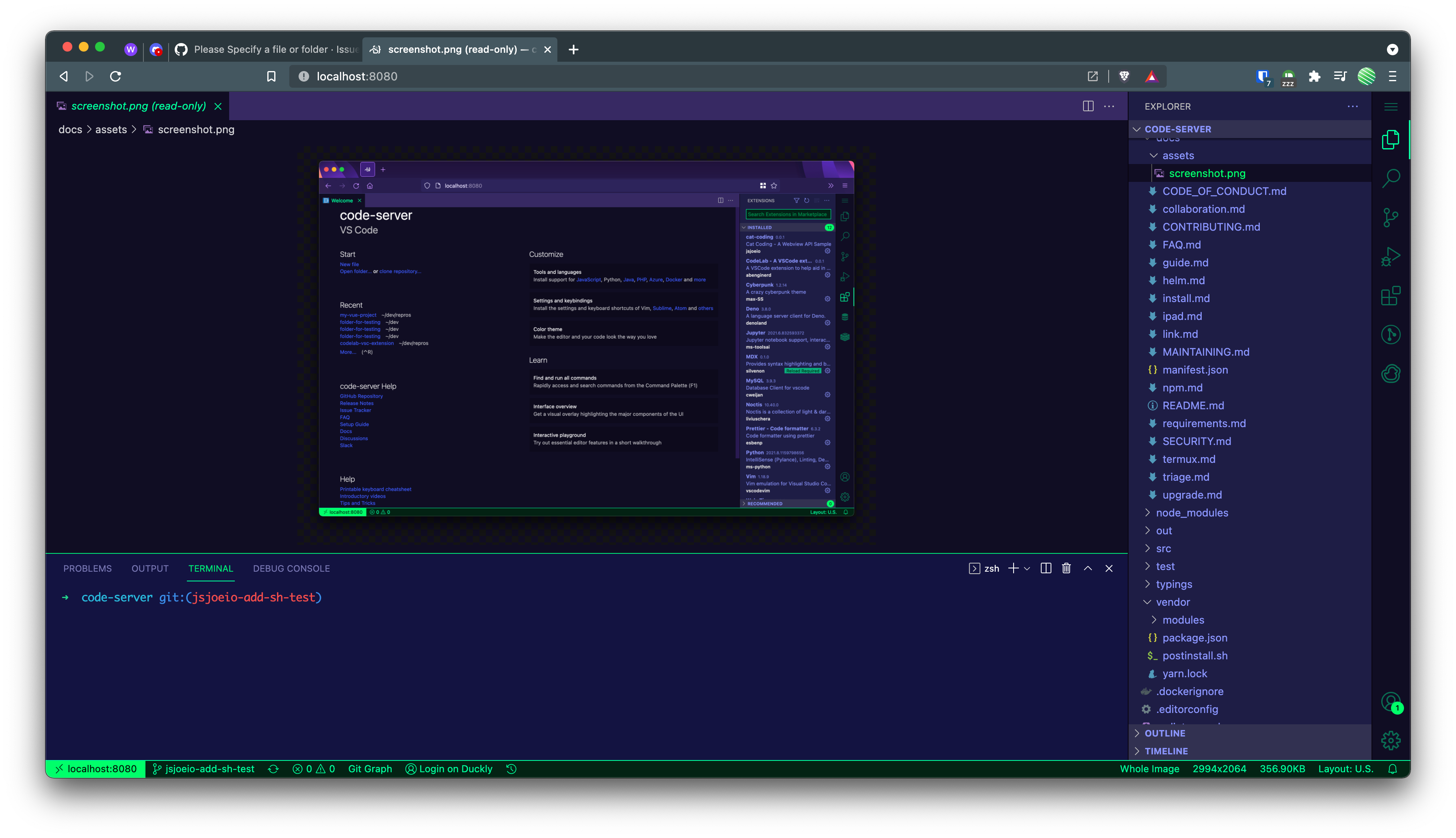

Well, I run it rarely, but since I now have an independent Linux machine, I want to run code-server on that. But, I wanted to test for bugs, So I popped up a Gitpod workspace running the latest Ubuntu LTS, and ran the cURL link on the Readme. But it didn't help since I ended up in that error.
Ahh gotcha! Okay well, once we figure out how to reproduce this, we'll be able to help.
(excited you have an independent Linux machine though, that's awesome!)
Well, I'll be quick, I gotta doze off 💤, but I wasn't posting the logs and the screenshots on code-server since Gitpod didn't sanction me a container(happened on Saturday aka. your Friday) but I will try posting after I wake up.
Thanks @im-coder-lg for reporting this! How do you run code-server? i.e. do you use any flags?
I tried using the link tag but it showed the error. Classic code-server also does show errors.
I've seen that error before but can't reproduce locally on macOS.
Well, you don't need to reproduce on MacOS. You can use Gitpod itself, since they offer free containerized OSes, like Ubuntu 20.04 LTS. If you want, just find a repository as the base for Gitpod since it needs a Git repo. Then, copy the URL and add this:
https://gitpod.io/#/{your-url}(replace {your-url} with your URL.)
Are you running 3.12.0?
@jsjoeio error still persists, check the updated description of this issue.
As you can see in the recording here, you can see that I use Vivaldi. There are no issues with Gitpod, I am using the VNC edition of the gitpod/workspace-full Docker image(I configured it) and whenever I run code-server, I get the error. No use on the NPM version, there is an error that you also know. But I must try the Yarn installation
Update: No use of Yarn installation, it doesn't recognise code-server(bash doesn't)
Are you running 3.12.0?
Yup! Just upgraded
There are no issues with Gitpod, I am using the VNC edition of the gitpod/workspace-full Docker image(I configured it) and whenever I run code-server, I get the error
The video was super helpful! So you're running code-server inside Gitpod? That's very interesting. I totally see the error and I'm not sure what it could be 🤔 cc @code-asher any ideas?
Ah, this is probably because code-server detects it is running inside VS Code and instead of spawning normally it tries to open a file inside the running VS Code.
As a result it asks for the file to open.
It should be possible to bypass this behavior by explicitly telling
code-server to bind to something with --bind-address.

Oh yeah @code-asher this never happened before, code-server worked perfectly. I think this is due to something in 3.12.0
What I am trying to mean is that I have installed code-server on Gitpod a lot of times and I never saw this. But on 3.12.0, I noticed this error.
The video was super helpful! So you're running code-server inside Gitpod?
Yeah. Actually, in the Raspberry Pi installation error discussion, I posted Neofetch results of my Gitpod where I tested it. It was clear that the Gitpod image runs on a Google Cloud VM. Gitpod uses images, just like deploy-code-server but they add more tools, like NPM, noVNC, Docker, Kubernetes, and more. I configured my images to run a fully-loaded image with noVNC so that I can test graphical apps. Also side-by-side I can run multiple servers. Since code-server also runs like a server, I can install and run it. Until 3.11.2, it was totally fine. I didn't see errors, everything loaded really well than I thought. But from 3.12.0, this happened. Other than my Raspberry Pi, I don't have any Linux machines, the Pi is the only one(independent Linux machine I mentioned) and I am hoping to get code-server onto it. The reason I am using it on Gitpod is that since they run on Docker images(contained), if anything goes wrong, I can immediately leave the Gitpod workspace and launch another one. That is why I run code-server on it and then install it, since if there are any big issues, it will be problematic, so I test-run it. This happened on the first 3.12.0 test run.
Ah, if this only happens on 3.12.0 then the problem might be something else because the code I was describing has been in code-server for a long time.
This happens now on every version of code-server I am using. Looks like I have issues. I don't have an x64 based system other than my Windows 7 and 10. The x86 one is, as you know, the Pi 4. I think I will have to try this issue from another device or something.
This issue has been automatically marked as stale because it has not had recent activity. It will be closed if no activity occurs in the next 5 days.
![stale[bot] avatar](https://avatars.githubusercontent.com/in/1724?v=4 "Published by a pub.dev verified publisher")
The logic is here:
https://github.com/coder/code-server/blob/5bc26e90cbf17c9e79d5646fd93838fc0082d9ab/src/node/cli.ts#L735-L766
If process.env.VSCODE_IPC_HOOK_CLI is set we unconditionally try to open a file in the existing instance (VSCODE_IPC_HOOK_CLI contains the path to a socket that can be used to communicate with the currently running instance). But if no file was provided then we end up erroring with "please specify a file". So we could check if a file was provided (args._.length > 0) and if not spawn code-server normally (return undefined) instead of trying to use the existing instance.
Actually...instead of that I think we should remove the if entirely then on line 758 we use VSCODE_IPC_HOOK_CLI if it is set otherwise we try readSocketPath.
Wait, how much time does it exactly take to build code-server from source? And is there any GitHub Action for it? I could remove the if logic there and test it out, if it's fine and if there is a workflow to build code-server ofc.
It depends. Building Code is the longest part. No GH Action to do it. I think your best bet is to make the change -> push to a PR -> and let it run in Code
If anyone else is having this issue, trying prefixing the code-server command with VSCODE_IPC_HOOK_CLI=
For example: VSCODE_IPC_HOOK_CLI= code-server
For some reason this environmental variable is set whenever I use a termux session.

For some reason this environmental variable is set whenever I use a termux session.
@code-asher is this expected? I can't remember. We set this inside the code-server terminal, right?
Yeah this is expected if running inside the integrated terminal.
Also in the integrated terminal code-server will use the
upstream script since 4.5.2 so unsetting VSCODE_IPC_HOOK_CLI may
no longer work depending on the PATH variable. You would need to
run VSCODE_IPC_HOOK_CLI= /full/path/to/code-server.
We could patch this to run code-server normally when no arguments are provided and only open a file/folder in the existing instance when arguments are provided.
Since the issue had no movement for a long time, I think we should close this out. Patching would introduce more drift from upstream anyway which I think we want to avoid.