codenameone
Building to android using maven project don't uploading to build server
I have migrated my ant project to maven with very difficults but a made it.
Now when I select config android in netbeans 15 with jdk 8, the compilation doesn't upload to your build server. my question is witch config i'ts necessary android or Android App?
other question Why if I just want to compile to specific platform the simulator run first an next when I close the simulator then go to compile to specific platform?

now when I compile using Android App config the compilation upload to your build server. yesterday doesn't work. My question now is why the compilation run in Debug mode in your build server if my built hint is in false?
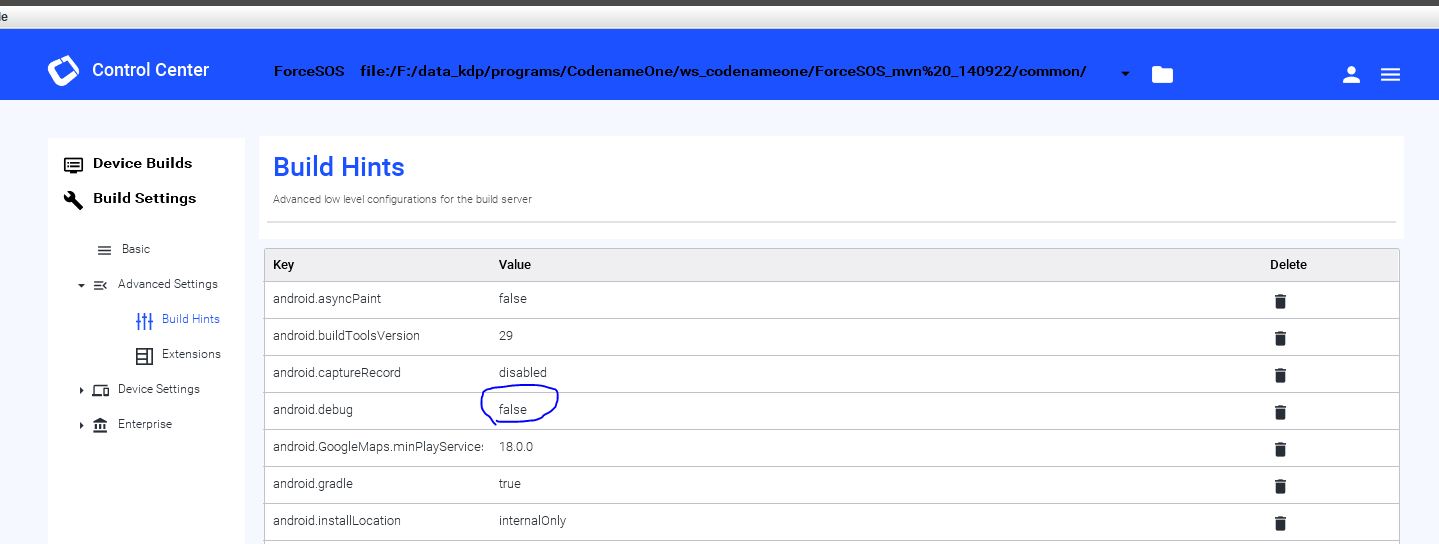
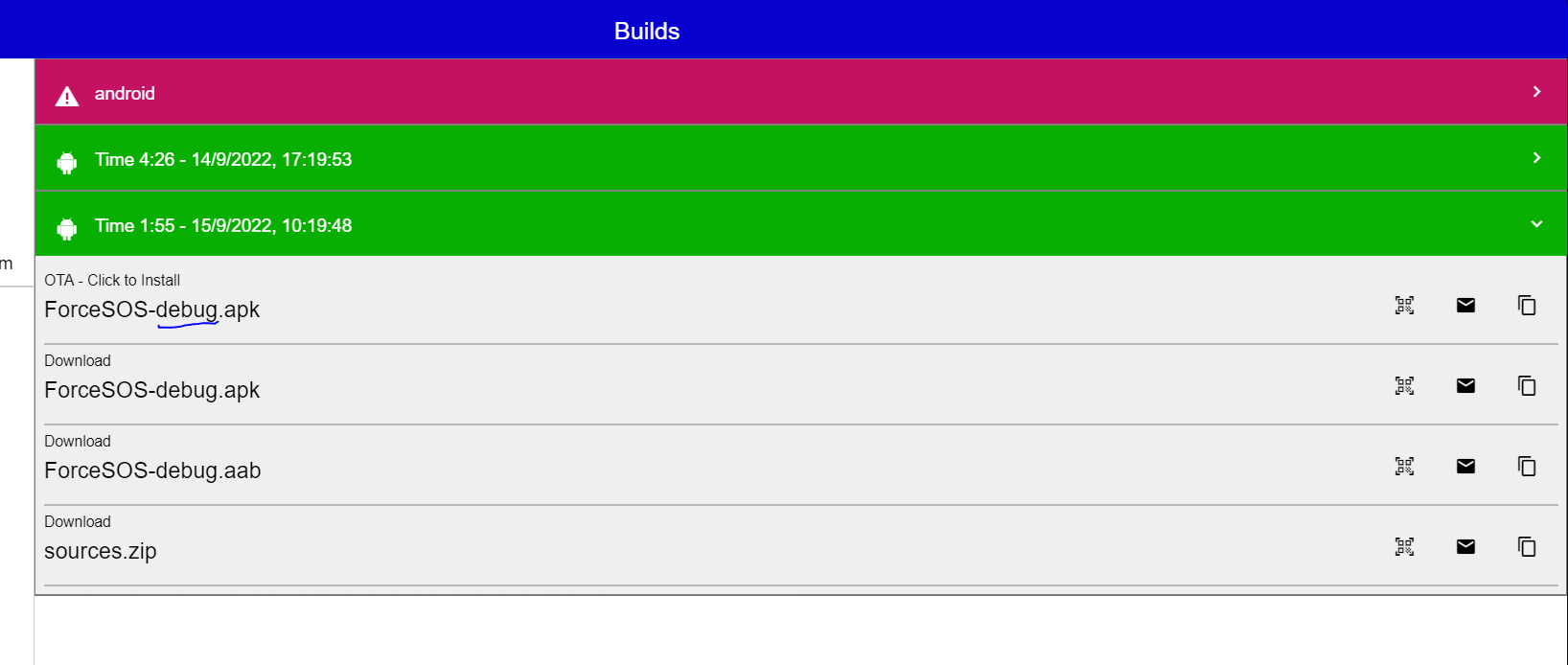
how can I solve this issue if my properties up it'ok. When I compile the same project from old ant project the final apk or aar is in release but when I compile withe the maven project is compile in debug. why?
I was checking your generate source code and I found in your buid.gradle file this. the password of the ceritificate is lossing in the buid server.
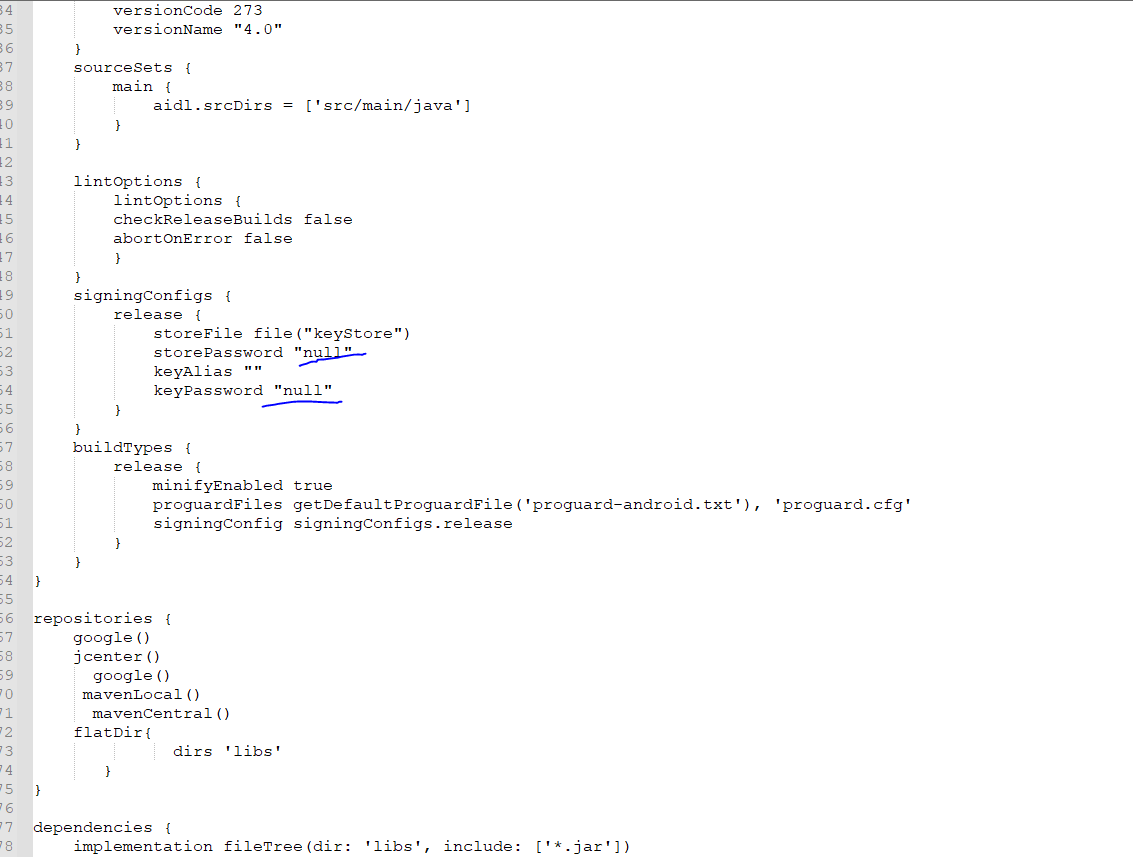
I found the problem. Your maven project doesn't recognize the relative path to the project: cert\ios\p12\xxxxxxxx I set the adsolute path and the build server it compile in release. You must to fix this issue
this problem it continue now althoght I using the absolute path in the codenameone_settings.propoerties
yesterday it was working perfectly but today it's failing.
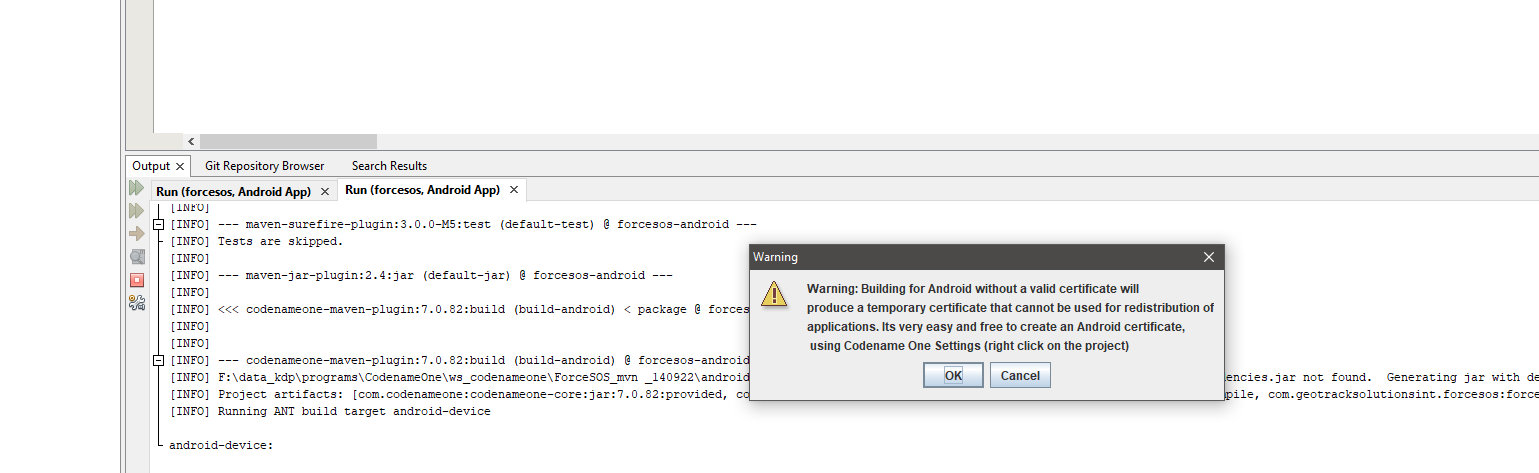 Every time that I compile to android this message is showed like your settings don't detect the path of my locals certificates
We recommend JDK 11. Make sure that the JDK (not the JRE) is first in the system path. Then relaunch the IDE. Make sure the JRE isn't in that path.

I just created a sample app from scratch using start.codenameone.com. Used Codename One Settings to specify the keystore for Android. Then sent a build, and it seemed to work OK.
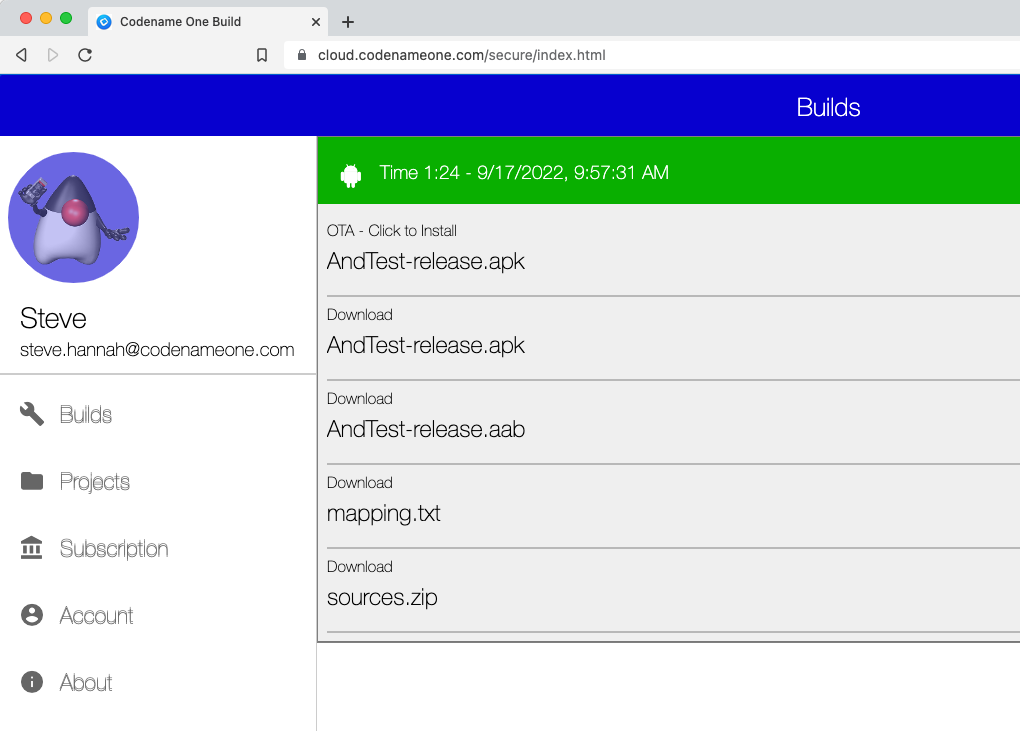
I was using IntelliJ