hmailserver-webadmin

hmailserver-webadmin copied to clipboard
 coax
coax
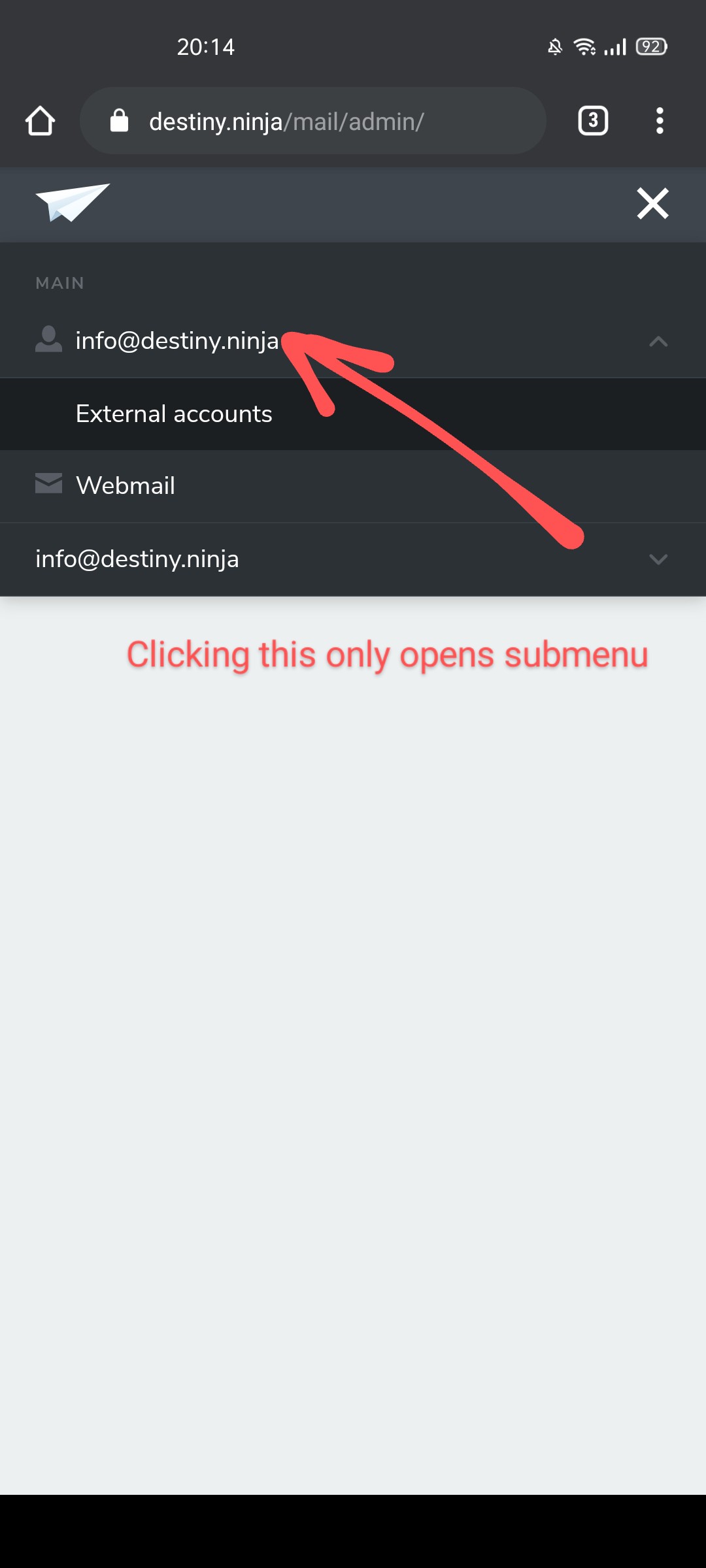
Can't access account page on mobile version
On desktop, when you click on your email address in the left menu, you can access an account page where you can set an auto reply and change other account settings, but on the responsive mobile version (phone and tablet) clicking your own email address opens and closes the sub menu with the "External accounts" item. It is impossible to access account settings this way, even when using "Desktop version" in Chrome for Android...