
smart-table-scroll
 smart-table-scroll copied to clipboard
 cmpolis
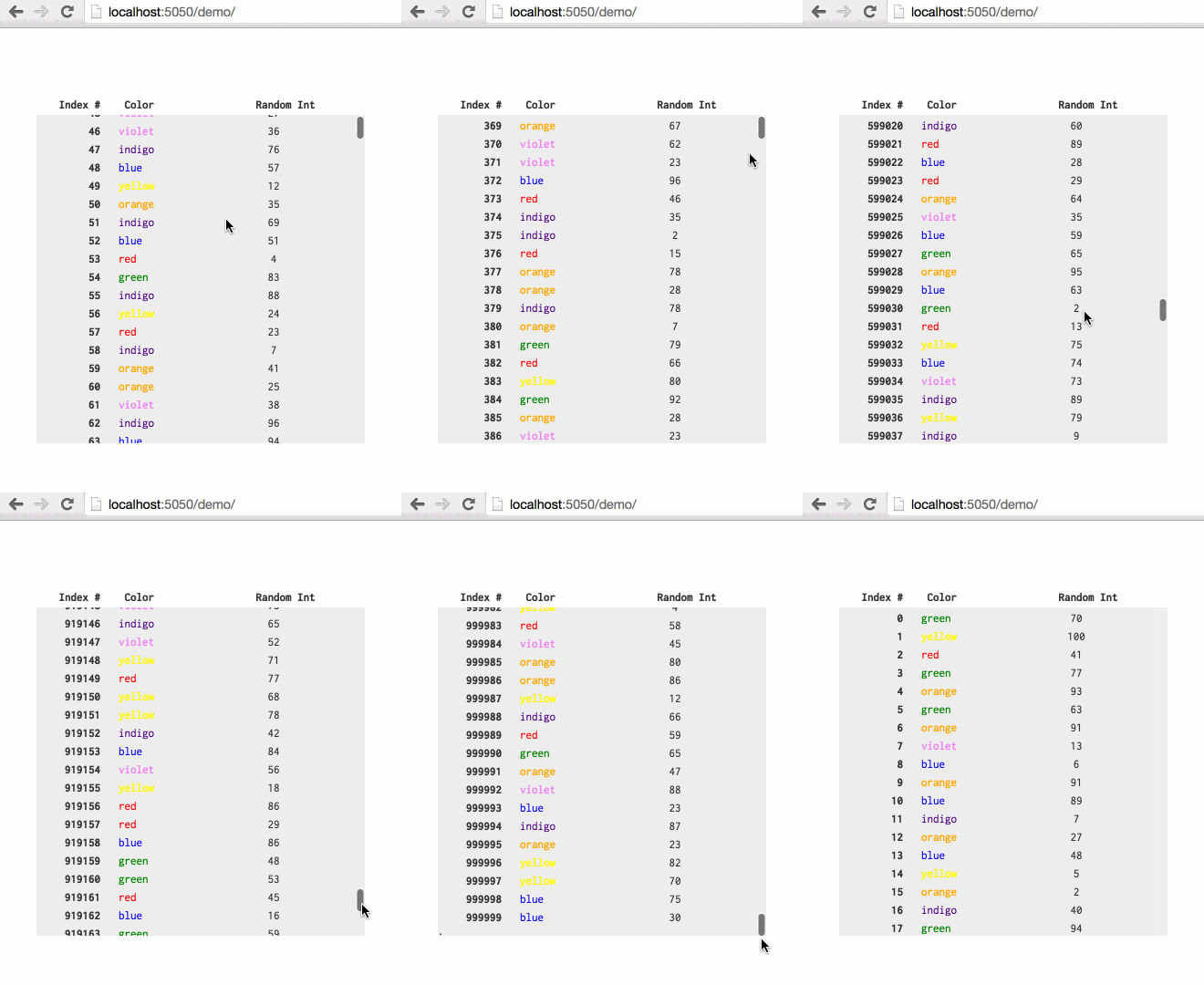
Build 1MM row tables with native scroll bars by reusing and yielding nodes.
Smart Table Scroll
Build 1MM row tables with native scroll bars by reusing and yielding nodes.
Created by @ChrisPolis, originally as a component of Datacomb
For related projects, see: Clusterize.js and fixed-data-table
Demo
Usage
var table = new SmartTableScroll({

  // DOM element to render to
  el: document.querySelector('#some-table'),

  // Array of objects that will be used to build and update each row
  data: [ { row1Data }, { row2Data } ... ],

  // Function used to calculate the height of each row
  heightFn: function(rowData) { return rowData.hasPicture ? 20 : 10; },

  // Used when first creating dom nodes for each row
  buildRow: function(rowData) {
    var node = document.createElement('div');
      node.classList.add('test-row');
      node.innerHTML =
        "<div class='test-col index'>"+rowData.index+"</div>"+
        "<div class='test-col color'>"+rowData.color+"</div>"+
        "<div class='test-col random'>"+rowData.random+"</div>";
    return node;
  },

  // Used to yield an existing row to a new element in `data`
  updateRow: function(rowData, rowEl) {
    rowEl.childNodes[0].textContent = rowData.index;
    rowEl.childNodes[1].textContent = rowData.color;
    rowEl.childNodes[2].textContent = rowData.random;
  },

  // (Optional) How many rows to create nodes for
  //  this needs to be > than the max number of rows that can fit on screen (2x this value seems right)
  //  play around, this will have performance implications
  availableNodes: 200,
});

// To update the table, pass in new data to `updateData`
table.updateData([ { updatedRow1Data }, { updatedRow2Data } ... ]);
Include smart-table-scroll.css or add the following to your CSS:
.sts-container {
  overflow-y: scroll;
  position: relative;
  /* scroll container also needs a fixed/defined height */
}
.sts-container .sts-row {
  position: absolute;
}
.sts-container .sts-bottom-anchor {
  position: absolute;
  height: 1px;
  width: 1px;
}
Known limitations
Firefox has an issue with top css property greater than ~18,000,000px(more info); the 1,000,000 row demo works with Firefox, but larger tables may not.
To build and test locally
$ npm install
$ npm run build
$ npm run serve
$ open localhost:5050
 cmpolis